
Your charger communicates in a small language: steady and pulsing lights for its everyday states, colour changes and blink counts for faults, and plain text or a short code on models with a screen. The catch is that every brand speaks its own dialect, so the manual for your exact model is the only reliable dictionary. The skill worth learning is the method: read the signal carefully, write it down exactly, look it up, and try one controlled reset before you call for help.
Key Takeaways
- Chargers speak in states, blink counts, screen text and app messages; your model’s manual is the dictionary.
- Count the blinks, copy the code exactly, and check the car’s display before concluding anything.
- Record the signal, the model and serial number, and what changed before you call support.
- One controlled reset is a fair test; a repeating fault signal means stop and get help.
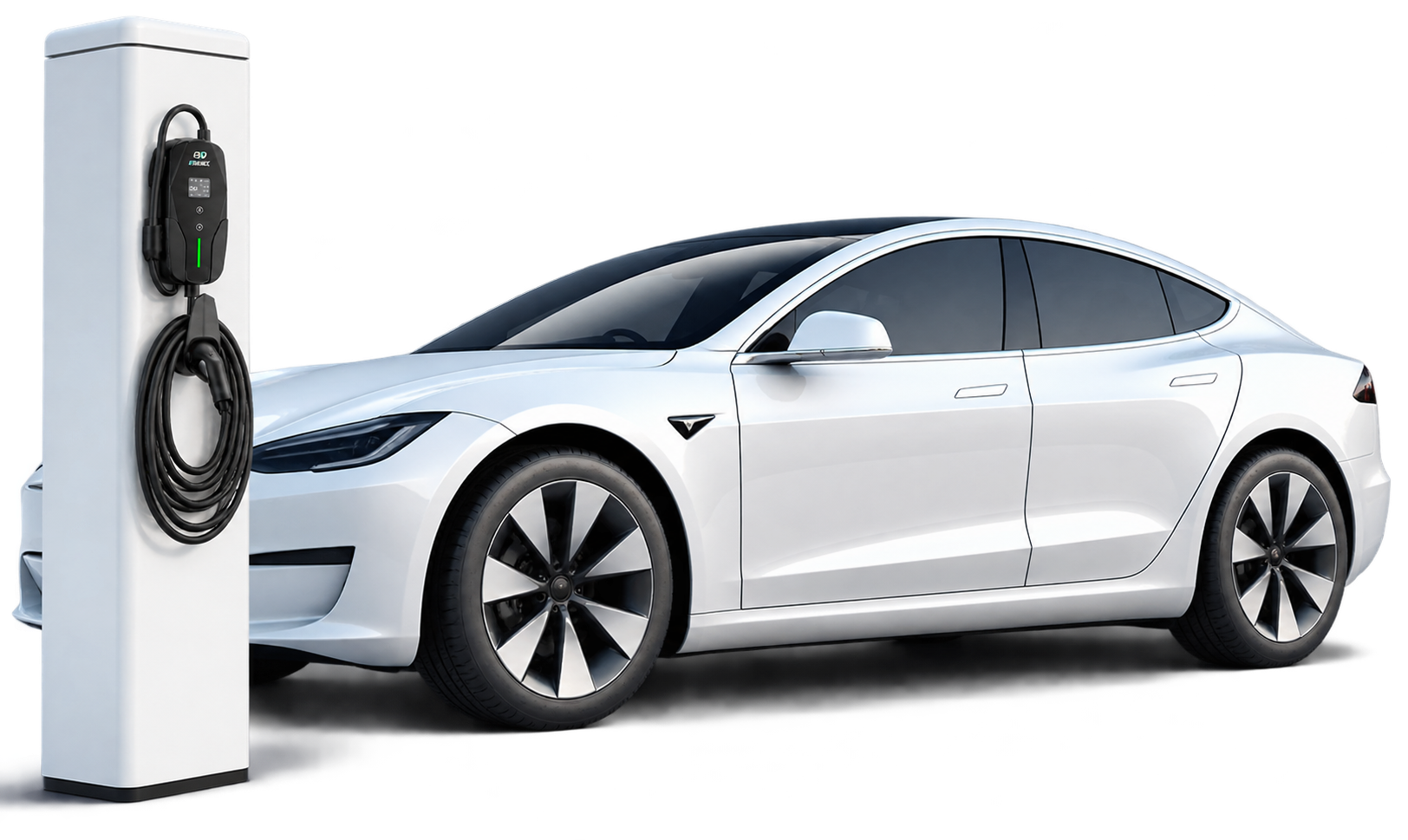
The Four Kinds of Signal a Charger Gives
Nearly every home charger uses the same four signal types, even though the colours and codes differ. Knowing which type you are looking at tells you where the exact meaning lives.
| Signal type | What it usually covers | Where the exact meaning lives |
|---|---|---|
| Steady or slowly pulsing light | Everyday states: ready, charging, finished | The manual’s status-light table for your model |
| Colour change, often with counted blinks | A fault that stopped or blocked the session | The manual’s fault table; blink count is the key detail |
| Text or code on a screen | State, settings and faults in the maker’s own words | The manual’s error-code list; copy the code exactly |
| App or connectivity indicator | Wi-Fi link, schedule and remote-control status | The app itself, which usually names the problem |
A red fault signal has its own most-common causes — ground faults, overheating and connection problems — which our guide to a charger flashing red works through in detail. This article is about reading any signal, not just the red one.
How to Decode a Pattern or Code, Step by Step
- Watch one full cycle. Blink patterns repeat with a pause. Count the flashes between pauses; “three red flashes, pause, repeat” is a different message from a steady red light.
- Note the colour and rhythm. Steady, slow pulse and fast flashing are three different signals on most units.
- Copy screen text or codes exactly. Letters and digits both matter, and similar codes can mean different things.
- Check the car’s display too. Some charger errors start on the vehicle side, and the car often names the problem in plain words.
- Look it up in your model’s manual. Search the PDF for the code or the blink count rather than guessing from another brand’s chart.
What to Write Down Before You Call Support
Support calls go faster when you arrive with the signal recorded. Note:
- The charger model and serial number, both printed on the rating label on the unit.
- The exact light pattern or code, plus a short phone video of the light if it blinks.
- When it happens: at plug-in, mid-session, or only in certain weather or heat.
- What changed recently: a different car, electrical work, a firmware update, a storm.
- What you have already tried, so support does not send you in circles.
Chargers with a screen make this easier. The EVDANCE EV-ACS4005T 40A NACS portable charger shows its state and fault messages as text on a colour screen, and app-connected wallboxes such as the EV-ACT3204E keep a session history that support can ask you to read back.
The One-Reset Rule
After you have recorded the signal, one controlled reset is reasonable: unplug from the car, switch the breaker off for about half a minute, switch it back on and try once more, as in the driver’s checklist for a charger that is not working. If the same signal returns, stop. Repeated resets can mask a real fault, and a repeating ground-fault or heat warning is a job for a licensed electrician or the manufacturer, not for persistence.
Frequently Asked Questions
Do light colours mean the same thing on every brand?
No. Green usually means ready or charging and red usually means a fault, but the details — blink counts, extra colours, connectivity lights — are defined by each maker. Always confirm against your own manual.
Can the car cause the charger to show an error?
Yes. The charger and car exchange signals throughout a session, and a vehicle-side fault can stop charging and light an error on the charger. Testing with another car, if one is available, helps show which side the fault is on.
Is a fault light dangerous if the car still charges?
Treat any fault signal as a stop sign, not a suggestion. The charger is telling you a protection has tripped or a check has failed; do not bypass it, and have a repeating fault inspected.
Related Reading
- Why Is My EV Charger Flashing Red?
- Why Is My Electric Car Charger Not Working? A Driver’s Checklist
- Why Does My EV Charger Keep Tripping the Breaker?

