
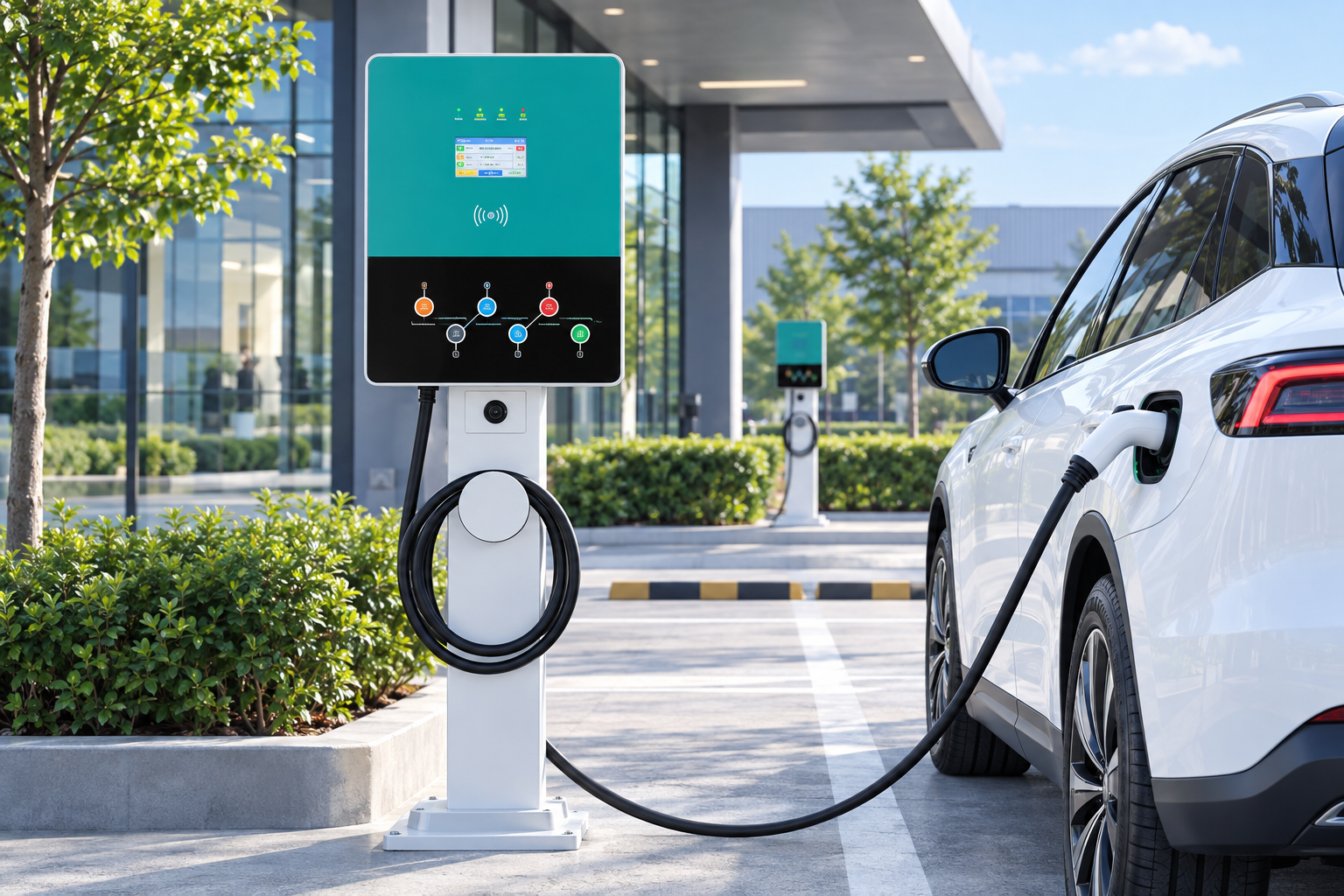
At a networked AC station, drivers pay the operator, not the machine itself. On the EV-AC03201T, the station’s listed access is RFID, and its OCPP 1.6J connection hands each session to the operator’s charging platform — so the payment methods a driver actually meets (an operator RFID card, the platform’s app or account, or free access set by the host) are decided by the operator’s setup. The product listing does not state a built-in bank-card terminal, so paying by bank card at the station depends on what the operator has added.
Key Takeaways
- Drivers pay the operator: the station authenticates with RFID and reports the session over OCPP 1.6J.
- RFID cards, platform apps and host-provided free access are operator arrangements, not station features.
- No built-in bank-card terminal is stated for this station; a touchscreen is an interface, not a payment terminal.
- Check the operator’s listing for each site before relying on a payment method there.
Who Actually Takes the Payment
Three parties touch a public charging session, and only one of them bills the driver. The station authenticates the driver and records the session. The operator’s platform holds the driver’s account and takes the money. The manufacturer built the hardware and is not part of the transaction. This split is why the same station model works differently at two sites: each operator wires the RFID access and OCPP 1.6J connection into its own accounts, prices and payment arrangements. Our OCPP explainer covers what the platform side does with that connection.
The Methods a Driver Meets, and Whose Each One Is
| Method | Provided by | What the driver needs |
|---|---|---|
| RFID card or fob | The operator, using the station’s listed RFID access | A card linked to an operator account |
| App or web account | The operator’s platform, connected by OCPP 1.6J | An account, usually created before the session |
| Host-provided access | The site host — an employer, hotel or council | The host’s issued card, or open access if the host configures it that way |
| Bank card tapped at the station | Not stated for this station | Available only where the operator’s setup adds it — check before relying on it |
Free access is also an operator decision: a host can configure its stations to take no payment at all, as our guide to free vs paid charging explains.
A Touchscreen Is Not a Payment Terminal
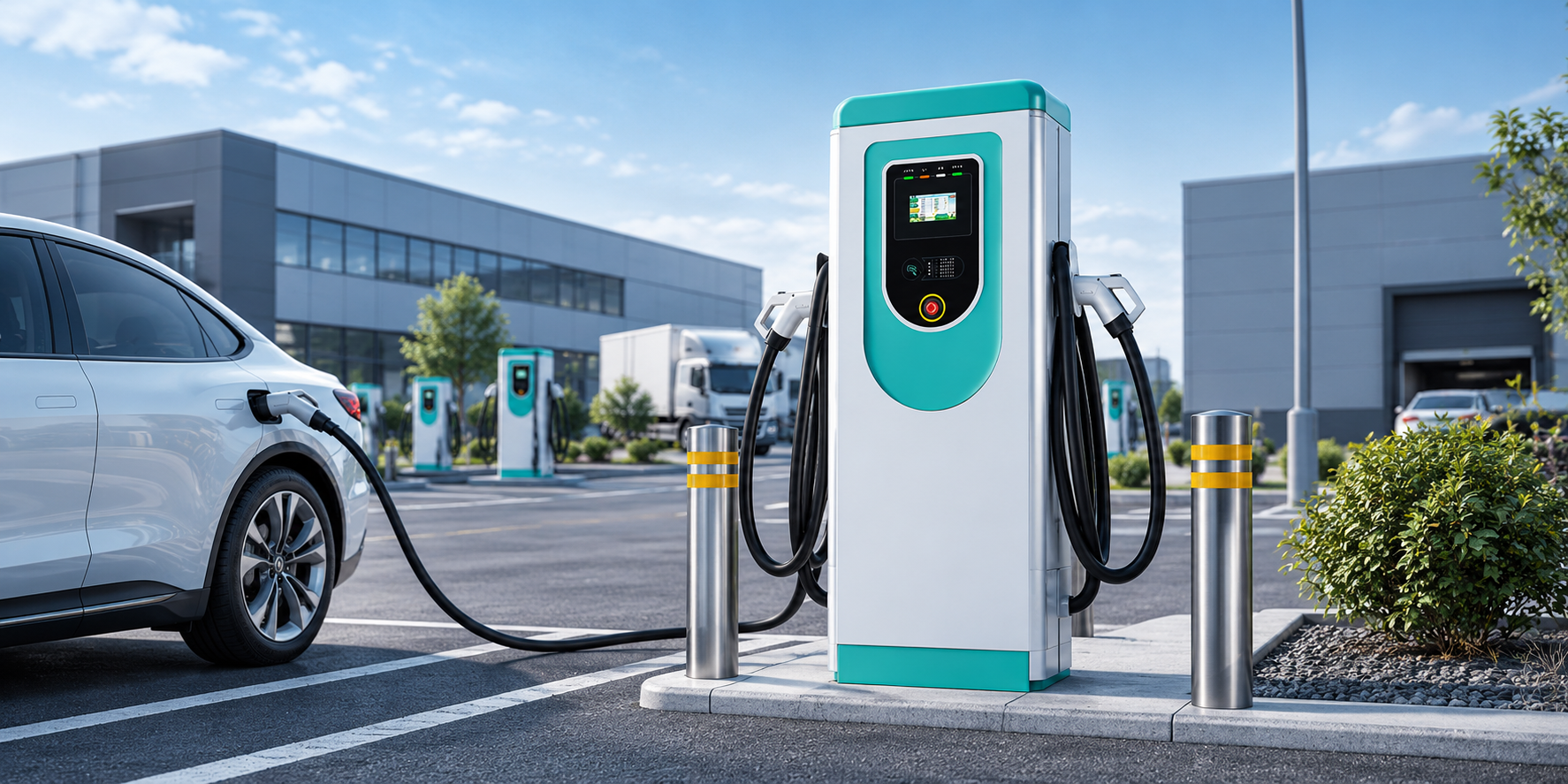
The station’s description lists a 7-inch touchscreen — the driver’s interface on the unit itself. A screen shows and prompts; it does not by itself accept bank cards. Whether a site takes contactless payment depends on the payment hardware and platform services the operator specified for it — a separate choice from the charger model. The honest pre-trip check is the operator’s information for that station: its app listing or the signage on the unit. Prices themselves follow the models in our pricing models guide — per kWh, per minute, per session — and are set by the operator, not the station.
Before You Rely on a Station
- Check the operator’s app or station listing for that site: it names the payment methods that site accepts.
- Bring the RFID card or app account you registered with that operator; a card from another network is not a payment method here unless the operator says so.
- Note the price basis shown before you start, so the session cost is the one you expected.
- If a payment is taken and something goes wrong, the operator named on the station is your contact — keep the session time and the station’s ID from its screen or signage.
The Station Behind These Options
The EV-AC03201T dual-connector AC station offers two Type 2 connectors at up to 43 kW shared (22 kW per connector), RFID access, OCPP 1.6J and a 7-inch touchscreen, in an IP54 floor-standing enclosure. Operators planning a site around it can also review our commercial EV charging solutions. The payment menu at any installation remains the operator’s to publish — checking it is the one step drivers should not skip.
Frequently Asked Questions
Can I just tap my bank card at this station?
Not on the strength of the station’s listing: no built-in bank-card terminal is stated for it. Some operators add card payment through their platform setup, so check the operator’s information for the site before you travel.
Do I need an account before I arrive?
If the operator runs the station on RFID or app access, yes. The account belongs to the operator or its platform, and you create it through their channels — the station itself holds no driver accounts.
Who do I contact if a payment goes wrong?
The operator named on the station and in its app. They hold your account and the session record; the manufacturer does not process driver payments and cannot refund them.
Related Reading
- How Much Do EV Charging Stations Charge? Pricing Models Explained
- Do EV Charging Stations Cost Money? Free vs Paid Charging Explained
- OCPP Explained: What Charge Point Operators Need From EV Charger Hardware

