
You cannot see a station’s uptime record before a trip — uptime is an average worked out afterwards. What you can check in advance is the next best thing: the individual port’s live status in the network’s app or a station map, plus how recently it completed a session. Read the status per port, not per site, and always pin a backup station before you set off.
Key Takeaways
- Uptime is a backward-looking average; the driver’s pre-trip tools are live status and recent sessions.
- Read status per port, not per site — one faulted connector hides behind a green marker.
- “In use” is the strongest working signal; “unknown” should be planned around as unavailable.
- Always pin a backup station — no status check turns a forecast into a guarantee.
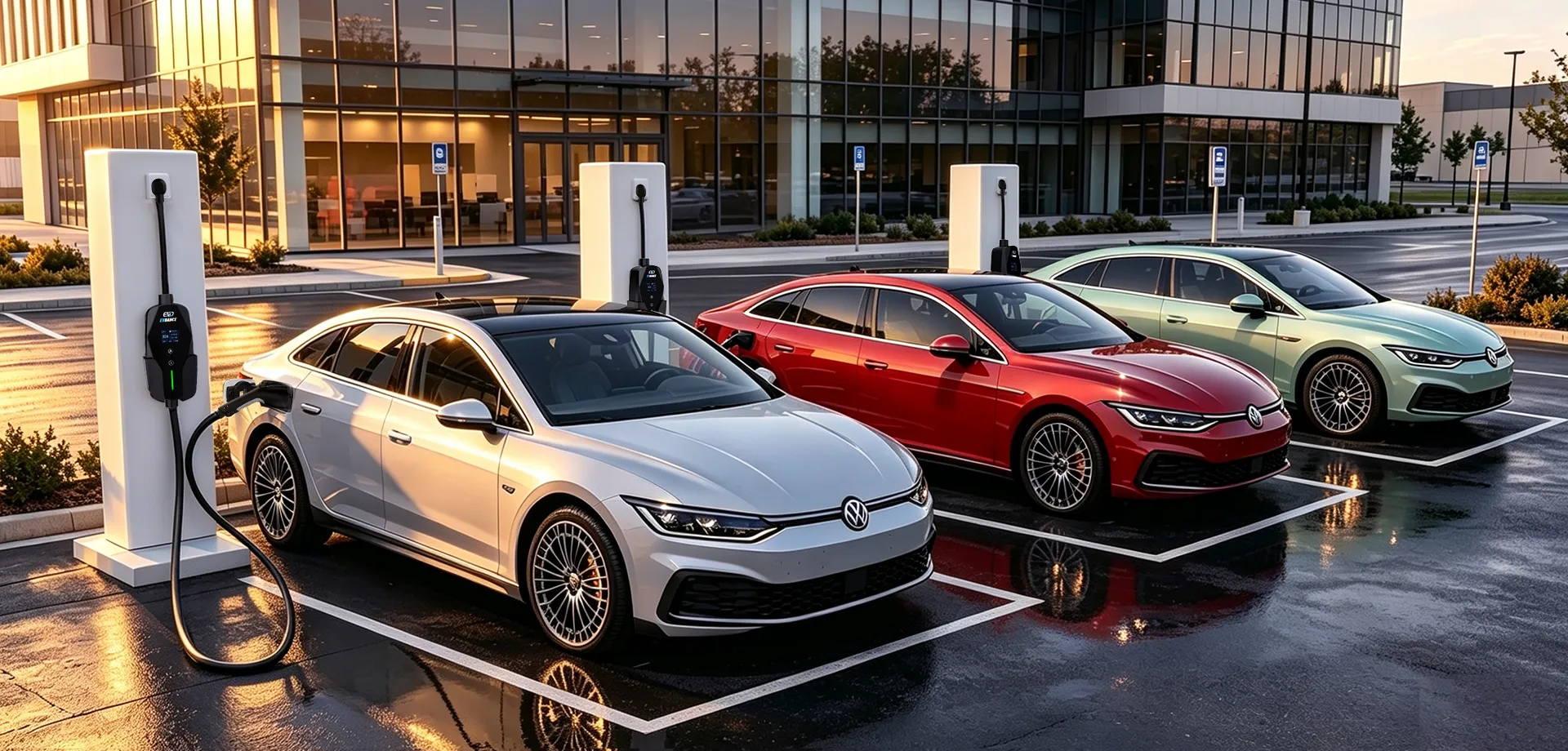
What the Status Labels Actually Mean
| Label you see | What it tells you | What it does not tell you |
|---|---|---|
| Available | The port last reported itself free and ready to start a session | That it will still be free — or still working — when you arrive |
| In use / charging | The port is alive and delivering a session right now — the strongest working signal there is | When the driver will leave; the bay may stay occupied after charging ends |
| Out of service / faulted | The operator’s system has the port marked down; plan around it | How long it has been down or when a repair is due |
| Unknown / offline | The port has stopped reporting — a network or power problem is as likely as a charger fault | Whether the hardware itself works; treat it as unavailable for planning |
The labels come from the charger’s own reporting to its operator, which is why a second source helps: the U.S. DOE AFDC Station Locator lists station and connector details, and driver reports in charging apps often flag a broken unit before the listing changes.
Checks That Raise Your Odds
- Check the port, not the pin. A site marker can show green while one of several ports is faulted. Open the listing and read each connector’s status.
- Prefer recent proof of life. A port shown “in use”, or with a session completed recently, is a better bet than one merely marked available with no activity behind it.
- Read the recent driver reports. Check-ins in the app often carry the ground truth — a damaged cable, a dead screen, a payment reader that refuses cards.
- Confirm the fit. Check the connector type and access terms match your car, using the guides to where to find EV charging stations — a working charger you cannot plug into is no help.
- Pin the backup before you leave. Note the next station along as well as your planned stop, so a dead port costs a detour, not the journey.
What You Cannot Check in Advance
Uptime itself stays invisible to drivers, by design: it is a backward-looking average per port over a reporting period, defined by the funding programme a station belongs to — the U.S. NEVI rule in 23 CFR Part 680 requires funded corridor ports to average above 97 percent per year. That disciplines operators over time, but it is not a live promise: a station can hold an excellent record and still have a port down on the one afternoon you need it. Live status is the driver’s tool; the annual percentage is the funder’s.
Hardware That Reports Its Own Status
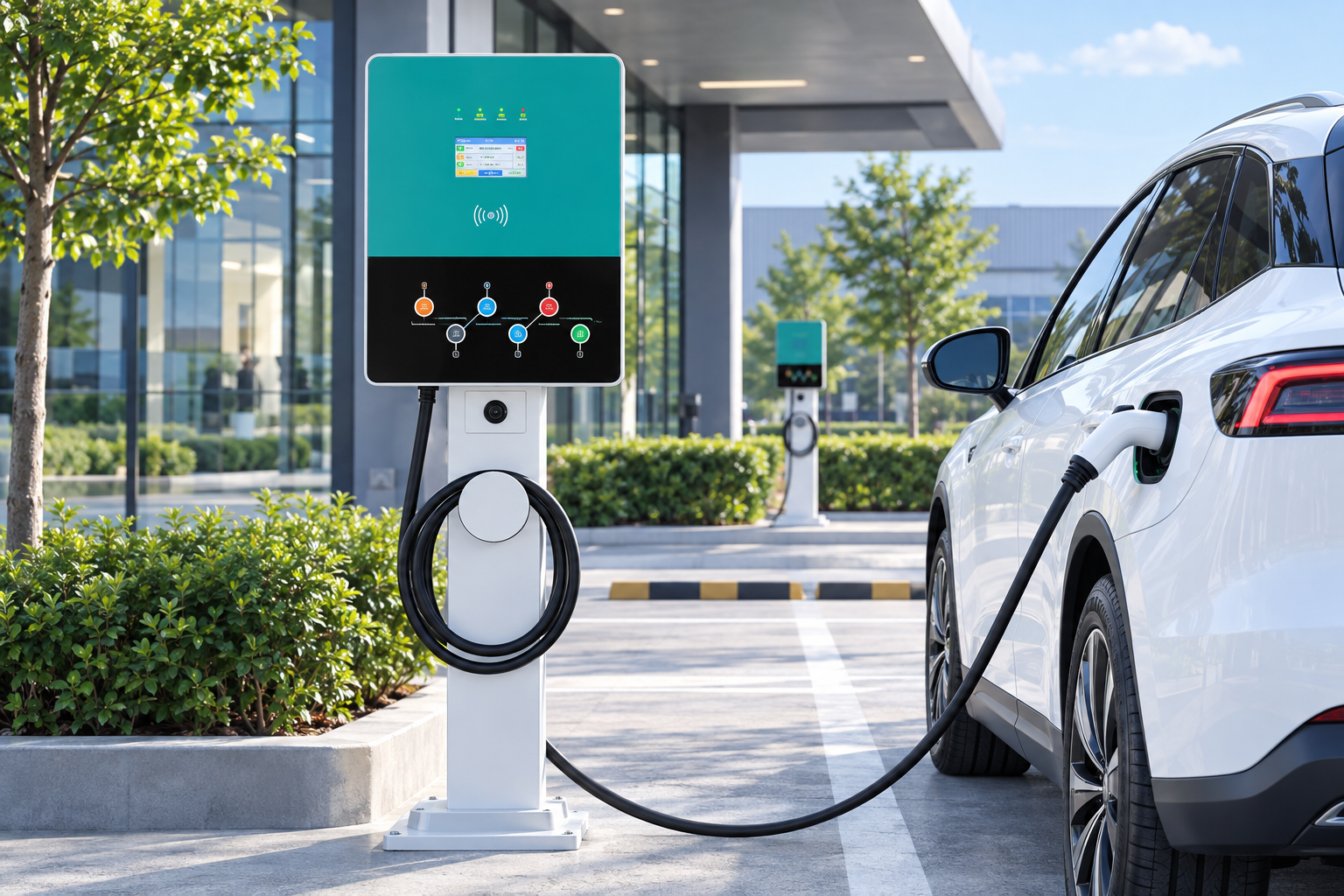
Live status exists because networked hardware reports it. Stations such as the EV-AC03201T dual-connector AC station (two Type 2 connectors, up to 43 kW shared, OCPP 1.6J, RFID, IP54) send their state to the operator’s platform, and the compact EV-RHDC30K-L DC charger (22 kW DC, OCPP 1.6J, IP54) is built for the same monitored operation. No uptime figure is claimed for either product — availability belongs to the operated site, not the box. See our commercial charging page.
Frequently Asked Questions
The app says “available”. Is that a guarantee?
No. It means the port last reported itself ready. Another driver may take it, or a fault may land, before you arrive. A good sign — but the backup station stays in the plan.
Why do different apps disagree about the same charger?
They refresh on different cycles and draw on different feeds — the operator’s live data, a roaming partner’s copy, or driver reports. When they disagree, weight the operator’s own app and the most recent check-in, and treat “unknown” as unavailable.
What if I arrive and the charger is broken anyway?
Report it in the app — that report is what updates the listing for the next driver — then use the backup station you pinned. The classes you are choosing between are set out in Level 1 vs Level 2 vs DC fast charging, so a slower working charger nearby can still rescue the trip.
Related Reading
- Where to Find EV Charging Stations: Maps, Apps and Tips
- Are EV Chargers AC or DC?
- Level 1 vs Level 2 vs DC Fast Charging: A Practical Comparison

