
Usually, yes. A smart charger locks to an account, not to the wall, so the way back in is through that account: reset the app login, have the account admin reissue your RFID card, or ask the manufacturer to move the unit to your account with proof of purchase. What never works is trying to defeat the lock — and a charger you cannot prove is yours should stay locked.
Key Takeaways
- A locked charger answers to an account — recover the account and you recover the charger.
- Lost cards are reissued by the admin; units registered to someone else move through manufacturer support with proof of purchase.
- A breaker power cycle does not clear an account lock, and no legitimate installer defeats locks.
- Keep the invoice and a nameplate photo with your house documents from day one.
How Owners Get Locked Out
This article is about the morning the lock turns against you. The common cases are mundane, and each has a different first step:
| Situation | What actually happened | First route back |
|---|---|---|
| New phone, logged out of the app | The account is fine; your access to it is gone | Reset the app password from the login screen |
| Lost RFID card or fob | The card was your credential, not the charger | The account admin deletes the lost card and issues a new one |
| Someone else set the charger up | A partner, ex-tenant or family member holds the admin account | Ask the admin to add you or transfer admin rights |
| The charger came with the house | The unit is still registered to the seller’s account | Manufacturer support, with proof that the unit is now yours |
The Recovery Routes, in Order
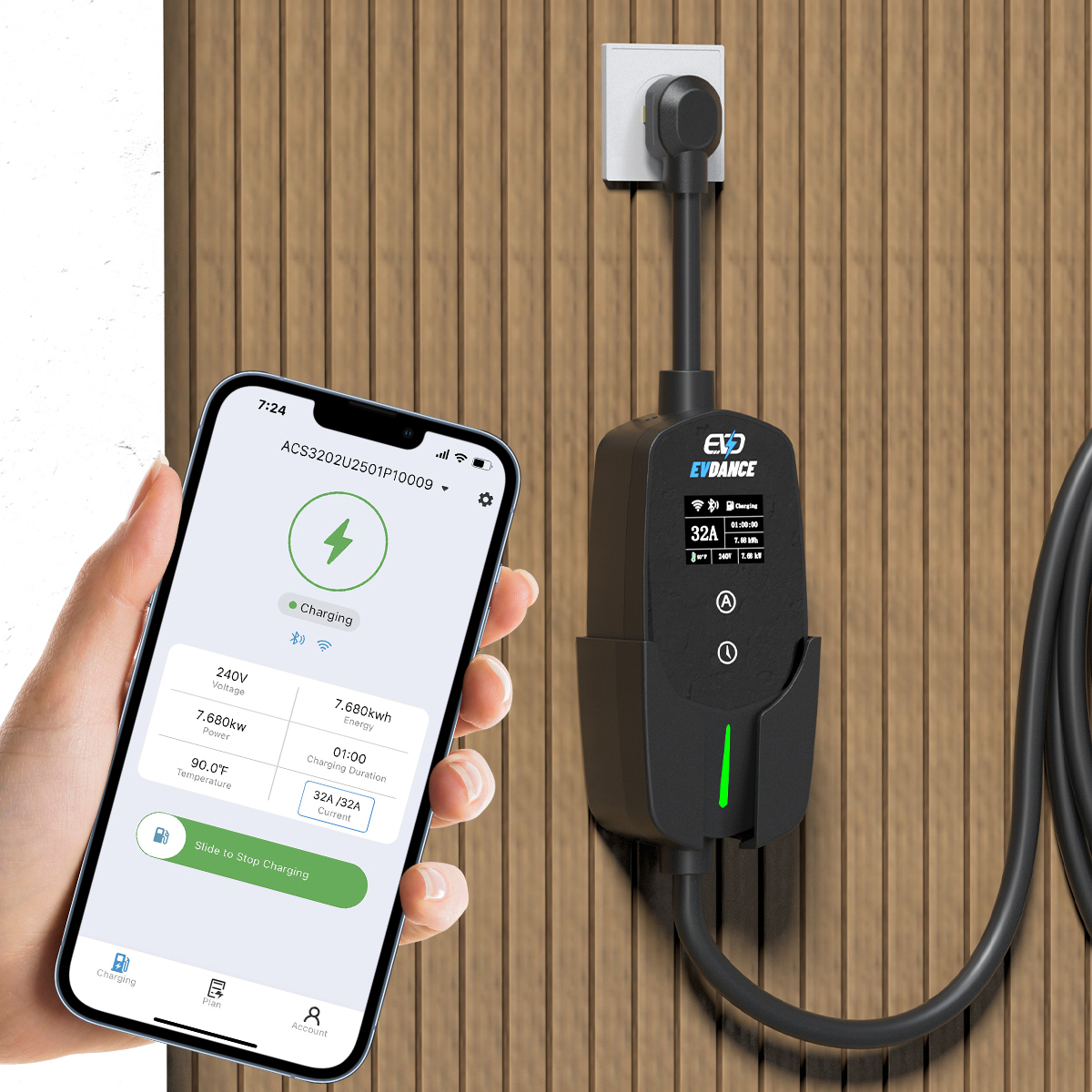
- Recover the app account first. Most lockouts end here. Use the app’s own password reset with the email address the charger was set up under.
- Use the admin, not the hardware. Whoever holds the admin account can reissue cards, add users and remove lost credentials. If that person is a former household member, this is a conversation, not a technical problem.
- Ask the manufacturer with documents ready. For a unit registered to someone else, makers typically ask for proof of purchase or of the home sale, plus the serial number from the nameplate. Expect the process to take days, not minutes — it is deliberately not instant.
- Keep charging meanwhile. If the car is low and the wallbox will not start, a portable charger on a household outlet, or a public charger, covers the gap while the account is sorted out.
What an Electrician Can and Cannot Do
An electrician can confirm the unit is powered, healthy and correctly installed. Account access is not electrical work: switching the charger off and on at the breaker does not clear an account lock, because the lock lives in the app and the manufacturer’s records, not in the power supply. Be wary of anyone offering to “unlock any charger” for a fee — defeating access controls on a unit you cannot prove is yours is exactly the use case locks exist to prevent, and no legitimate installer offers it.
Chargers With Owner Recovery in Mind
The EV-ACT3204PE 22 kW wallbox combines RFID cards with app control, so a lost card can be cancelled and replaced from the account instead of leaving the charger open. For a single home, the EV-ACT5006T 48A Level 2 wall charger covers daily charging while access questions are settled through normal account support. Whatever you fit, keep the invoice and a photo of the nameplate with your house documents — they are what a manufacturer asks for when ownership has to be shown. Our guide to locking and protecting charging cables covers the physical side of the same subject.
Frequently Asked Questions
Does turning the charger off at the breaker reset the lock?
No. A power cycle restarts the unit; it does not change which account controls it. Locks are account settings held by the app and the manufacturer, so the reset has to happen there.
I bought a house and the wallbox is on the seller’s account. What now?
Ask the seller to release or transfer the unit first — that is the fastest route. If that is not possible, contact the manufacturer with your purchase documents for the home and the charger’s serial number. Checking the charger works, and who controls it, belongs on the list of things to verify when a home changes hands.
Can I use the charger at all while I am locked out?
Not that unit, until access is restored. A portable charger plugged into an ordinary outlet, or a public station, keeps the car charged in the meantime — one reason many owners keep the car’s portable unit in the boot. Our explainer on whether home chargers need Wi-Fi sets out what works without a connection or an app session.
Related Reading
- Can EV Charging Cables Be Stolen? How to Lock and Protect Yours
- Are Home EV Chargers Safe?
- Do Home EV Chargers Need Wi-Fi?

