
If your charger will not connect, the cause is usually one of three: it lives beyond your Wi-Fi’s comfortable reach, it is looking for a band or network name your router no longer offers, or its stored details stopped matching the router. Chargers sit at the edge of the house — garage, yard, outside wall — so a signal marginal on setup day tends to fail in daily use. Most “won’t connect” problems are keeps-dropping problems.
Key Takeaways
- Most connection failures are marginal signals at the charger’s outdoor location, not dead hardware.
- Use your phone at the charger as the first witness — then work one layer at a time: link, router, account.
- A router change or update is the classic trigger; re-pair once with current details first.
- A dropped link costs control and records; whether a running charge continues is your model’s manual, not an assumption.
Start With the Witness: Your Phone at the Charger
Before changing any setting, gather evidence in this order. Stand where the charger is mounted, phone in hand, on your home network. If your phone barely holds the connection there — one bar, slow loads, drops when you move — the charger is fighting the same physics, and no setting will fix it; the answer is at the site, in the next section. If your phone is strong at the charger but the charger still drops, the fault is not distance: work the router and account layers below. Note the pattern too: connecting in the morning and dropping on busy evenings means a marginal signal under contention, not a dead radio.
One radio fact explains many cases. Home Wi-Fi runs two bands: the longer-reach band travels further through walls; the faster band fades sooner. Fixed devices generally favour the longer-reach band — your charger’s manual states which it uses. Your phone may be reporting the other one’s strength.
Three Layers, Three Different Fixes
| Layer | Symptom shape | Fix direction |
|---|---|---|
| The link at the wall | Drops vary with distance and obstructions; setup succeeded but daily use fails | Move the router toward the garage side, or add a mesh node or access point near the charger |
| The router’s offer | Worked until the router was replaced, updated, or its name, password or band setup changed | Re-pair the charger once with the current details; if the bands were merged under one name, give the band the unit uses its own name |
| The account and cloud | The car charges but the app shows the charger offline or the session never appears | Sign-in state, app update, the setup account — the platform layer, not the wall |
Change one layer at a time. Re-pairing, moving the router and reinstalling the app in one afternoon leaves no idea which layer it was — and the next drop starts the guessing again.
The Session Question, Separately
Keep two problems apart. A dropped connection is a control-and-records problem: what you reliably lose is app control, remote starting and session history until the link returns. Whether a charge already running continues through a local drop is maker behaviour, described in the unit’s manual — on many designs it does carry on at the set rate, but confirm it for your model rather than assume. As Do Home EV Chargers Need Wi-Fi? sets out, charging itself does not depend on the connection; the smart layer around it — schedules, records, updates — does, as How Do Smart EV Chargers Work? explains.
What EVDANCE States — and What It Does Not
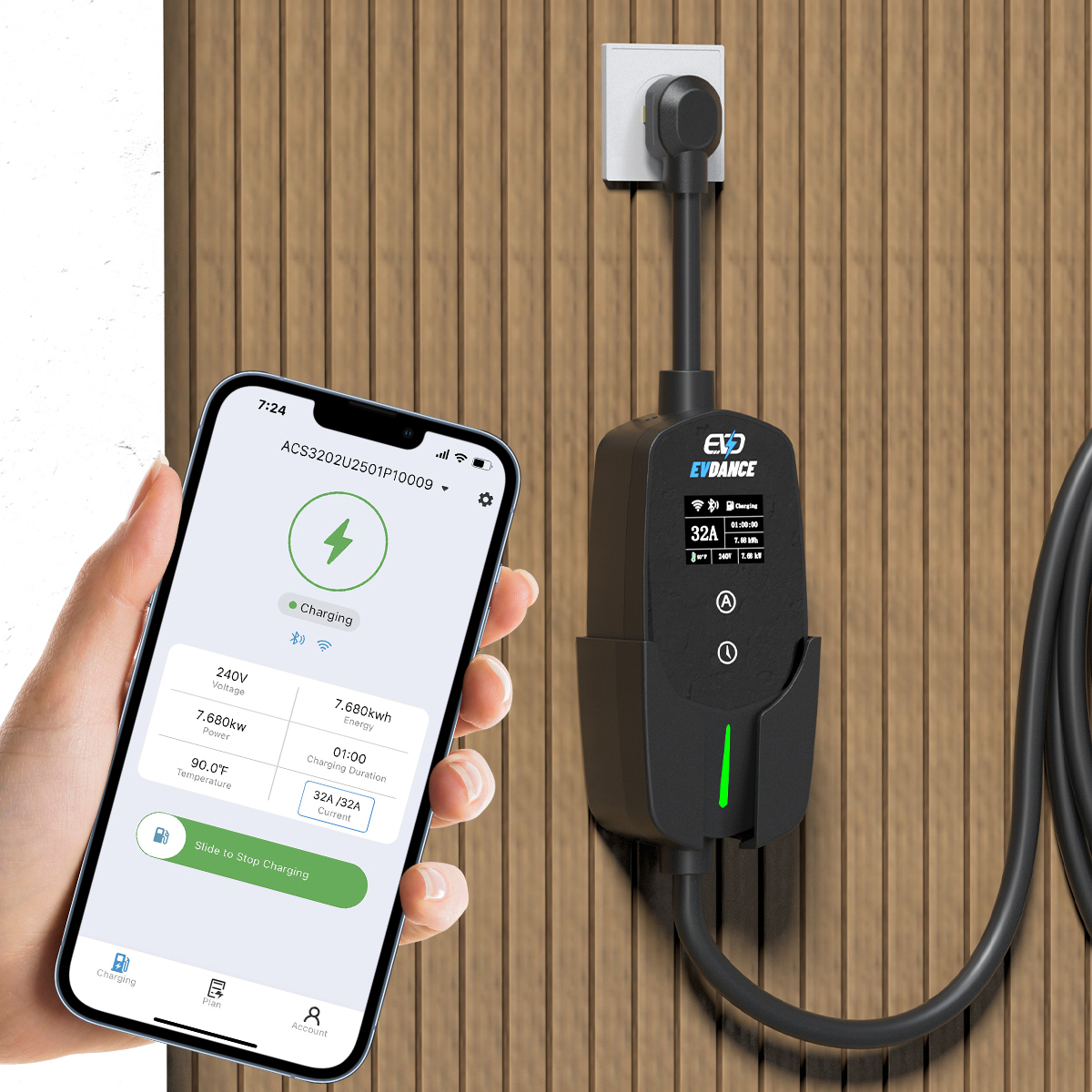
The EV-ACT3204E wallbox is listed with RFID and app control, so its app features depend on a network link planned properly. What no EVDANCE listing states is the connection type — which band, Ethernet, or a mobile link. If your plan depends on the answer, get it in writing for the exact model before the network is designed around it, through the contact page. A charger chosen first and a network improvised afterwards is how the marginal-signal pattern gets built in.
Frequently Asked Questions
My phone has full bars in the garage, but the charger still drops. Why?
Your phone and the charger are not equal witnesses. The phone may be on the faster band while the charger uses the longer-reach one, and the charger’s antenna is fixed where it is mounted. Check which band the unit is on before concluding the signal is fine.
Did my router update break the connection?
It can. Updates and replacements reset band merging, network names and passwords, so the charger’s stored details no longer match. Re-pair once with the current details before treating it as a hardware fault.
Should I move the charger closer to the house?
Almost never as a first move. Moving the network — a mesh node near the garage — is cheaper than moving a wired installation, and fixes the layer that is failing.
Related Reading
- Do Home EV Chargers Need Wi-Fi?
- How Do Smart EV Chargers Work?
- Why Is My Electric Car Charger Not Working? A Driver’s Checklist

