
Yes. A home EV charger charges your car with no app involved at all — you plug in, and the session runs. The app on a smart charger is a remote control and a logbook, not part of the charging itself. What you lose without it is control from the sofa, session records and over-the-air updates, not the charge.
Key Takeaways
- Charging never needed the app; plug in and the session runs.
- Scheduling moves to the car’s own timer, and access control to an RFID card.
- What you lose is remote control, detailed records and update-driven programme eligibility.
- Chargers with on-unit screens and controls are the easiest to run app-free.
What Works With No App at All
Everything the car needs is handled between the car and the charger. The app never sits in that path:
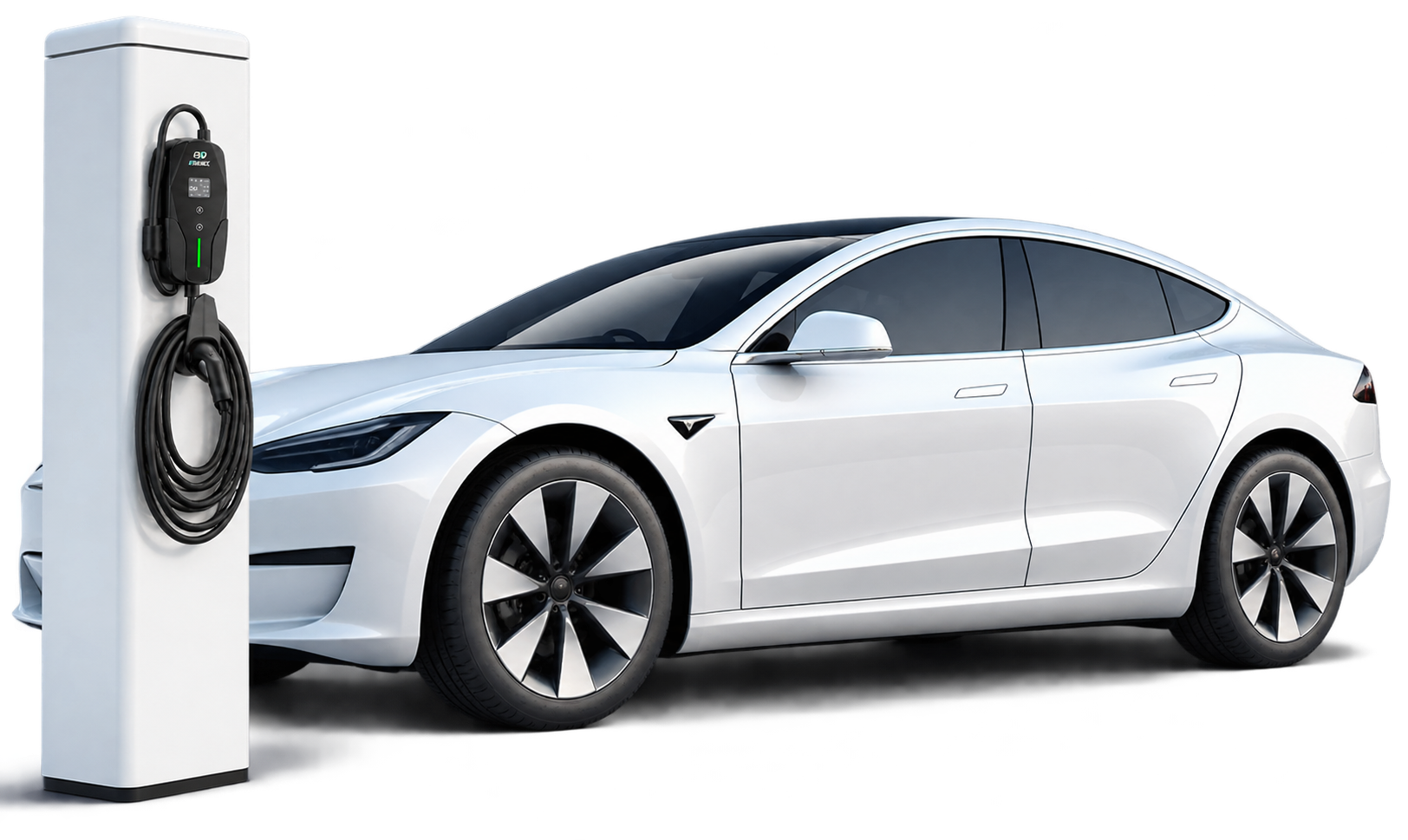
- Starting and stopping. Plug in to start; stop from the car’s screen or the charger’s own control, then unplug.
- Setting the current. Portable chargers set their amps on the unit itself — buttons or a dial on the control box, in fixed steps.
- The car’s charge limit. The limit you set in the car (for example, stop at 80%) is the car’s job, not the app’s.
- Charging through a network outage. Losing the internet changes nothing at the plug, as our guide to whether home EV chargers need Wi-Fi explains.
The Jobs the App Usually Does — and Their App-Free Routes
| Job | Without the app | Notes |
|---|---|---|
| Scheduling cheap overnight hours | The car’s built-in charge timer | Set the window in the car once; it applies every night. |
| Starting a session | Plug in, or tap an RFID card | Cards work at the charger itself — see what an RFID card for EV charging is. |
| Checking progress | The charger’s display, or the car’s dashboard and app | The car always knows its own charge level. |
| Energy and cost records | The car’s trip data, or your electricity bill | Less detail per session than a charger app gives. |
| Firmware updates | Manual, or none | The one real loss — the charger keeps charging either way. |
What You Genuinely Give Up
Three things have no app-free substitute. The first is remote control: starting, stopping or checking a session from somewhere else. The second is reporting — per-session and per-driver records, which matter most on shared chargers. The third is eligibility: some utility demand-response programmes and rebates require a connected charger, so a fully offline unit may not qualify.
If any of those are on your list, choose a connected model and use its app as much or as little as you like. Our comparison of smart vs non-smart EV chargers sets out what installers look for on each side.
Chargers That Are Easy to Live With App-Free
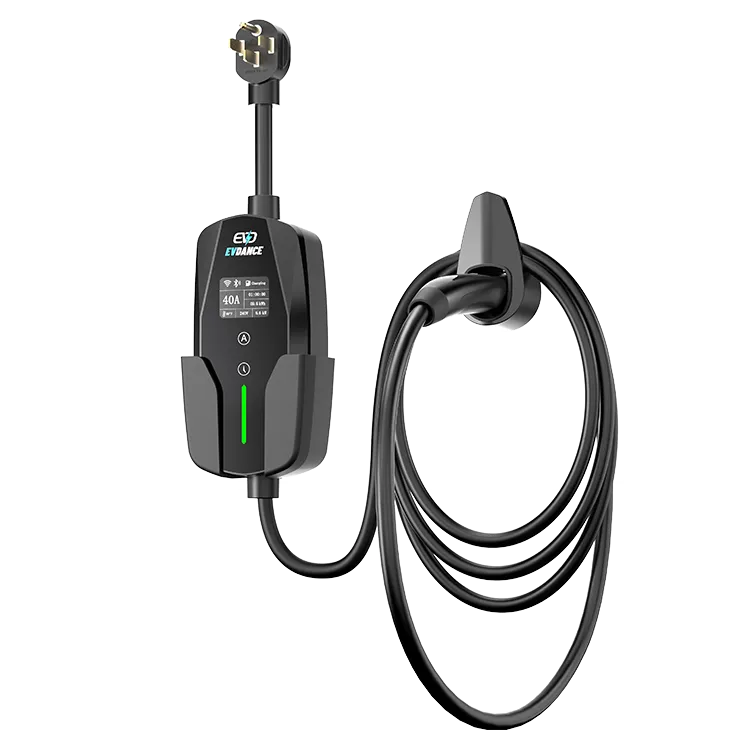
The EVDANCE EV-ACS4005T portable charger (40 A, 9.6 kW, NEMA 14-50P, IP66) shows the session on a colour screen and sets its current on the unit, in 16/24/32/40 A steps. The EV-ACS3210T (32 A, about 7.7 kW) adjusts from 10 A to 32 A in six steps, again on the unit. For a wallbox, the EV-ACT3204PE (22 kW, Type 2, IP66) offers RFID as well as app control, so regular users can start with a card swipe. More home options are on our residential charging page.
Frequently Asked Questions
Do I need a smartphone to set up a portable charger?
No. A portable charger is plug-and-go: set the current on the unit and plug in. A smart wallbox’s connected features are set up once in its app — after that, daily charging does not need the phone in your hand.
Can I still charge on cheap overnight rates without the app?
Yes. Most EVs have a charge timer in the car itself. Set the off-peak window there and the car will wait for it, whichever charger it is plugged into.
Can family members or guests charge without my app account?
Yes. Anyone you let plug in can charge. On a shared wallbox, an RFID card is the usual way to control who can start a session without handing over an app login.
Related Reading
- Do Home EV Chargers Need Wi-Fi?
- How Do Smart EV Chargers Work?
- What Is an RFID Card for EV Charging?
- Smart vs Non-Smart EV Chargers: What Installers Actually Want

