
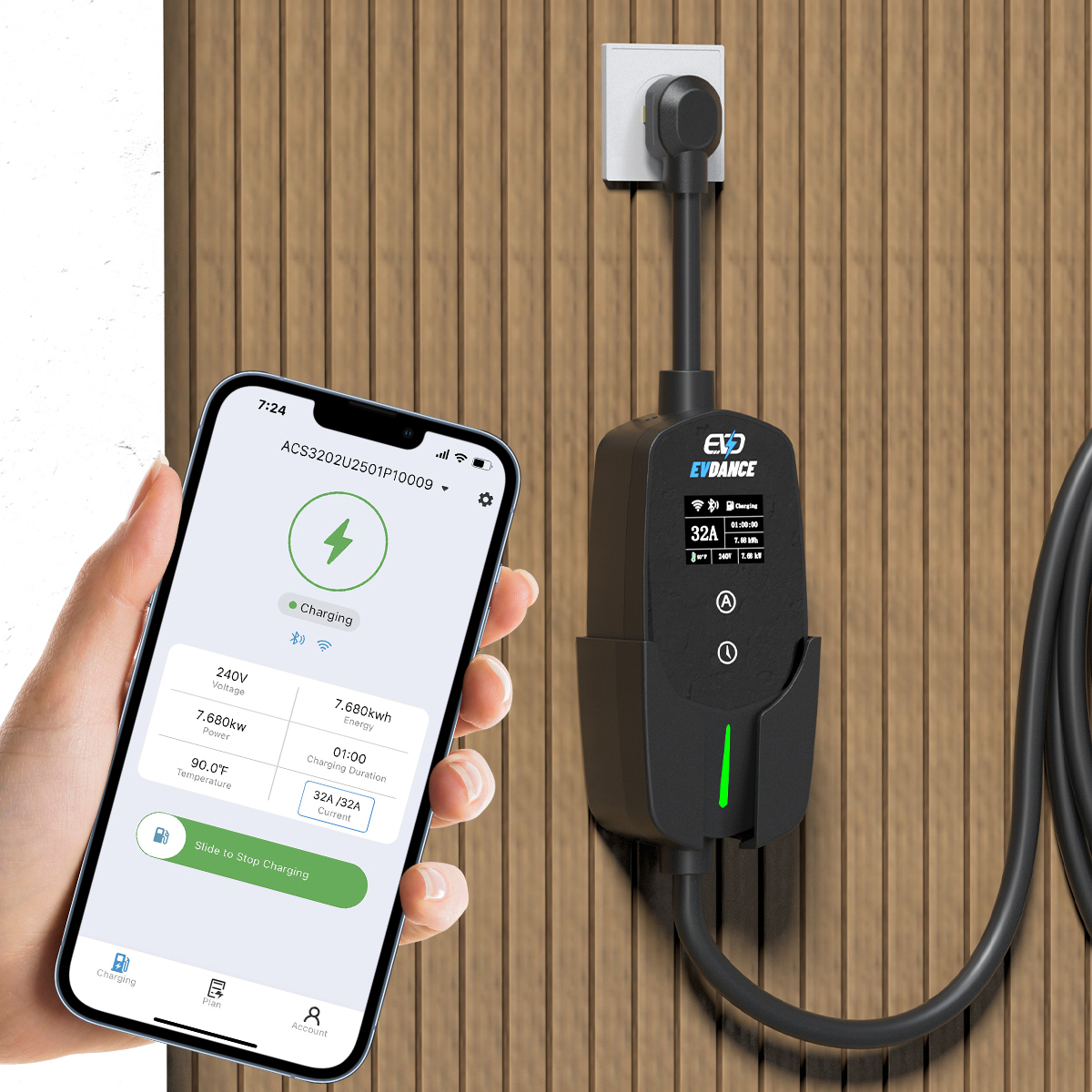
Yes — if two things are true of your exact charger. The charger must record its sessions, and an app must be able to show those records. Both are stated features of specific models, not defaults of charging in general: a basic charger that keeps no records has nothing for a phone to display.
Key Takeaways
- Phone usage needs a charger that records sessions and an app that shows the records — both are stated, model-specific features.
- Live status, session history and exportable reports are three different levels; listings often blur them into one phrase.
- In the EVDANCE range, the ACS3210E states app plus energy monitoring; no export or reporting feature is stated for any model.
The Two Requirements Behind the Screen
- A record. Something has to count the energy of each session and keep the result. On connected chargers that counting lives in the unit and its platform account; on unconnected units it may not happen at all.
- A display route. The record reaches your phone through the maker’s app, tied to your account. An app that only starts and stops a session is a remote control, not a usage report.
This is why the question is answered from the spec sheet, not the charger category. The connected layer itself is explained in our article on whether home EV chargers need Wi-Fi: the link is what lets records travel from the wall to the phone.
Three Levels of “Seeing Usage”
| Level | What you see | What it takes |
|---|---|---|
| Live status | Charging or idle, current power, energy so far in this session | A connected charger reporting its state to the app in near real time |
| Session history | Past sessions with dates and kWh, usually with monthly totals | The platform storing records against your account, not just the live feed |
| Exportable reports | The history as a file or statement you can hand to an employer, landlord or accountant | A reporting feature the platform states — the level billing and reimbursement actually need |
Listings often blur these levels with one phrase like “app monitoring”. Before buying, separate them: ask which of the three the exact model states. A driver who only wants to know tonight’s charge is done needs level one; a driver claiming expenses needs level three, and that is the one most often missing.
What the EVDANCE Range States
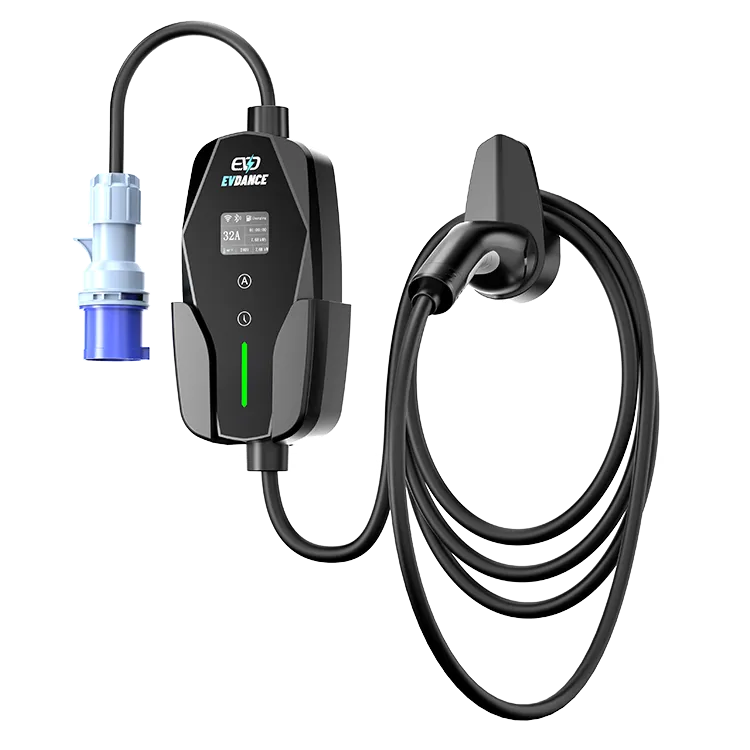
The EV-ACS3210E is the one model in the range whose listing states energy monitoring, alongside its app: that is the stated basis for seeing usage on the phone, and it extends exactly as far as the listing’s own words — energy monitoring is claimed, a reporting or export feature is not. The EV-ACT3204E wallbox states app control, which puts live control in the app; what history it keeps is a question for its documentation. The portable models state no app at all, so their usage lives where the session happened — on the unit and in the car. The product range keeps each model’s stated facts side by side.
One neighbouring route is worth knowing: where the utility is the recorder, a smart meter arrangement can report charging separately by time window, as our article on smart meters for EV chargers explains. That is the utility’s record, not the charger’s, and it answers a different question.
Frequently Asked Questions
My charger has no app. Can I still see usage anywhere?
Partly. The car keeps its own view of what it received, and your electricity bill shows the household total. What you lose is the per-session record at the charger — the gap a plug-in meter on a portable, or a circuit meter, is sometimes fitted to close.
Does energy monitoring mean I can export reports?
Not necessarily. Monitoring says the energy is measured and shown. Exporting a statement is a further platform feature, and it is stated separately when it exists — which is why expenses and billing use should be checked against the exact model, not the category.
Why does my app show a different kWh figure from my car?
They measure at different points. The charger counts energy it delivered; the car counts energy its battery took in, after conversion losses between the two. A small gap between the figures is the system working normally, not an error.
Related Reading
- Do Home EV Chargers Need Wi-Fi?
- Do You Need a Smart Meter for an EV Charger?
- Smart Charging and Time-of-Use Tariffs: How Scheduling Cuts EV Charging Costs
- How Much Does It Cost to Charge an Electric Car at Home?

