
A factory reset returns a smart charger to the state it left the factory in. Everything stored in the unit — Wi-Fi credentials, current and schedule settings, every paired card and user — is erased in one step. It does not touch the platform’s records, the installation, or any hardware fault. Before you press it, know which of the charger’s two memories you are wiping — the box, or your account.
Key Takeaways
- A factory reset erases the unit’s local world — network, settings, cards, users, pairing — and nothing else.
- Platform records usually survive — they were never in the charger. Confirm before relying on it.
- Reset for a change of hands, a lost admin, or on support’s instruction — never as a treatment for a charging fault.
- After any reset, restore the current setting your circuit was configured with before the first session.
What the Reset Erases
| Stored in the unit | What losing it means |
|---|---|
| Network credentials | The charger leaves your Wi-Fi; the app cannot see it until it is joined and paired again as a new device. |
| Settings | Current limits and schedules return to the maker’s defaults. The setting chosen for your circuit must be put back before the first session — its source is the manual and your installer. |
| Paired access | Saved RFID cards and app users are forgotten; on a shared unit, everyone is locked out until re-enrolled. |
| The pairing itself | Your account no longer knows this charger; setup runs from the beginning. |
None of this is damage — it is the point. The cost is re-setup, spread across everyone who uses a shared unit.
What Survives a Reset
- Platform-held records. Session and energy records the platform keeps in your account are a different store, which a reset never reaches. Where a record lives is the maker’s design — if one matters, confirm it before you reset.
- The hardware and its approvals. A reset changes software state only; the unit, its certification and its installation are untouched. It is why how smart chargers work separates the box from the service.
- Any fault. The survival owners forget: a reset clears states, not causes — the problem remains, minus the settings and history that would have helped diagnose it.
A restart or power cycle clears a frozen state and keeps the setup. The factory reset is the last rung — the only one that costs you the configuration.
When a Reset Is the Right Tool — and When It Is Not
Worth it:
- The charger changes hands. Selling the unit, or the house it is fixed to: a charger handed over still holding your network, schedules and cards is a security problem and a dead end for the next owner.
- A network change that will not heal. The router was replaced, ordinary re-join steps fail, and support directs a reset as the way back in.
- A lost admin. A shared unit whose admin access left with a departed manager — a reset re-establishes control of the configuration.
- Support asks for it, by name, inside a diagnosed fault, pattern recorded first.
Not worth it:
- A charging fault. Stopping, tripping, heat or a returning fault are hardware or installation reports; no reset reaches them. The driver’s checklist for a charger that is not working is the right first document, not the reset menu.
- Curiosity. “See if it helps” spends the whole configuration on a hunch.
What a Reset Would Cost on EVDANCE’s Connected Models
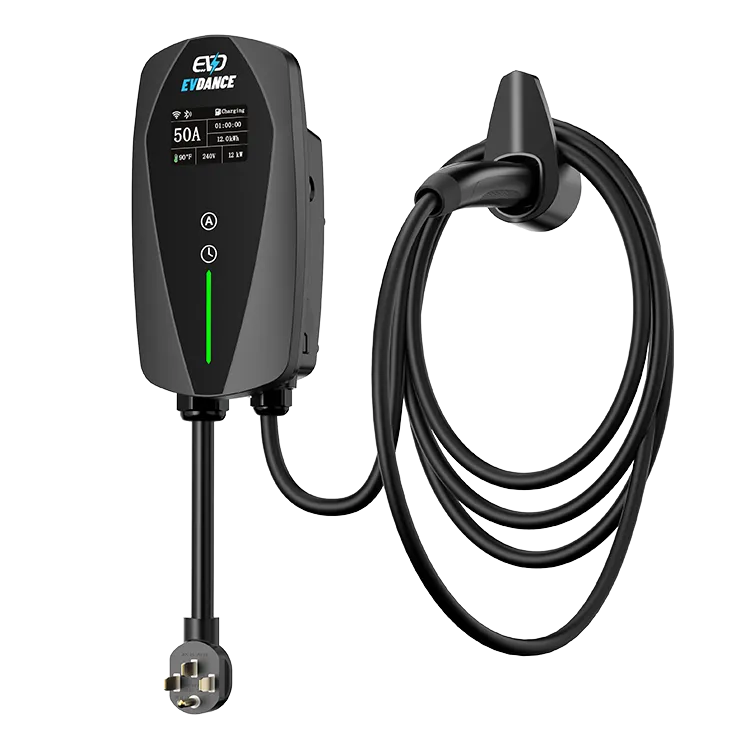
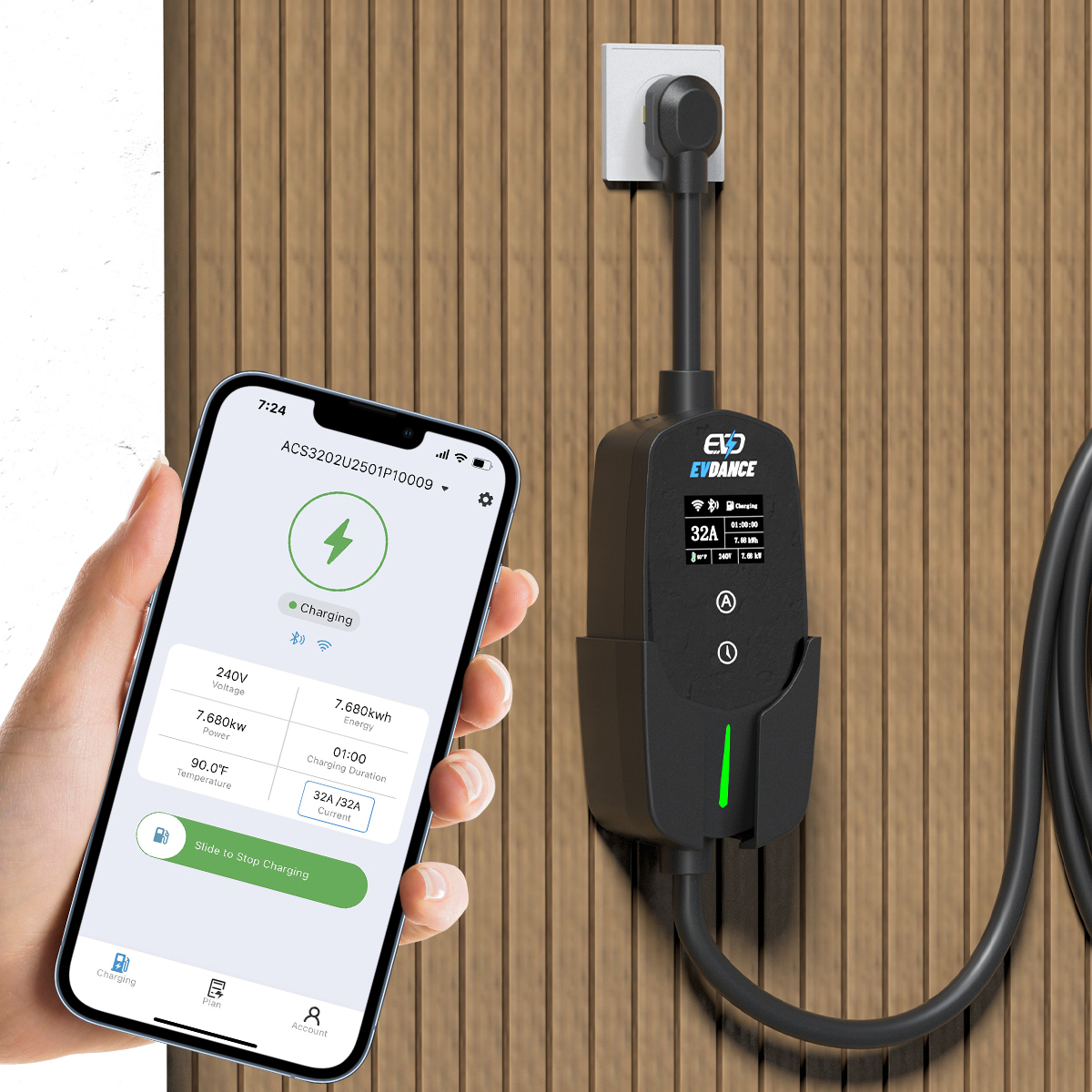
The EV-ACT3204PE 22 kW wallbox is listed with RFID and app control — both pairings live in the unit, so one reset unpairs every card and the app. The EV-ACS3210E 32A Type 2 portable charger is described with an app and energy monitoring; which of its records sit platform-side, settle before resetting. EVDANCE publishes the features, not a reset procedure — the steps, and what each model keeps, are in its manual; there is no generic sequence to print. EVDANCE chargers carry a 3-year standard warranty; questions go through the contact page.
Frequently Asked Questions
Will a factory reset delete my charging history?
Platform-held history normally survives — it was never stored in the charger. What the unit showed locally is cleared. “Normally” is doing real work there: where a maker keeps each record is their design, so confirm first.
I reset the charger and now the app cannot find it. Did I break it?
No — that is the reset working as designed. The unit left your network and account; set it up as a new device with the manual’s steps, then restore the current setting your installation was configured with.
My charger keeps stopping mid-session. Will a reset fix it?
No. A reset clears settings, not causes — supply, heat, protection and hardware faults survive it. One restart is a fair test; after that, a stopping pattern is a report for the manufacturer or a licensed electrician, pattern noted.
Related Reading
- How Do Smart EV Chargers Work?
- Are Home EV Chargers Safe?
- Why Is My Electric Car Charger Not Working? A Driver’s Checklist

