
“Charging error” is your car’s summary of a session that failed to start or stopped early — it is not a diagnosis. The cause sits in one of three territories: the car, the station, or your authorisation and account. The fastest route through it is to record the station ID, the exact message and the time, retry once, then try another unit: if a second unit fails with the same car, the suspicion reverses onto the car.
Key Takeaways
- “Charging error” is the car’s summary, not a diagnosis — the cause sits with the car, the station, or your account.
- Read both screens; each tells only its owner’s side of the event.
- Record the station ID, exact message and time, retry once, then let a second unit split the suspects.
- Nothing at a public post is yours to open or reset — the operator’s number on the post is the route.
Two Screens, Two Stories
There are usually two messages at a failed session, and they belong to different owners. The message on the car’s screen is the car’s interpretation of a session that did not complete; the message on the station’s screen is the station’s account of the same event. Read both before concluding anything: a station can be faulted while the car reports only a generic error, and a car-side refusal can leave the station showing a session that never began.
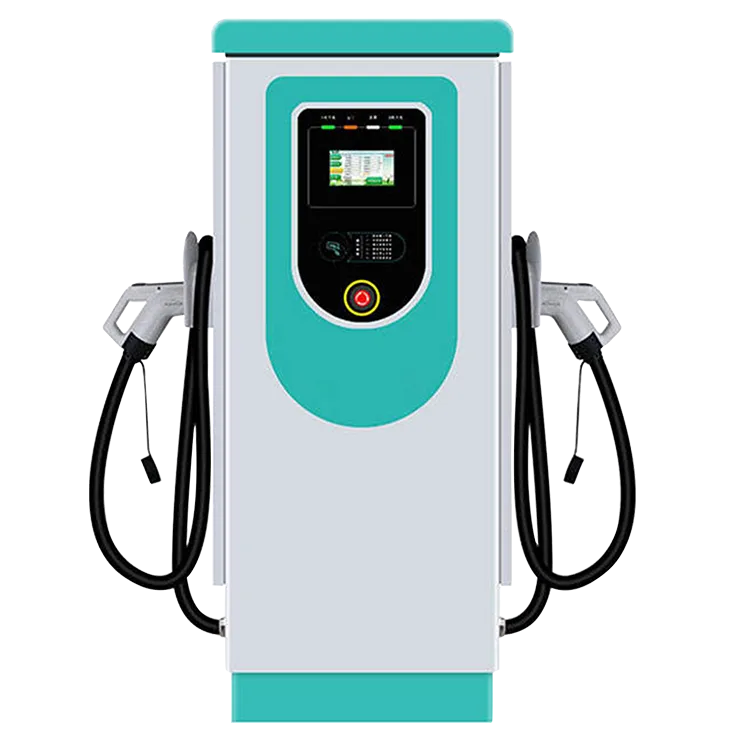
The Three Territories
| Territory | Signs that point there | Your route |
|---|---|---|
| The station | The unit shows its own fault or out-of-service state; other drivers are failing too; your car charges at the next unit | Move on, and report it to the operator with your record |
| The car | The same error at several stations and networks; home charging misbehaves as well | The car maker or dealer, with the record of where it failed |
| Authorisation and account | Car and station both look healthy, but the session will not start at the payment or app step | The network’s support; on U.S. federally funded corridor sites, stations must accept contactless payment with no membership required, so a card at the reader is the fallback |
The Field Method, in Order
- Record first. Station ID, the exact wording on both screens, and the time. This is precisely what the operator’s support will ask for.
- End cleanly, retry once. Stop the session properly, reseat the connector until it clicks fully home, and try again once.
- Change the unit, not the settings. Move to another post at the site or the next site along. A clean charge there clears your car; the same failure starts the car’s file.
- Report a station fault. Call the operator number shown on the post and give them your record — ID, message, time.
- Touch nothing else. Nothing at a public post is the driver’s to open, reset or repair.
Our step-by-step guide to using a DC fast charger shows the normal start sequence — the quickest way to spot where yours departed from it.
When the Error Follows the Car
If the error repeats across stations, run the control test at home: a car that also refuses or interrupts home charging has declared its side, and our driver’s checklist for a charger that is not working covers the home half. Take the dealer the pattern, not just the message — which stations, which networks, the dates. A single error at a single post, never repeated, is usually a station’s bad day.
The Operator’s Side of the Same Message
From the site side, failed sessions are operational data. A networked AC station such as the EV-AC03201T — two Type 2 connectors, OCPP 1.6J, RFID — reports its sessions over OCPP to the operator’s chosen platform, which is how operators spot a post that errors repeatedly and send help. It is also why your station ID and time matter: they are the fields the operator searches by. Sites running public charging can see the station range on our commercial charging page.
Frequently Asked Questions
Should I keep retrying the same unit?
Once, after ending the session cleanly and reseating the connector. Repeated retries rarely change a station fault, and each one muddies the record of what actually happened.
The station took my payment, then errored. What now?
That places the event in the account territory: contact the network’s support with the station ID, the time and the exact message. Keep the payment record from your card or app alongside it.
My car errors at one network but charges fine elsewhere. Whose problem is it?
The pattern points to that pairing — the car with that network. Report it to the network first, with the record; if other networks start failing too, it becomes the car maker’s file.
Related Reading
- How to Use a DC Fast Charger: Step by Step
- Where to Find EV Charging Stations: Maps, Apps and Tips
- Why Is My Electric Car Charger Not Working? A Driver’s Checklist
- Level 1 vs Level 2 vs DC Fast Charging: A Practical Comparison

