
A single dropped connection is an event; a repeating one is a pattern, and the pattern is the diagnosis. Chargers that lose their connection at the same time of day, in the same weather, all together, or only after months of working are failing at different layers of one chain — the unit’s local link, the site’s network, or the backhaul behind it. Chasing the wrong layer — re-pairing a charger whose data service has lapsed — fixes nothing.
Key Takeaways
- A repeating drop is a pattern, and the pattern assigns the layer: load, weather, lifecycle, shared path or single unit.
- Log time, weather and scope for a week before changing anything — the record is the diagnosis.
- Backhauls and site networks end and change on someone else’s calendar; ask what ended before blaming hardware.
- Marginal recurring drops mean the connection was designed to the edge of coverage; the fix is a survey and a design change.
Read the Pattern First
| Pattern | Layer it points to | Why |
|---|---|---|
| Drops at the same busy time each day | The site’s network | A shared connection under load — contention when the site is busiest |
| Drops in bad weather | The outdoor part of the path | The exposed section of the link is stressed exactly then — signal path, outdoor equipment, water where it should not be |
| Worked for months, then stopped for good | The service or the configuration | Something ended or changed: a data plan lapsed, a network reconfigured, a provider-side change |
| Every unit at the site drops together | The shared backhaul | Individual chargers do not fail in chorus; the path they share does |
| One unit of several keeps dropping | That unit’s link or the unit itself | The shared layers are proven healthy by the units still online |
Log three facts per drop — the time, the weather if outdoors, and which units went — for a week. That record assigns the layer more reliably than any restart, and it is what support will ask for first.
The Lifecycle Nobody Puts on the Calendar
Two pattern rows come from time passing, not faults. A charger on a mobile backhaul rides on a service with an owner and an end: a SIM and data plan that can lapse, a network generation the carrier will one day retire. Nothing warns the diary — the link simply stops returning. The second clock is human: site networks get reconfigured by people who do not know chargers depend on them; a rotated password or replaced router strands every unit paired to the old details. When a connection dies after months of health, ask what ended before suspecting hardware; as how smart EV chargers work explains, the charger’s job is local — the chain above it is services.
Designed to the Edge of Coverage
The recurring marginal case — drops that come and go with load or weather — usually means the connection was designed to the edge of its coverage on a quiet day at installation. The fix is at design level, not in settings:
- Survey where the chargers are, at busy times. Signal at the unit’s actual position, under normal load, is the only measurement that matches the failure.
- Choose the backhaul for the site. A cable run where one is possible, an engineered site network where it is not, a mobile link where coverage is genuinely strong — chosen by how each fails here, not by brochure speed.
- Stop designing for the average day. A connection carrying billing and access control earns more margin than a convenience link.
Reporting Hardware, Honest Limits
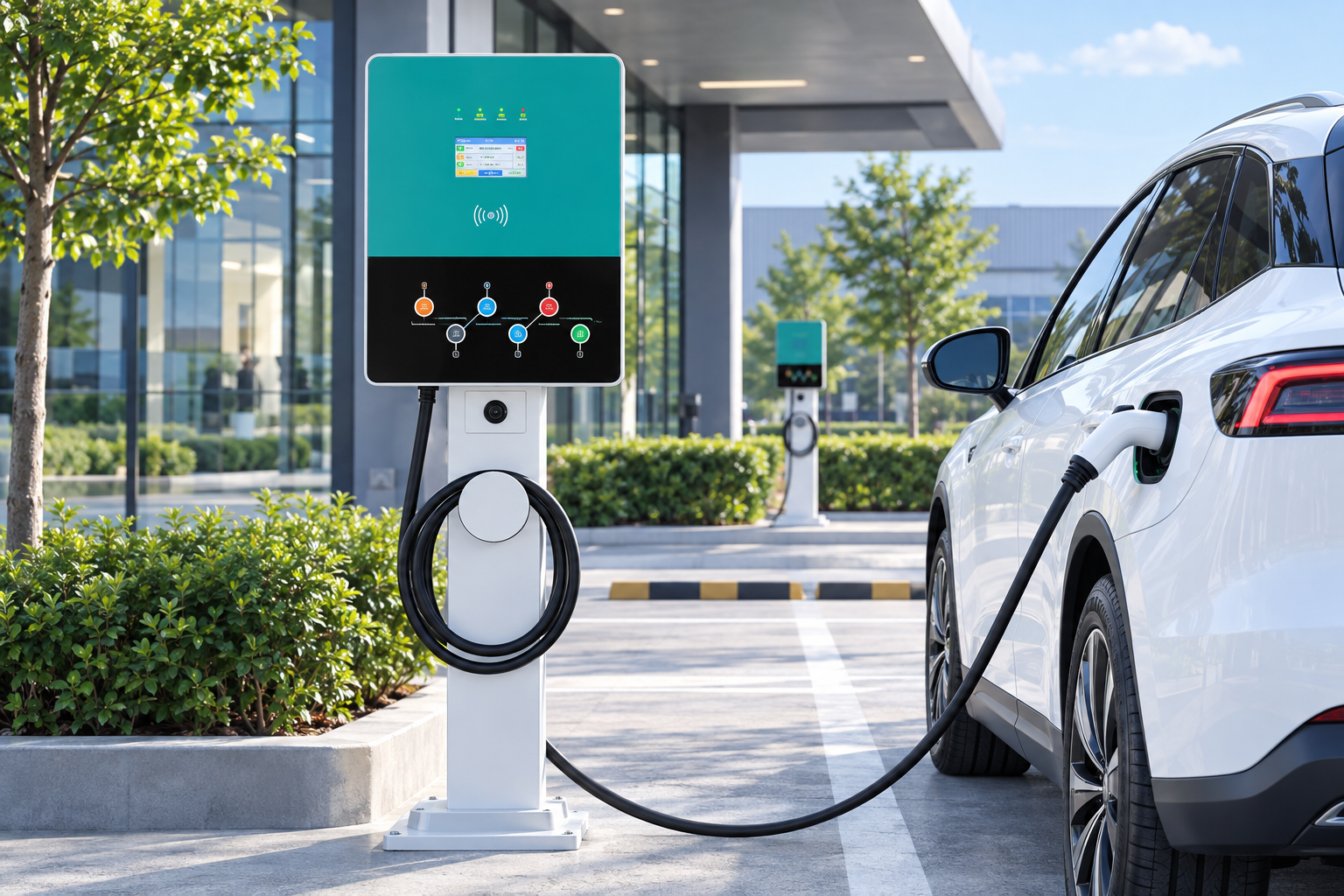
Networked stations make the pattern visible. The EV-AC03201T dual-connector AC station (two Type 2 connectors, up to 43 kW shared, OCPP 1.6J, RFID, IP54) reports to its operator’s platform — but a platform can only show a link that exists, and no EVDANCE listing states which connection type any model uses. If a design depends on a particular backhaul, that is a written-confirmation item for the exact model. Site hosts can start from our commercial charging solutions.

Frequently Asked Questions
Is it the charger or the network? What is the quickest test?
Company. If other units — or other devices on the same path — drop at the same moments, the shared layer is convicted and the charger is a witness. If one unit drops alone, work that unit’s link, then the unit.
Does a dropped connection lose my session records?
That depends on the design: what a unit stores locally and sends when the link returns is set by its maker and platform, in their documents — not something to assume either way. Your own pattern log is the backup.
Restarting fixes it every time. Should I just keep restarting?
A weekly restart that always “works” masks the layer rather than repairing it. Restart to restore service, but keep the log: a month of patterns gets the real fix out of a support call.
Related Reading
- How Do Smart EV Chargers Work?
- Do Home EV Chargers Need Wi-Fi?
- Why Is My Electric Car Charger Not Working? A Driver’s Checklist

