
Yes. If your charger is a smart model with an app or Wi-Fi, keep its firmware up to date. Updates fix bugs, close security holes, and add support for new vehicles and new electricity tariffs — and they are free. The update takes a few minutes, must not be interrupted, and should never be started while a car is charging.
Key Takeaways
- Keep a smart charger’s firmware current: updates fix bugs, patch security and add vehicle and tariff support.
- Update only when no car is charging, keep power and Wi-Fi stable, and never interrupt the process.
- Confirm the version and your schedules in the app afterwards; a failed update is a manufacturer support case.
What a Firmware Update Actually Changes
Firmware is the software running inside the charger itself. It is not the phone app, although the app is usually how you install it. A single update can touch several things at once:
| Update type | What it does for you |
|---|---|
| Bug fixes | Stops nuisance faults, frozen displays and sessions that end early |
| Security patches | Closes holes in the Wi-Fi, Bluetooth or network connection of a connected charger |
| Vehicle compatibility | Adds or fixes handshakes with new car models and their charge scheduling |
| Tariff and smart features | New scheduling options, solar or load-balancing improvements, better energy reports |
To see which of these your charger can even do, start with how smart EV chargers work. A basic charger with no app and no radio has no firmware you can update — nothing in this article applies to it, and it needs no updating.
How Updates Reach the Charger
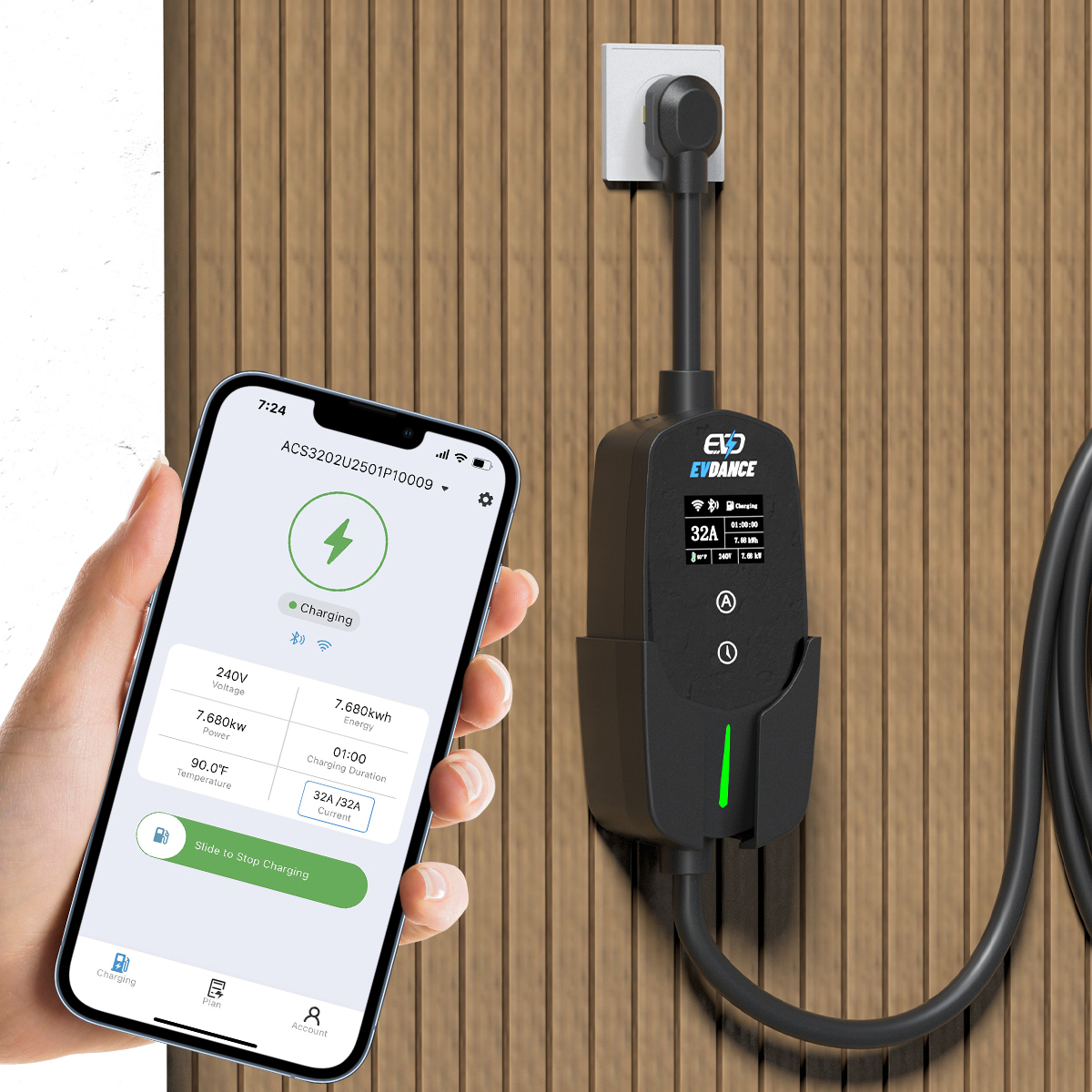
Most home smart chargers update in one of two ways. Some download updates automatically over Wi-Fi when the maker releases them — Tesla’s Wall Connector works this way, updating itself when connected. Others wait for you to accept the update in the app. Either way, the charger needs a working internet connection, which is the practical core of whether a home charger needs Wi-Fi.
On commercial sites, updates are usually pushed by the network operator through OCPP, the protocol described in our OCPP explainer. Homeowners never deal with that layer directly; the app handles it.
How to Update Safely
- Do not update mid-charge. End the session and unplug the car first; the charger restarts during installation.
- Keep the power on. Never switch off the breaker or unplug the unit while an update is running. An interrupted update is the main way chargers end up unresponsive.
- Use a stable connection. Start the update when the charger’s Wi-Fi signal is decent, not during a storm or a router restart.
- Let it finish. Give it the time the app states, then confirm the new version number in the app and run a short test charge.
- Check your settings afterwards. Schedules and current limits normally survive an update, but a two-minute check beats a flat morning battery — especially if you rely on scheduled off-peak charging.
When an Update Goes Wrong
If the charger does not come back after an update, do not open it. Power-cycle it once at the breaker, give it a few minutes to reconnect, and check the app again. If it stays offline or shows a fault, contact the manufacturer with the firmware version and what happened — connected chargers are diagnosed remotely, and a failed update is a support case, not a repair you attempt yourself.
A Smart Charger That Stays Current
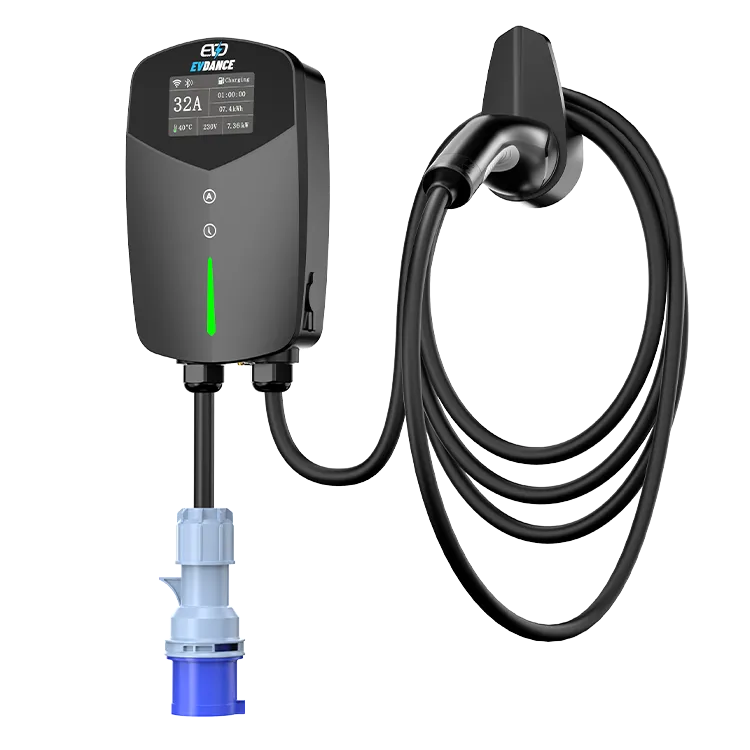
The EVDANCE EV-ACT3204PE 22 kW wallbox is app-connected with RFID access, so its firmware is maintained through the same app you use to start charges and review sessions. Keeping it updated is part of owning a smart charger — five minutes, a few times a year at most.
Frequently Asked Questions
Will a firmware update erase my schedules and settings?
Normally not. Updates are designed to keep your configuration, but check the schedule and charge limit in the app afterwards, particularly before a night that depends on off-peak timing.
How often do chargers get firmware updates?
It varies by brand and model — a few times a year is typical for connected chargers, and some releases are optional feature updates while others are important fixes. Turning on update notifications in the app is the easiest way to know.
Can I skip an update?
You can defer most updates, but skipping security patches on an internet-connected device is a poor trade. If an update is marked as a fix for faults you are seeing, install it promptly rather than working around the fault.
Related Reading
- How Do Smart EV Chargers Work?
- Do Home EV Chargers Need Wi-Fi?
- Smart Charging and Time-of-Use Tariffs
- OCPP Explained for Charge Point Operators

