
A DC adapter can feel warm after a long fast-charging session because hundreds of amps pass through its contacts. Mild warmth that you can comfortably touch is normal. An adapter that is too hot to hold, smells of burning, shows discoloration or causes repeated session stops is not. With the JT08 and JT09, rated up to 500 A, clean contacts and a fully seated connection are the main ways to keep heat in check.
Key Takeaways
- Mild warmth after long sessions is normal.
- Too hot to hold, burning smell or discoloration means stop.
- Clean, fully seated contacts keep heat down.
- Report repeated heat issues with session details.
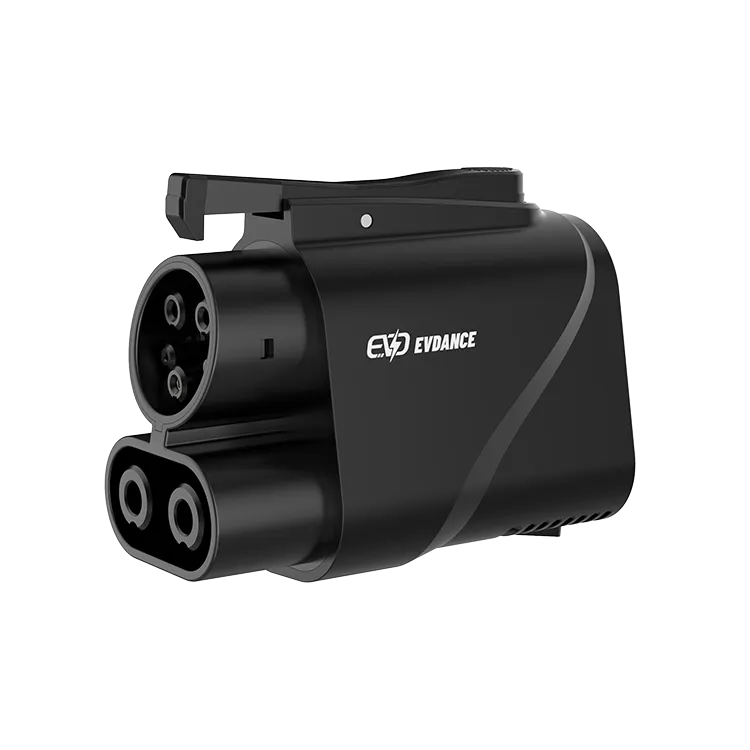
Normal vs Warning Signs
| What you notice | Likely meaning | Action |
|---|---|---|
| Warm, comfortable to touch after a long session | Normal current heating | No action |
| Hot, uncomfortable to hold | High contact resistance or poor seating | Stop, let cool, inspect pins and seating |
| Burning smell or discoloration | Overheating damage | Stop using the adapter; replace it |
| Repeated session stops or power reduction | Station or car temperature protection responding | Inspect the adapter; try another stall |
| Melted plastic or deformed housing | Serious damage | Do not use; replace |
Why Heat Builds Up
Heat at a connection depends on current and resistance. Fast charging runs at high current, often near its peak early in the session when the battery is low. Clean, tight contacts have very low resistance. Dirt, pitting or a partly seated connector raises resistance and heat. The station and the car also monitor temperatures and can reduce power to stay safe. Read whether charging cables get hot and why charging slows after 80%.
How to Keep the Adapter Cool
- Inspect and clean the pins before use; remove dust with a soft dry brush.
- Push connections fully home and confirm the latch engages.
- Do not let the adapter hang with the heavy station cable pulling at an angle; support the cable.
- Store it capped so the contacts stay clean.
- Retire adapters that show pitting or discoloration.
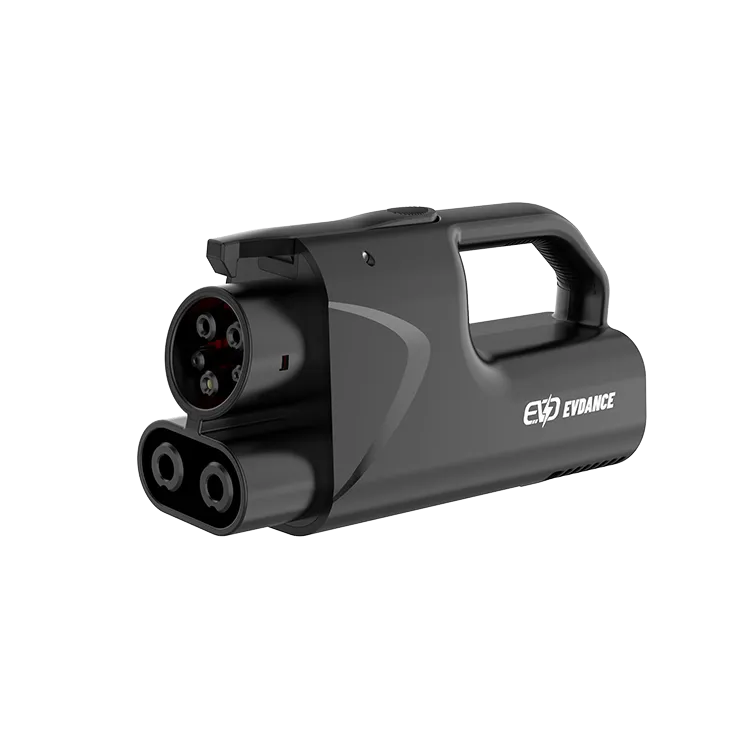
What Not to Do
Do not cool an adapter with water or ice, and do not wrap it to hide it. Do not keep charging if it is uncomfortably hot. Never use an adapter at a station or with a vehicle that does not approve it. Our guide on adapter safety covers the main risks.
Reporting Problems
If heat issues repeat, note the station, date, power and time, then contact the supplier. Repeated heating at one station may point to that station’s connector rather than the adapter. Report it to the network too, so the site can be checked.
The JT08 and JT09 are NACS-to-CCS1 DC adapters rated up to 500 A with IP66 protection; the JT09 adds a handle. Use them only where your automaker approves and the station is open to your vehicle.
Frequently Asked Questions
Is it normal for a DC adapter to get warm?
Yes, mild warmth after a long session is normal. Too hot to hold is not.
Why does charging slow down when the adapter is warm?
The station or car may reduce current to protect connectors and the battery. Charging also tapers as the battery fills.
Should I cool a hot adapter with water?
No. Stop charging, let it cool naturally and inspect it.
Related Reading
- Do EV Charging Cables Get Hot?
- Why Does EV Charging Slow Down After 80%?
- Are EV Charging Adapters Safe?
- How Fast Is a DC Fast Charger?

