
Fewer than your phone suggests. Most drivers need one locator app to find stations, the app of each charging network they use regularly, and nothing else — because a growing number of stations start and take payment with a plain contactless bank card, no app or account at all. The pile-up comes from installing a new app at every unfamiliar charger instead of planning around the few networks you actually use.
Key Takeaways
- A typical driver needs one locator app, one app per regular network, and the car maker’s app — a handful, not dozens.
- The pile-up comes from signing up at the kerb; accounts created before a trip keep the count low.
- Contactless payment, RFID cards and Plug and Charge each remove the app from some sessions entirely.
- Home charging needs at most one app — your own charger’s.
The Three Kinds of Charging App
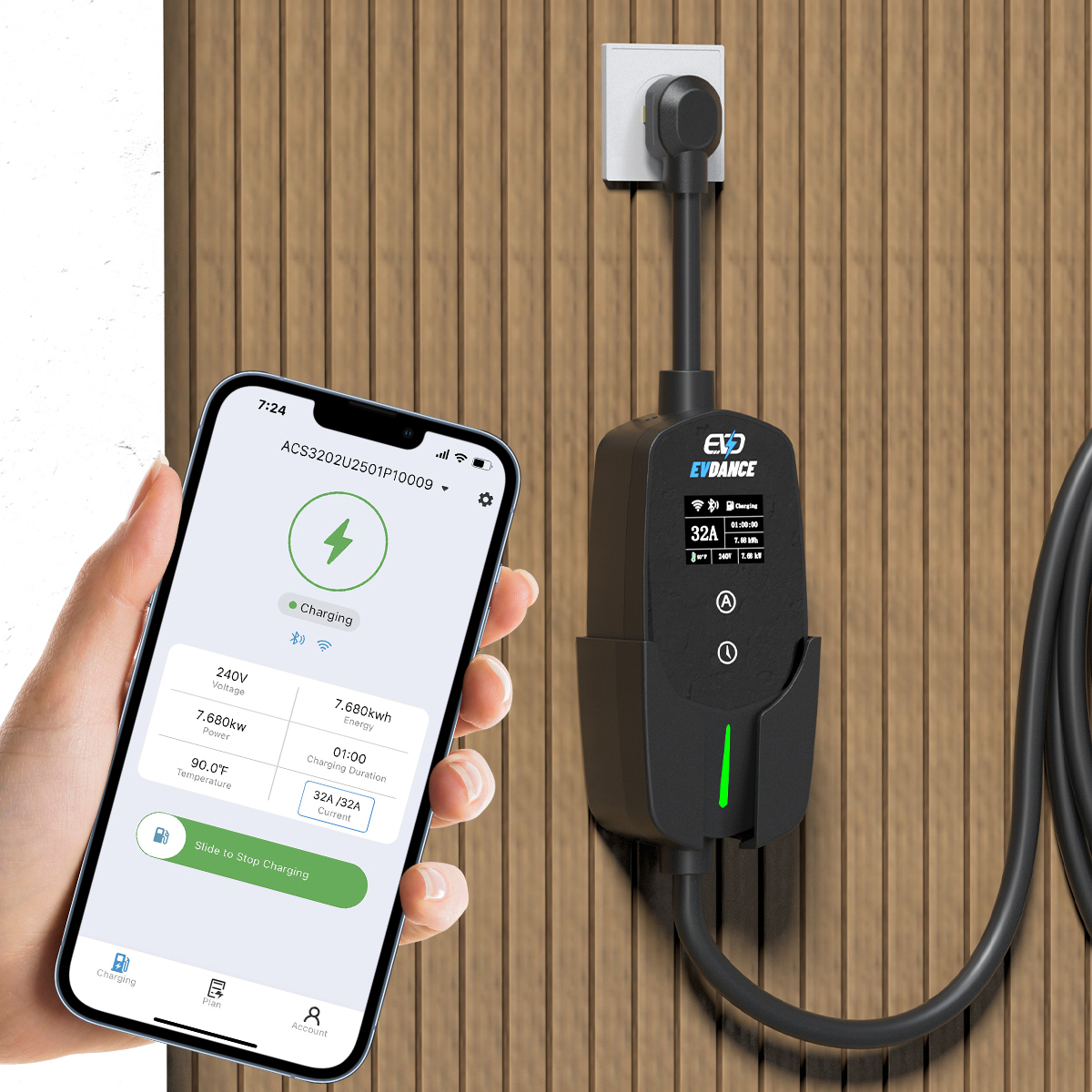
Apps that pile up on an EV driver’s phone fall into three groups, and only one of them starts a charge:
| App type | What it does | How many you need |
|---|---|---|
| Locator | Shows stations on a map, with connector types and status | One — the U.S. Department of Energy’s Station Locator covers public stations nationally |
| Network operator | Starts sessions, holds your payment card, shows prices and receipts on that one network | One per network you use regularly — typically a small handful |
| Car maker | Remote charge status, scheduled charging, preconditioning for your own car | One, for the car you drive |
Our guide to where to find EV charging stations compares the map options, so you can settle on a single locator instead of three.
Why It Feels Like You Need Dozens
Each charging network runs its own app and its own account, and many stations were built to start only from that app. Arrive at an unfamiliar network with no account and the sign-up happens at the kerb: download, register, add a card, verify an email. Do that once per road trip and the home screen fills up. The count is not really about apps; it is about how many networks your driving touches. Drivers who charge mostly at home and use one or two networks on the road can go months without adding another.
Whether a station will even let you use it is a separate question from the app — our explainer on whether you can use any EV charging station covers who public chargers accept.
How to Keep the Count Down
- Lean on contactless payment. Federally funded NEVI corridor stations in the US must accept contactless card payment with no membership, stay open 24/7 and average above 97% uptime — a bank card is designed to be enough there. Our guide to whether charging stations take credit cards explains where readers are fitted.
- Carry the network’s RFID card instead. Many networks offer a card or fob linked to the same account. It starts a session with no phone, no signal and no app update.
- Set up Plug and Charge where it is offered. If your car and a network both support it, one advance setup lets the car identify itself and bill your account when you plug in — no app opened at the station at all.
- Register before a trip, not during it. Create the account at home on Wi-Fi and add the payment card there.
- Charge at home by default. Every session on your own charger is a session that needed no app, no account and no queue.
Charging at Home Needs One App at Most
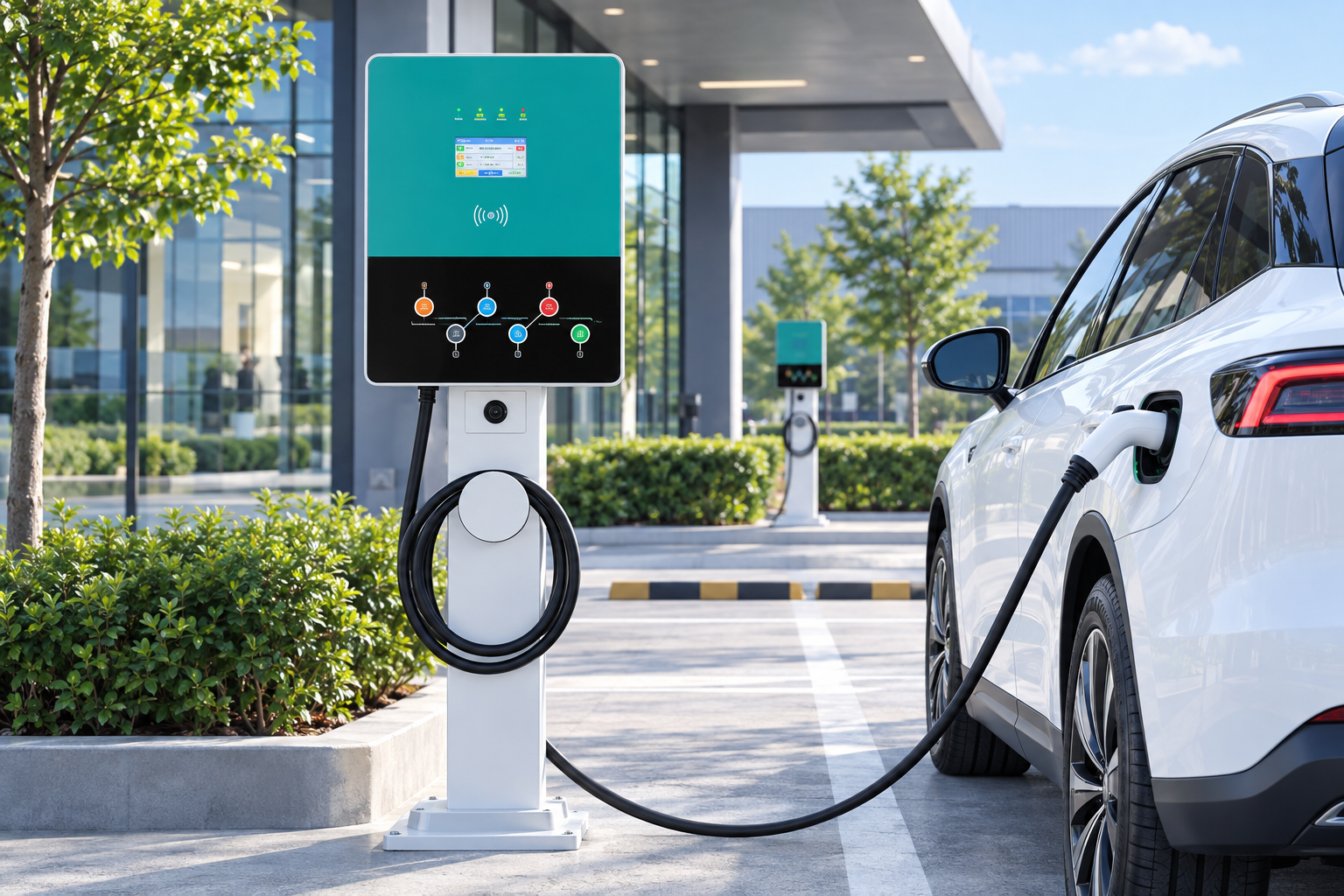
Your own charger answers to you, not to a network. A wallbox such as the EVDANCE EV-ACT3204PE 22 kW wallbox uses its own app and RFID control to authorise users and schedule sessions — one login you chose, instead of one per network. See the residential charging solutions page for the home range.
Frequently Asked Questions
Do I need a separate app for every charging station?
No. You need an account only with the networks you use, and many stations need no account at all. One locator app finds stations across networks; the operator apps are only for starting and paying on their own chargers.
Can I charge with no apps at all?
Often, yes. Stations with contactless readers take a bank card directly, and NEVI-funded US corridor stations are required to. Older or smaller sites can still be app- or RFID-only, so check a site’s listing before a trip depends on it.
Should I delete charging apps I rarely open?
You can, but close the account properly rather than just removing the app: the account may still hold your payment card and a small prepaid balance. Deleting rarely used accounts also shrinks the list of places holding your card details.
Related Reading
- Where to Find EV Charging Stations: Maps, Apps and Tips
- Do EV Charging Stations Take Credit Cards?
- Can You Use Any EV Charging Station?
- How to Use a Public EV Charger (and How to Stop It)

