
Yes — this scam is real, and it is simple. A criminal sticks a printed QR code over the genuine code on a public charger. You scan it, land on a convincing copy of the operator’s payment page, and enter your card details. The details are harvested, a small payment may even be taken, and no charging session ever starts. The charger was never involved: your phone talked to a sticker, not to the network.
Key Takeaways
- A fake QR sticker sends your card details to a copycat page; the real charger and operator are never involved.
- Prefer payment built into the station and the operator: contactless, the genuine app, RFID, or Plug and Charge.
- A sticker over another code, or a page demanding card details before any session screen, is a stop sign.
- If you entered details, call your bank first, then tell the operator so the sticker comes off.
How the Scam Works
- The sticker. A fake code is placed over the real one, or on the post beside the charger, where drivers expect to find it.
- The copy. The code opens a page dressed up as the charging operator’s — same colours, same logo, a familiar-looking form.
- The harvest. The page asks for card details up front, sometimes with a small “activation” payment to make it feel real.
- The silence. The charger never activates, because the real operator never received anything. Victims often assume the charger is faulty and drive away.
The warning signs are physical and procedural. A code on a loose sticker, especially one sitting on top of another code, deserves suspicion. So does a payment page that wants full card details before showing a price or any sign of the charger responding. Compare the operator name on the charger with the name on the page — a mismatch is a stop sign.
How to Pay Without the Risk
| Payment method | Why it is safer |
|---|---|
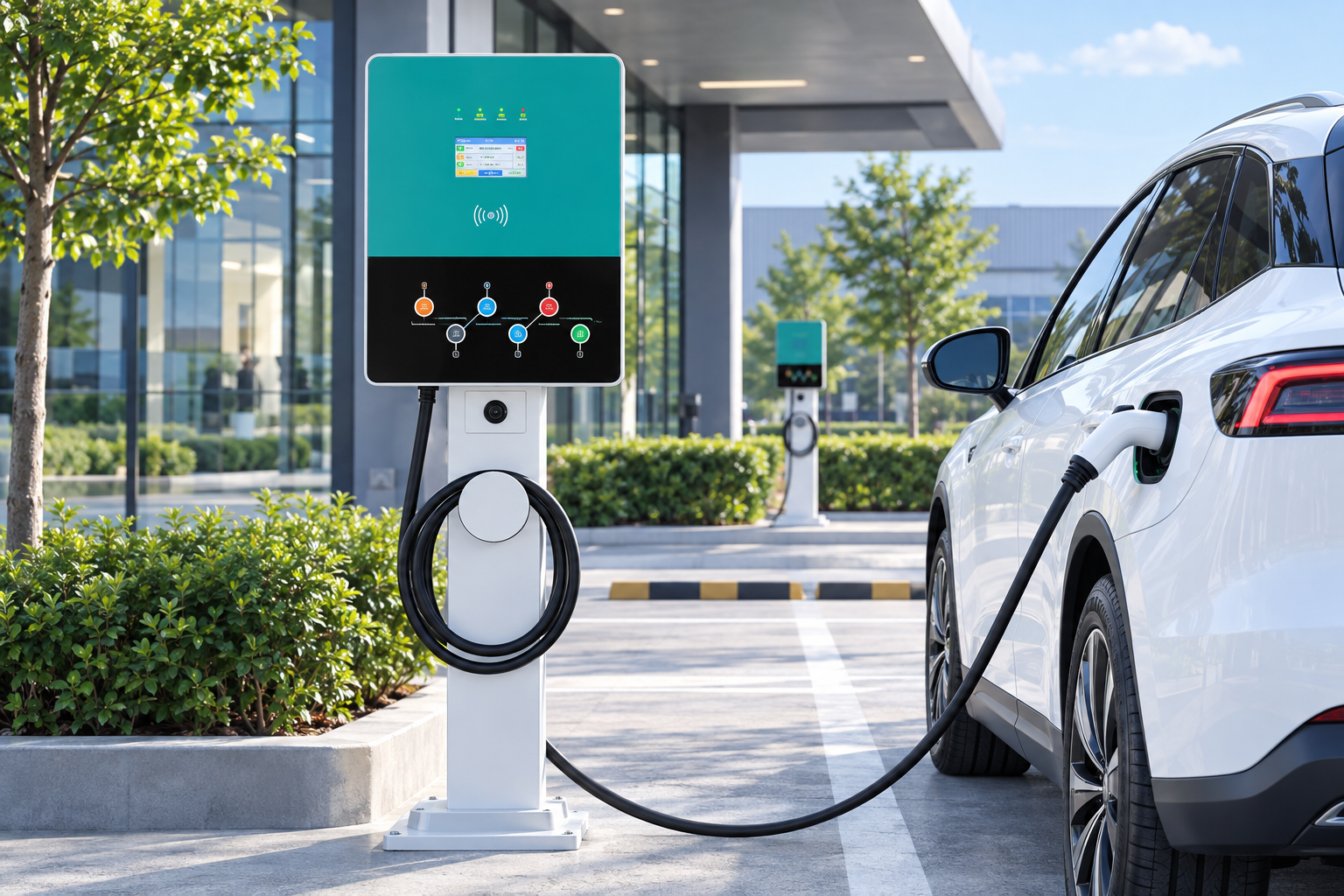
| Contactless bank card at the charger’s reader | No page, no code, no details typed into a phone. Federally funded corridor stations in the US are required to accept contactless payment with no membership |
| The operator’s own app, installed from the official app store | You installed it through a channel the operator controls — a sticker on a post cannot substitute it |
| An RFID card or fob issued by the operator | The credential stays inside the operator’s own system from the start |
| Plug and Charge, where your car and the network offer it | The car authenticates itself; there is no payment page at all |
Our guide to using a public EV charger walks through the normal start sequence, and finding stations through maps and apps keeps you inside the operator’s own channels from the start.
If You Already Scanned One
- If you entered card details, contact your bank promptly, tell them the card may be compromised, and watch for small unfamiliar charges.
- Note which name appears on any charge — it will not be the real operator’s, and your bank will want it.
- Tell the charging operator or the site owner, so the sticker can be removed before it catches the next driver.
- Do not scan the code again “to check” — check with your bank and the operator instead.
What Operators Can Do
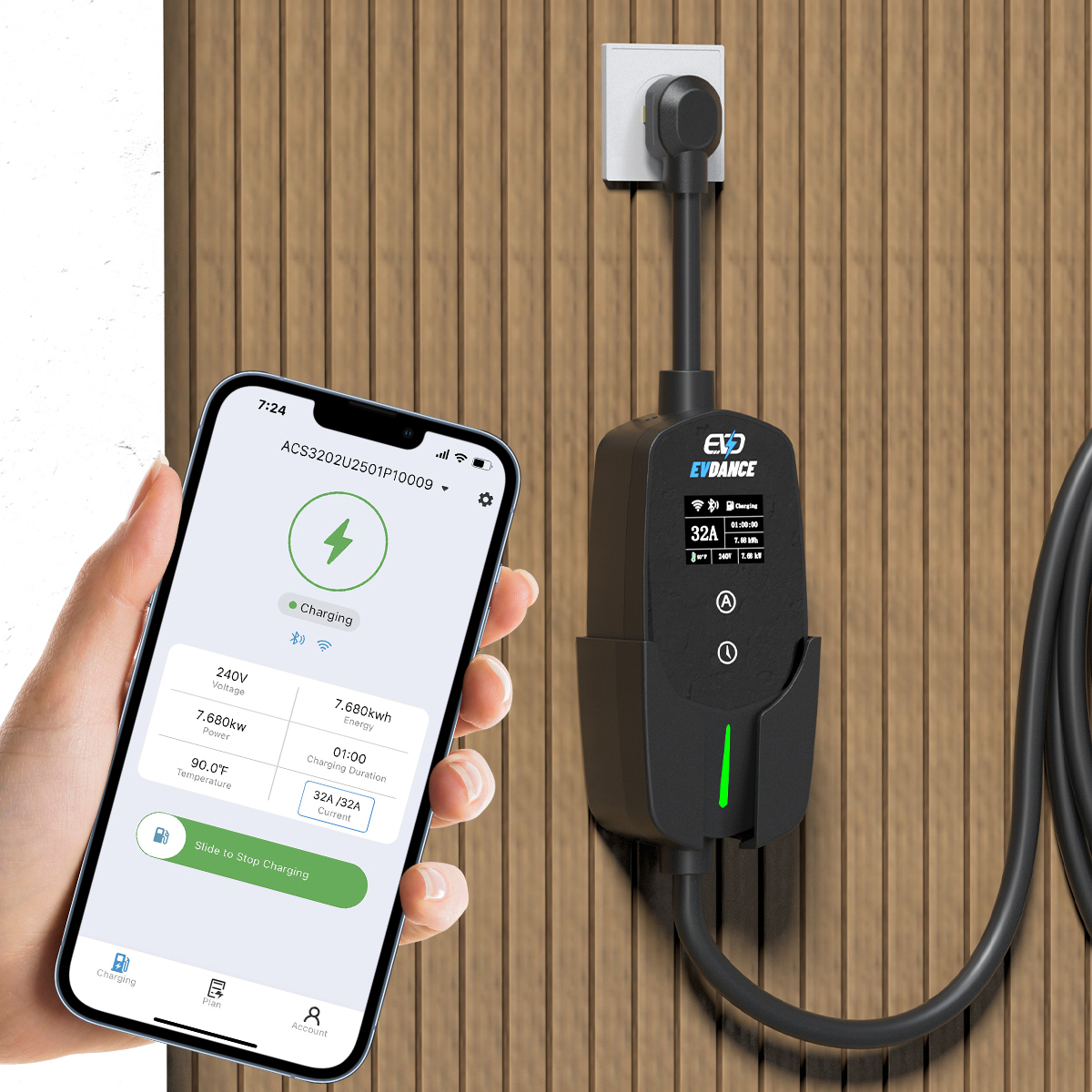
Sites can design the risk down by making payment part of the hardware rather than a sticker beside it. The EV-AC03201T dual-connector AC station supports RFID access with OCPP 1.6J networking, and the EV-RHDC30K-L compact DC fast charger likewise works through operator systems, not loose printed codes. Our commercial charging solutions cover the options, and how commercial stations work explains the payment chain.
Frequently Asked Questions
Do I ever need to scan a QR code to charge?
No. At US corridor stations built under the NEVI rules, contactless card payment with no membership is a requirement, and operators generally offer an app, RFID or contactless as well. A QR code may be one option among several on some networks — but it is never the only legitimate route, and a stickered code is the one to avoid.
The charger took my payment but never started. Was it a scam?
Not always — genuine faults and pre-authorisation holds happen too. Check your banking app: a real session shows the operator’s name, a scam payment shows an unfamiliar one. If the name does not match the charger, treat it as fraud and contact your bank.
Is paying through the operator’s app safe?
Yes, when it is the genuine app installed from the official app store. The scam depends on rushing you from a sticker to a look-alike page in your browser. Starting from the app you already installed removes that step entirely.
Related Reading
- How to Use a Public EV Charger (and How to Stop It)
- Where to Find EV Charging Stations: Maps, Apps and Tips
- How Do Commercial EV Charging Stations Work?
- How to Get an EV Charging Station License: Permits and Approvals

