
If a public charger ended your session at a set time or a round charge level and called it complete, it was most likely applying a session limit, not suffering a fault. Many busy sites cap how long, or how far, one session may run so the next driver gets a turn. The limit is part of the deal shown on the screen, the app or the sign before you start.
Key Takeaways
- A session that ends cleanly at a round time or charge level is a limit working as designed, not a breakdown.
- Caps exist to keep busy posts turning over; terms vary by site and are shown before you pay.
- Fast charging front-loads energy, so a capped stop usually still covers the next leg of a trip.
- Unplug and move when a capped session ends, and check the terms before trying to restart.
A Limit Is a Turnover Rule, Not a Breakdown
A charging bay earns its keep only while cars rotate through it. One car sitting connected blocks every driver behind it, so operators at busy sites set a ceiling: the session ends, the driver moves on, the post frees up. That is different from the slowdown every EV driver knows near a full battery, where the car itself asks for less power and the session continues. A fault looks different too: a capped session ends politely, with a “session complete” message rather than an error.
A limit ends the charging; staying plugged in beyond it is a separate matter, priced as overstay time at many sites — see how charging stations price their sessions for the fee structures.
The Limits You Are Most Likely to Meet
| Limit type | How it shows up | Why the site sets it |
|---|---|---|
| Time limit | The session ends after a set period, whatever the battery has reached | Keeps fast chargers turning over at busy stops |
| Charge-level limit | The session ends at a set state of charge, often below a full battery | The last part of a charge is the slowest, so capping it serves more drivers per hour |
| Site stay limit | The car park’s own maximum stay applies alongside charging | The venue, not the charger, is rationing the space itself |
Not every network caps sessions, and the terms vary from site to site. The only reliable place to learn the rule is the screen, the app listing or the signage at that post, read before you pay.
A Capped Session Still Gives You a Lot
A cap rarely strands anyone, because fast charging front-loads the energy. U.S. DOT figures put DC fast charging at 50–350 kW, adding roughly 180–240 miles of range per hour, while Level 2 adds about 10–20 miles per hour. Example: half an hour at the DC fast band is roughly 90–120 miles of range on paper, before your car’s own taper trims the real figure. The stop the site allows is usually the stop your trip actually needed.
Working With the Limit on a Trip
- Check the terms on the screen or app before paying, so the stop time is planned, not discovered.
- Plan the stop around the limit: take the charge the site offers and drive, rather than waiting for a full battery that the cap will never allow.
- When the session ends, unplug and move the car. A finished car left connected can collect idle or overstay fees.
- If you need more, check the terms: some networks allow a fresh session, others ask you to move on — the post in front of you decides.
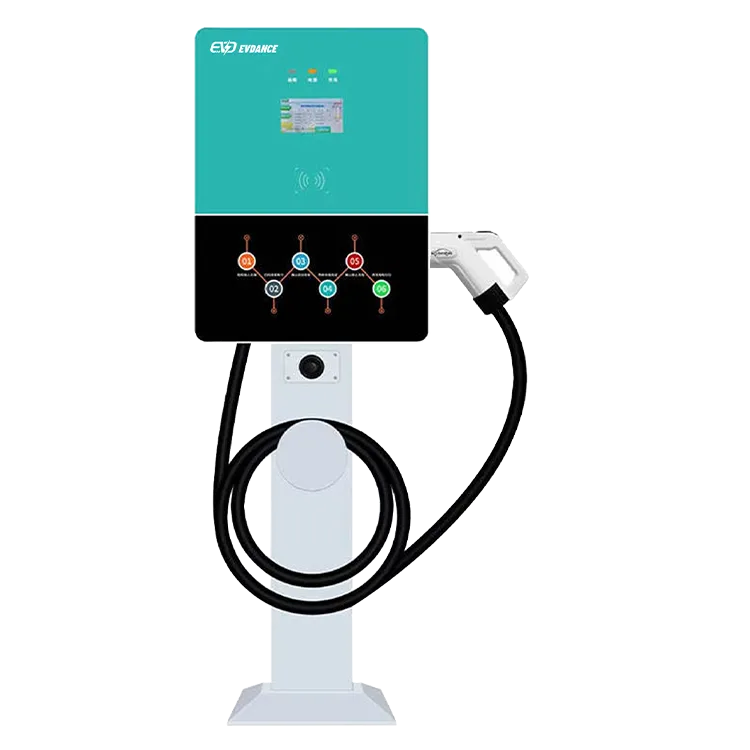
For site owners, these limits are set in software, not argued at the bay. Networked posts such as the EV-AC03201T dual-connector AC station (RFID access, OCPP 1.6J) let an operator set session rules centrally, and the EV-RHDC30K-L compact DC fast charger brings the same control to fast charging — more on our commercial EV charging page.
Frequently Asked Questions
Can I just start a new session straight away?
Sometimes. Some networks allow a fresh session immediately; others block an instant restart at busy times so another driver can plug in. No universal rule exists; the screen or app at that post states the terms.
Does an early stop harm my battery?
No. Ending a session early is normal use, and drivers stop part-way by choice all the time. A site’s session limit is about sharing the charger, not your battery; any charge limit set in the car is a separate, independent setting.
The charger stopped with an error message. Is that a limit?
No — that is a fault: an error code, a session that will not restart, or a post showing out of service. Note the station ID on the unit, report it through the app or the number on the post, and move to a backup charger instead of retrying it.
Related Reading
- How to Use a Public EV Charger (and How to Stop It)
- How Much Do EV Charging Stations Charge? Pricing Models Explained
- How Do EV Charging Stations Work?
- Can You Use Any EV Charging Station?

