
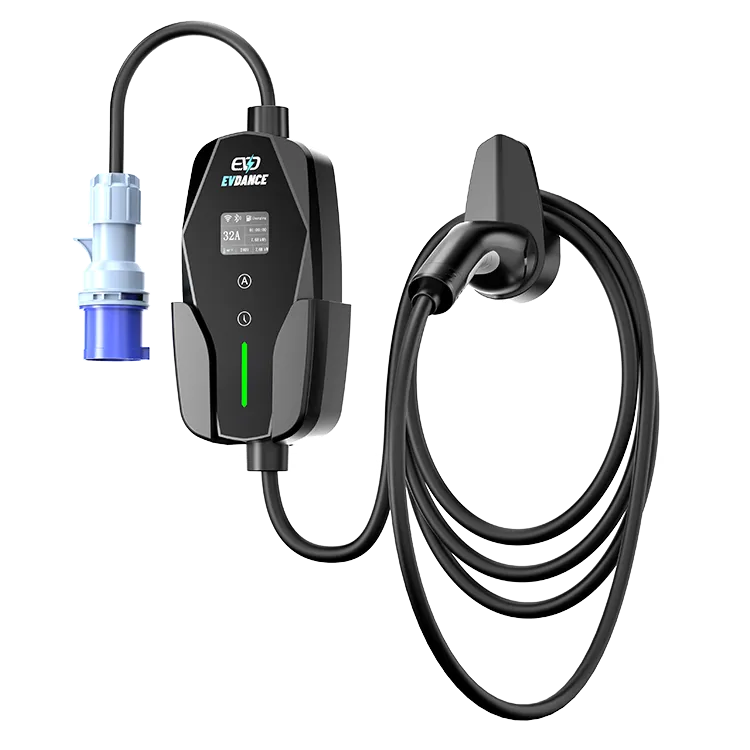
The EV-ACS3210E works with an app, and its specification lists two app jobs: monitoring each session’s energy, and controlling a charger that adjusts between 10 and 32 A. Scheduling is the third job buyers usually expect from a charger app, and it is the one to confirm before you rely on it — it is not a line on this unit’s spec sheet.
Key Takeaways
- Energy monitoring and app control are stated in this model’s specification; scheduling is not — confirm it before relying on it.
- The current limit (10–32 A) is the setting with a safety job: set it for the socket in use.
- The app records energy at the wall; cost is that kWh figure times your own tariff.
- If the app has no timer, the car’s own charging window can hold the schedule.
The Three Jobs, Mapped to the Spec Sheet
App feature lists are often copied from charger to charger; this table sticks to what this model’s specification states.
| App job | On the EV-ACS3210E | What to verify |
|---|---|---|
| Monitoring | Listed — the spec includes energy monitoring | How sessions are stored and exported, in the app or manual |
| Current limit | The charger adjusts from 10 to 32 A; that range is the limit you manage | Whether your version sets the limit in the app, on the unit, or both |
| Scheduling | Not stated in the specification | Whether the current app version offers a start or stop timer |
A home wallbox’s app is usually its whole control surface — our guide to wallbox features such as display, scheduling and load management shows the typical list. A portable keeps its core job — charging — on the hardware; the app is the record and control layer on top.
Monitoring: the Energy Record
Energy monitoring means the charger records the kilowatt-hours each session draws. That record turns charging from a guess into a number you can check against your bill or hand to an employer. Expect the app’s figure and the car’s figure to differ slightly: the charger measures energy at the wall, the car reports what reached its battery, and the gap is conversion loss. For the energy maths behind a full charge, see how many kWh it takes to charge an EV. Monitoring measures; it does not change the price. Cost is still the kWh multiplied by your own tariff.
Limits: the Setting That Matters Most
The current limit is the setting with a safety job: the right one is whatever your socket and circuit can carry for hours at a time, within this charger’s 10–32 A range. Set it once for each place, and check it again whenever the charger travels to a different socket. Where the adjustment happens — app or unit — depends on the version; confirm it in the manual.
Scheduling: Confirm It Before You Rely on It
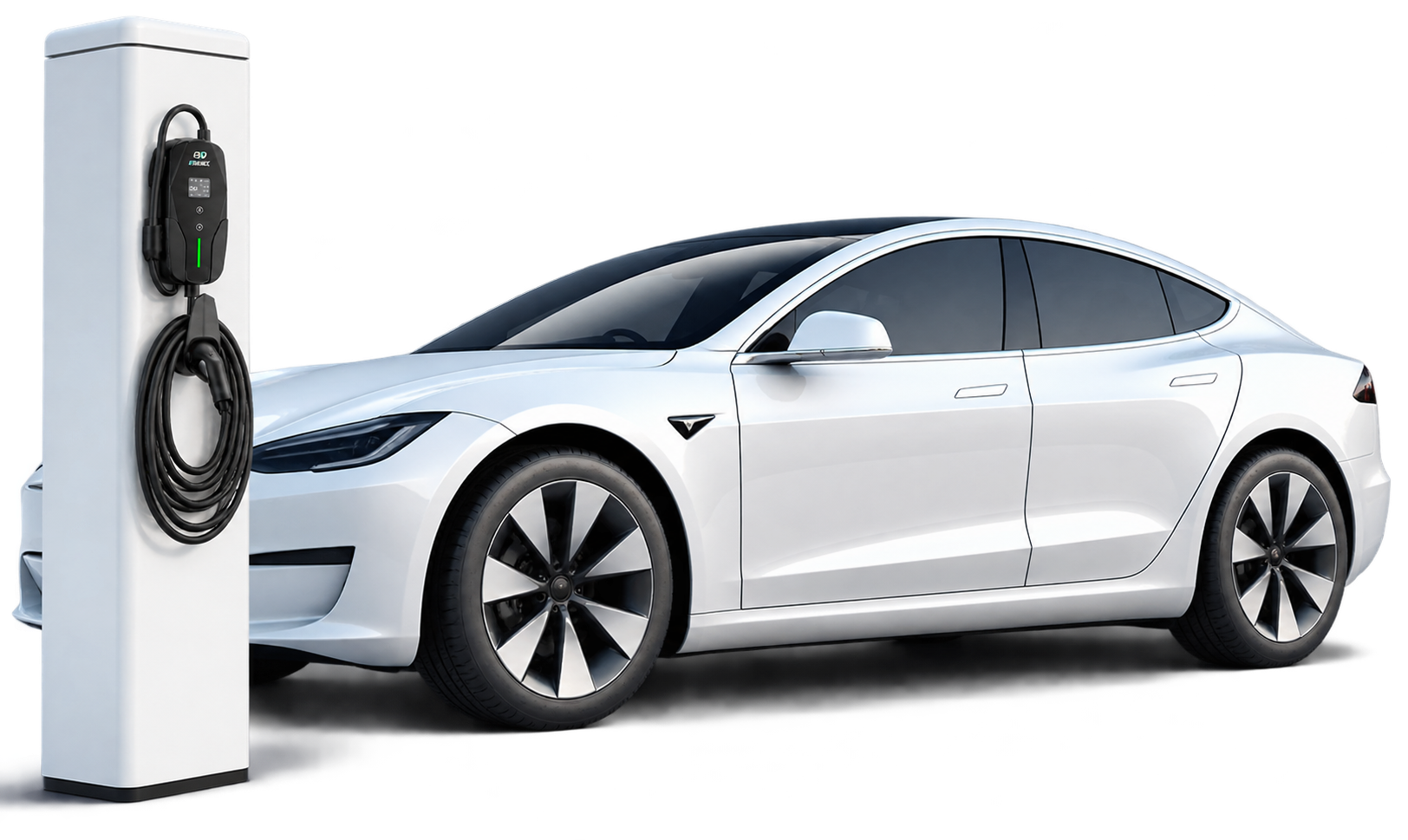
Off-peak tariffs reward charging inside a cheap window, and a timer is how most drivers hit it without staying up — the strategy is set out in our guide to smart charging and time-of-use tariffs. Because scheduling is not a stated line in this unit’s specification, treat it as a question, not a feature: check the current app and manual for a timer. If it is not there, the car itself can usually hold the schedule instead: most EVs let you set a charging window in the car, and the charger supplies power when the car asks. Either way, the limit still has to be set correctly; a timer never makes an oversized current safe.
The Charger Behind the App
The EV-ACS3210E is a 32 A Type 2 portable charger: single-phase, about 7 kW at its top setting, adjustable from 10 to 32 A, with a 7.5 m cable and an IP66 rating. The same specification lists app control, energy monitoring and OCPP-readiness. EVDANCE is a Shenzhen manufacturer founded in 2011, and the unit carries the company’s 3-year standard warranty. Judge it by the spec sheet, not the app store page.
Frequently Asked Questions
Can I still charge if I never install the app?
Charging is the unit’s core function; the app is the control layer around it. Expect basic charging without it, but confirm in the manual which settings — if any — only the app can change on your version.
Does the app tell me what each charge cost?
It records the energy, in kWh. Cost is that figure times the per-kWh price on your own tariff — work it out from your bill; the app does not know your rate.
Can the app start charging at a set time every night?
That is the scheduling question above: it is not stated in this model’s specification, so check the current app or manual first. If there is no timer, set the window in the car.
Related Reading
- Wallbox Home Charger Features Explained: Display, Scheduling, and Load Management
- Smart Charging and Time-of-Use Tariffs: How Scheduling Cuts EV Charging Costs
- How Many kWh Does It Take to Charge an EV?

