
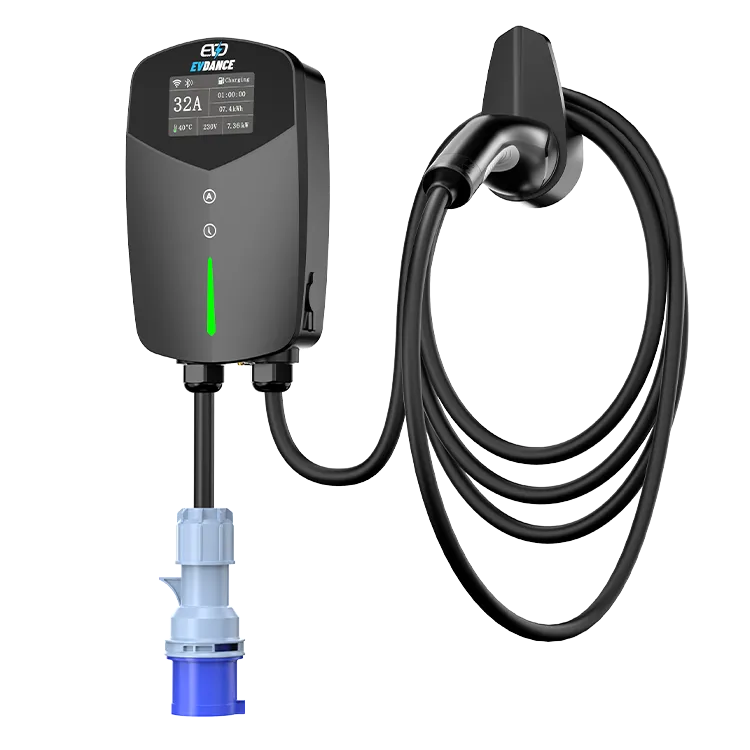
When the EV-ACT3204E refuses an RFID card, the charging hardware is fine — the authorization check in front of it has failed. It authorizes two ways — card and app — and keeps its own list of accepted cards. Split the fault first: does one card fail, do all cards fail, or does the app fail too? Each answer points at a different fix, and every check is owner-level.
Key Takeaways
- A refused card on this wallbox is an authorization failure — split it first: one card, all cards, or the app as well.
- A second-card test separates a damaged or unenrolled card from a charger-side fault in one step.
- Cards are enrolled per charger; a card from another charger or network is refused here until it is enrolled.
- All cards refused with the app working and the list intact means support, not tools — the unit is hardwired and under a 3-year warranty.
Split the Fault First
| Pattern | What it points to | First move |
|---|---|---|
| One card refused, the others work | That card: damaged, or no longer on this charger’s list | Inspect the card; re-check its enrolment following the manual |
| Every card refused, app start works | The card side of the unit — the reader, or the list itself | Confirm the list is intact per the manual; if it is, go to support |
| Cards refused and the app will not start a charge either | Not a card problem — the unit’s power or state | Work through the general charger not working checklist |
| Works sometimes, refused other times | Presentation or wear: how the card is offered, or a card starting to fail | Hold the card flat and steady on the reader, alone, for a full second |
The concept — a card proves you are on the allowed list before power flows — is covered in our explainer on what an RFID card for EV charging is and in RFID user management for bigger shared sites. A home wallbox is the simple end: one charger, one list, administered by you.
Owner-Level Checks, in Order
- Present the card the way the manual describes. Flat against the reader, held still — a fast wave, or a card buried in a wallet of other cards, can misread or read the wrong card.
- Test with a second card. One test separates “this card” from “this charger” faster than any other step. If the second card starts a charge, the first card is your problem.
- Look at the card itself. Cracks, bending and worn edges can kill the chip or antenna inside while the card still looks serviceable. A damaged card is replaced, then enrolled — it cannot be repaired.
- Confirm the card belongs to this charger. Cards are enrolled per charger. A card from a previous charger, a workplace or a public network is not on this wallbox’s list, however official it looks — and a card never enrolled on this unit is refused even if it arrived in the same delivery.
- Check nothing changed the list. If cards stopped working right after one was added or removed, re-check the list per the manual’s enrolment procedure before suspecting hardware.
When the Reader Is the Suspect
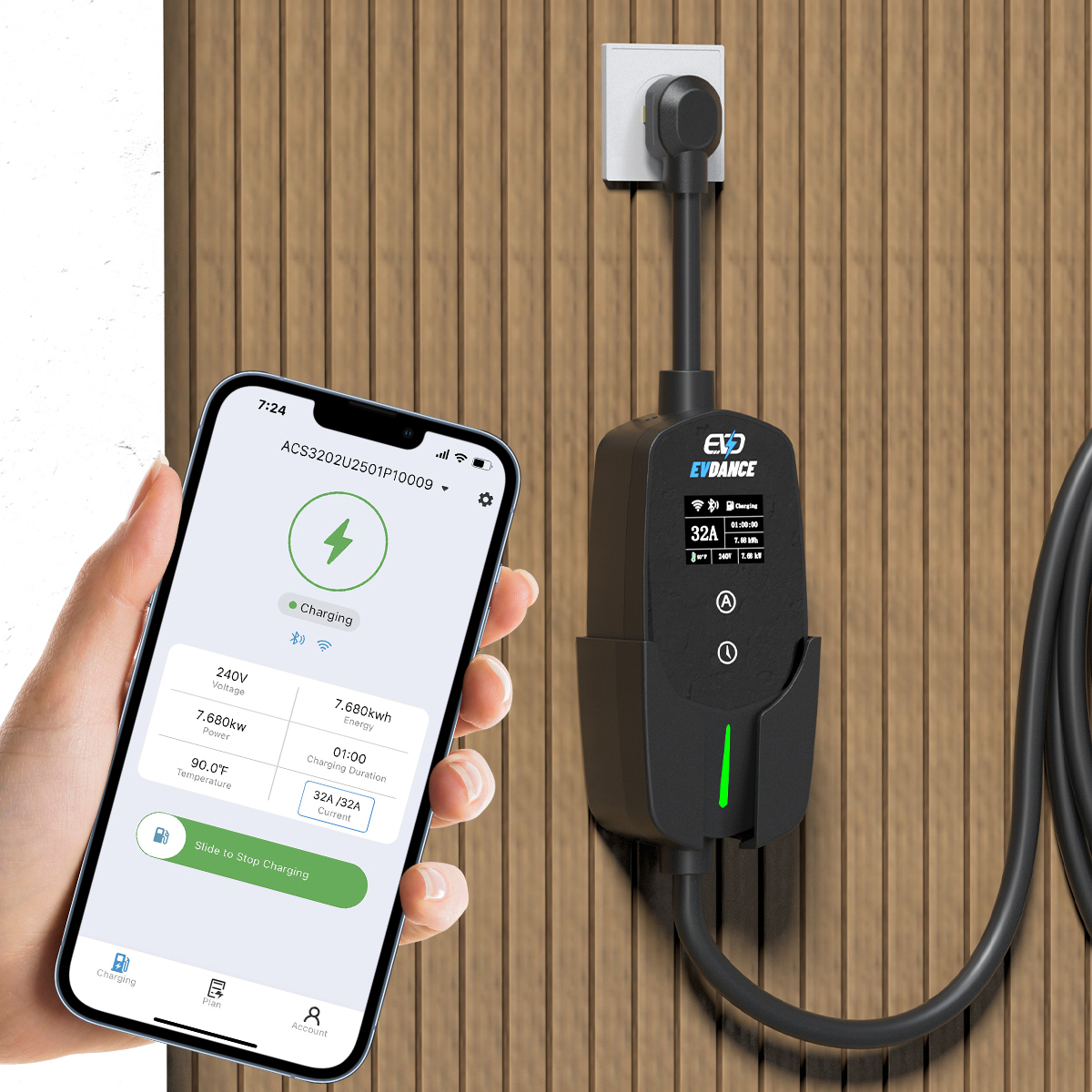
If every enrolled card is refused, the app still starts charges, and the list checks out, the home checks are done: the reader side of the wallbox is the remaining suspect, and it is not owner-serviceable. This unit is hardwired — there is no plug to pull and nothing to open. Note the pattern (which cards, since when, what changed last), then contact EVDANCE support with that record; EVDANCE chargers carry a 3-year standard warranty. The app still starts sessions in the meantime.
Frequently Asked Questions
My card worked yesterday and is refused today. What changed?
Either the card or the list changed. Test a second enrolled card: if it works, your card is damaged or was removed from the list — re-check its enrolment per the manual, and replace it if it fails everywhere. If no card works, use the all-cards branch above.
The app starts a charge but no card works. Is the reader broken?
Possibly — but rule out the list first. If every card stopped together right after list edits, re-check the enrolment state. If the list is intact and cards are still refused, treat it as a reader fault and open a support case with your notes.
Can I use a card from my old charger or a charging network?
Not directly. Each charger keeps its own list of accepted cards, so a card has to be enrolled on this wallbox before it works here. Our guide to getting an RFID card for charging covers how cards are issued and linked.
Related Reading
- What Is an RFID Card for EV Charging?
- RFID and User Management for Shared EV Chargers
- How Do I Get an RFID Card for Electric Car Charging?
- Why Is My Electric Car Charger Not Working? A Driver’s Checklist

