
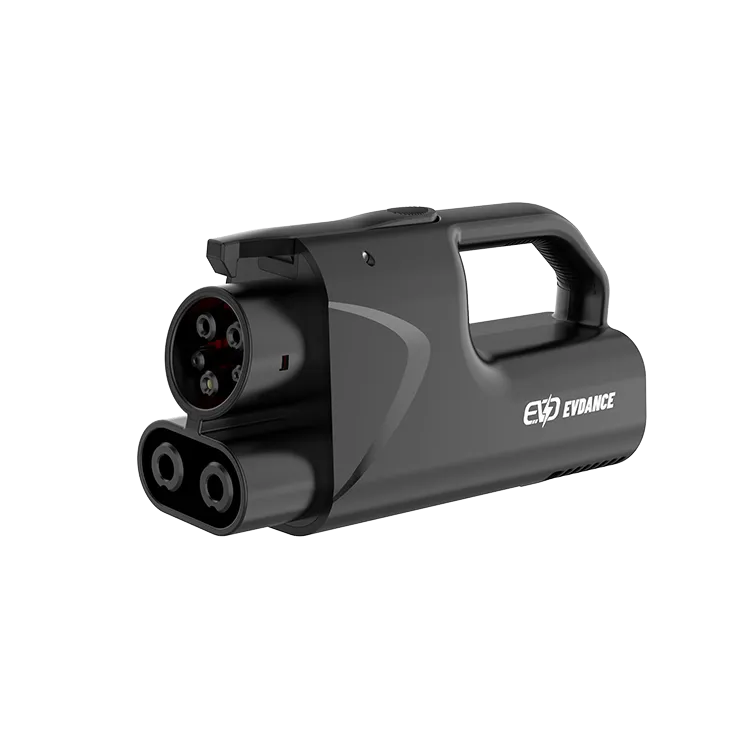
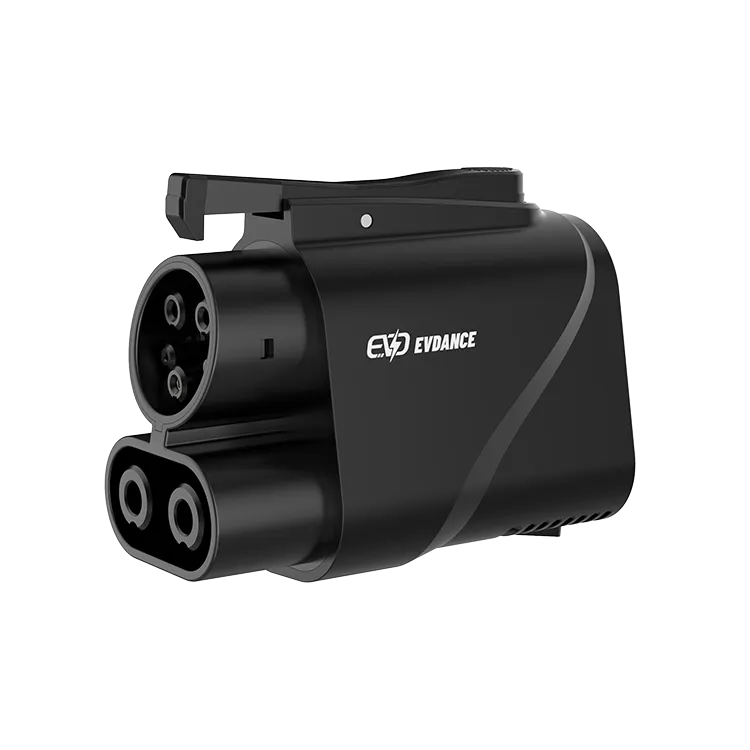
Before a long drive that depends on a NACS-to-CCS1 DC adapter, check three things: that your automaker approves the adapter for your car, that the stations on your route are open to your vehicle, and that the adapter itself is clean, dry and undamaged. The JT08 and JT09 are rated up to 500 A with IP66 protection, but at those currents even small contact damage matters, so a two-minute inspection is worth it.
Key Takeaways
- Confirm automaker approval and station access before the trip.
- Inspect housing, pins, seals, latch and cleanliness.
- Never use a damaged DC adapter.
- Store it capped and dry after the trip.
Compatibility Checks First
| Check | Where to confirm | Why |
|---|---|---|
| Automaker approval for DC adapters | Owner’s manual, automaker app or support | Some cars need a software update or specific adapter |
| Station access for your vehicle | Charging network app | Not every NACS station is open to every vehicle |
| Payment set up | Network app account | Avoid delays at the first stop |
| Route planned with backups | Route planner, DOE station locator | Have an alternative if a site is busy or down |
Read whether you can use any charging station and the shift from CCS1 to NACS for background.
The Physical Inspection
- Housing: look for cracks, deformation or melted areas.
- Pins and sockets: check for bent, pitted, discoloured or loose contacts.
- Seals: confirm rubber seals are intact and seated.
- Latch: test that the latch engages and releases cleanly.
- Debris and moisture: look into both ends with a light; remove dust with a soft dry brush.
- Caps and pouch: fit caps and pack the adapter where it will not be crushed.
If anything looks damaged, do not use the adapter. A damaged DC adapter can overheat at high current. Our guides on adapter safety and cleaning connectors give more detail.
During the Trip
Connect the adapter to the station’s connector, then to the car, or follow your automaker’s instructions on order. Watch the first session for normal behaviour. Never leave the adapter hanging on the station after you finish. If a session ends with an error, inspect the adapter before trying again.
After the Trip
Wipe off road dust, let it dry if it got wet, and store it capped in its pouch. Note any sessions that failed, and report repeated problems to the supplier. A short note on your phone, with the date, station and what happened, makes support much faster if you ever need to make a warranty claim, and it helps you spot whether a problem follows the adapter or a particular station.
The JT08 and JT09 are NACS-to-CCS1 DC adapters rated up to 500 A with IP66 protection; the JT09 adds a handle. Use them only where your automaker approves and the station is open to your vehicle.
Frequently Asked Questions
Do I need automaker approval to use a NACS-to-CCS1 adapter?
Yes, check that your automaker approves DC adapters for your car. Some require specific adapters or software.
What should I look for when inspecting a DC adapter?
Cracks, melted areas, bent or discoloured pins, damaged seals, a faulty latch, debris and moisture.
Can I use a damaged adapter carefully?
No. Damaged DC adapters can overheat at high current. Replace it.
Related Reading
- Can You Use Any EV Charging Station?
- EV Charging News: NACS Overtakes CCS1 in U.S. DC Fast Charging Connectors
- Are EV Charging Adapters Safe?
- How to Use a DC Fast Charger: Step by Step

