
Your first public charge goes smoothly if the setup happens at home, not at the bay: create an account in the network app, add a payment method, and learn your connector type and where your charge port is. At the station: park, read the screen, start the session the way that network asks, plug in — then check the dashboard to confirm charging has actually begun. That confirmation step is the one first-timers skip, and it matters most.
Key Takeaways
- Prepare at home: app account, payment method, your connector type and where your charge port is.
- At the bay, the charger’s screen sets the order of starting and plugging in.
- Always confirm on the car dashboard and in the app that charging has actually begun.
- End the session properly, hang the cable back, and move promptly to avoid idle fees.
Before You Leave Home
- Set up payment in advance. Download the network app, register, and add a payment card while you have good signal and time. Doing this standing at a charger is the classic first-charge failure.
- Know your connector. Check which inlet your car has — J1772 or NACS for AC, CCS1 or NACS for DC fast charging in North America — and that your planned station matches.
- Find the charge port. Ports sit in different places on different cars, and some unlock only with the car. This decides how you park.
- Pick the station before you go. Use the network app or the DOE station locator to confirm the station exists, and check its price and reported status. Keep a second station in mind as a backup.
Our quick-reference guide on how to use a public EV charger covers start and stop methods in short form; this walkthrough adds the preparation and checks.
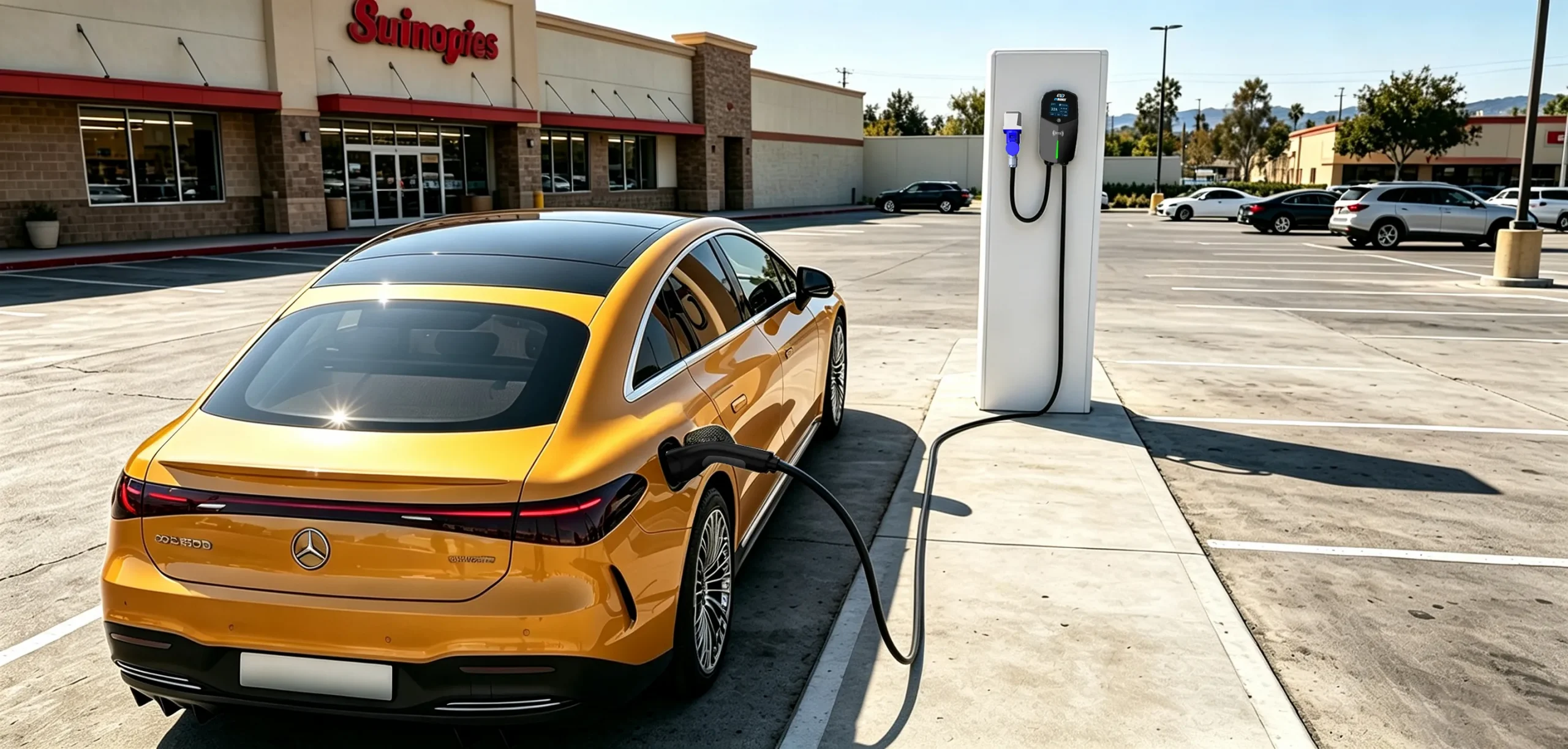
At the Station, Step by Step
- Park squarely in the bay, close enough that the cable reaches your port.
- Read the charger’s screen first — it states the order that network wants. Some stations start the session before plugging in; others want the connector in first. The screen, not habit, decides.
- Start the session with the method you prepared: app, RFID card, or contactless bank card where a reader is fitted. Note the price basis — per kWh, per minute or per session — before confirming.
- Plug in firmly until it latches — a connector not fully seated is the most common reason nothing happens.
- Confirm it is charging. Your dashboard shows a charging state and a rate or time estimate; the app shows the live session. If neither appears within a minute or so, nothing has started — work the checks below.
| Checkpoint | What “good” looks like | If it is not happening |
|---|---|---|
| Connector | Latched in the port, cable not strained | Re-seat firmly; try the second connector if fitted |
| Session | App or screen shows an active session | Check the screen message; confirm payment went through in the app |
| Charging | Car dashboard shows charging and a rate | End the attempt, restart the session; report the fault in the app if it repeats |
While It Charges, and Finishing Properly
Stay reachable and watch the session in the app. On DC fast chargers the rate falls as the battery fills, so charge for the next leg rather than waiting for full — our step-by-step on how to use a DC fast charger covers that rhythm. When you are done, end the session in the app or on the station, unlock the car if it holds the connector, unplug and hang the cable back. Busy networks charge idle fees after a grace period, so move promptly — and check the app’s session summary before driving away.
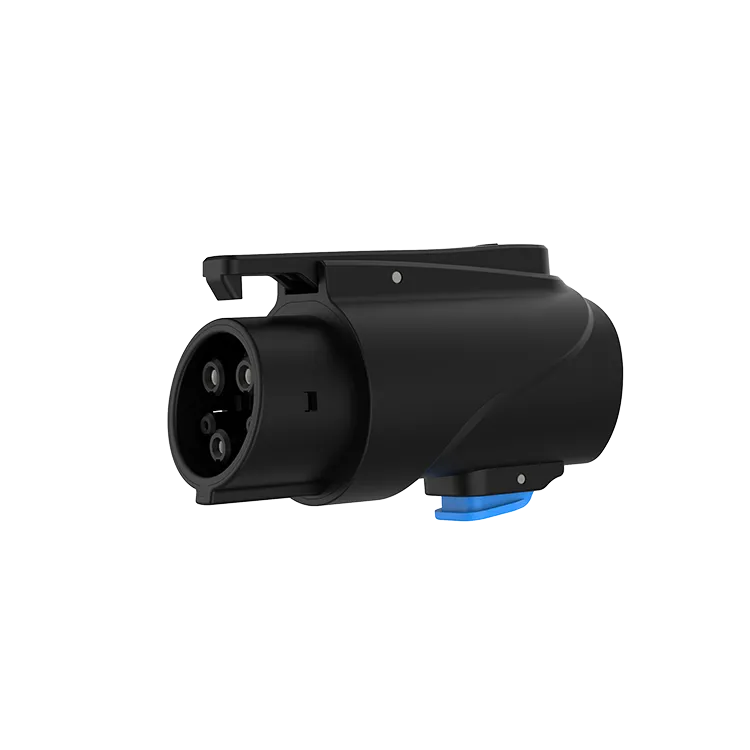
If your car’s inlet differs from local connectors, an adapter belongs in the car, not in a drawer at home. The EVDANCE JT02 is a NACS-to-J1772 AC adapter rated up to 80 A with IP65 sealing, for AC stations and destination chargers.
Frequently Asked Questions
Do I need the app, or can I just tap a bank card?
It depends on the network. Many accept contactless cards, and U.S. NEVI-funded stations must accept contactless payment with no membership required. For a first charge, set up the app anyway — it holds live status, price and receipt in one place.
Which comes first — plugging in or starting the session?
Whichever the station’s screen says. Networks differ, and choosing the wrong order usually just means the session will not start. If nothing happens, the order is the first thing to swap.
How long should my first session be?
On a Level 2 destination charger, charge for the time you are parked anyway. On DC, take what the next leg needs and go — the last part of the battery fills slowly, and the bay is shared.
Related Reading
- How to Use a Public EV Charger (and How to Stop It)
- How to Use a DC Fast Charger: Step by Step
- Do EV Charging Stations Take Credit Cards?
- Can You Use Any EV Charging Station?

