
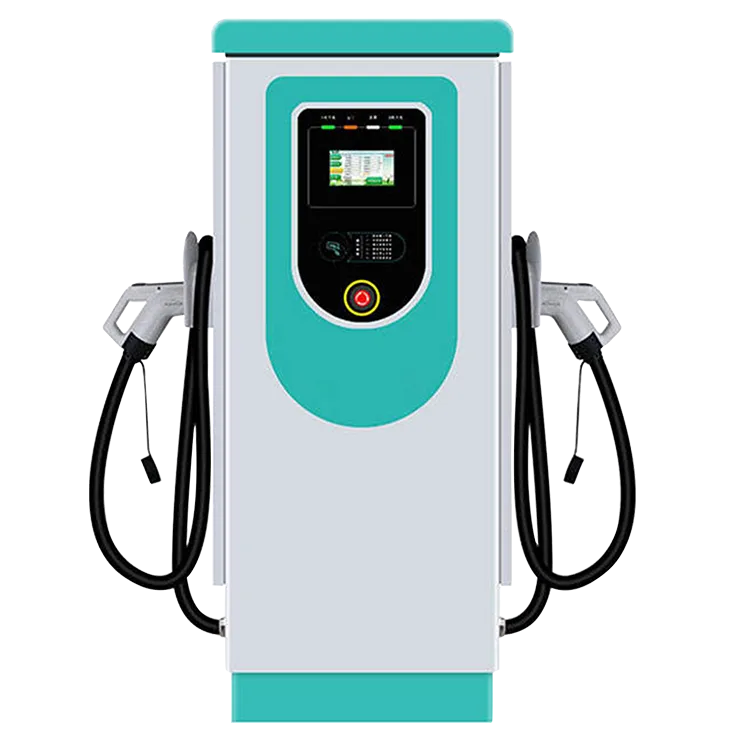
On the EV-AC03201T, the driver runs the session on a 7-inch touchscreen: choose a connector, authenticate, connect, charge, stop. The screen is the driver’s side of the station. Accounts, tariffs and payment sit behind it, on the operator’s charging platform, reached over OCPP 1.6J.
Key Takeaways
- The EV-AC03201T’s 7-inch touchscreen runs the session: connector choice, RFID authentication, connection, progress, stop.
- Battery information lives in the car; accounts, tariffs and receipts live on the operator’s OCPP platform.
- The listing specifies the screen’s size only — no menu layout or payment flow is published, so confirm a specific flow in writing before ordering.
- Each connector is an independent session — two drivers charge at once, each on their own flow.
The Session, Step by Step
The order below is the session flow the station presents. Each connector is its own session, so a second driver can start while the first car is still charging — the shared design is explained in our guide to what a dual port charger is.
- Choose your connector. The screen shows the station’s two Type 2 connectors and which of them is free. You work with the connector on your side of the station.
- Authenticate. Hold your RFID card to the reader so the station knows whose session this is. Which cards are accepted, and how they are issued, is set by the operator — our explainer on RFID and user management for shared chargers covers that side. An operator may also offer app start through their platform; that is their setup, not the station’s.
- Connect. Plug the connector into the car and confirm on the screen; charging begins when the car accepts it.
- Charge. The screen shows the session in progress; your car’s dashboard shows the same session from the car’s side.
- Stop and unplug. End the session on the screen or with the same card you started with, then return the connector to its holster so the next driver finds it ready.
What the Screen Shows — and What Lives Elsewhere
Drivers ask the screen three different kinds of questions, and only the first kind is really the screen’s job:
| Question at the station | Where the answer lives |
|---|---|
| Is this connector free, and how do I start? | The station screen, with your RFID card |
| Is my session running, and how much energy so far? | The station screen during the session; the platform keeps the record |
| How full is my battery, and when will it be done? | Your car’s dashboard — the station reports the session, not the battery |
| What am I paying, and where is my receipt? | The operator’s platform — the tariff is the operator’s, set on their side |
That split is normal for a networked station. The hardware handles the connector, the card and the session; the platform behind OCPP handles accounts and billing. Knowing the split stops drivers looking for battery information on the wrong display.
What the Listing Does Not Specify
The product listing states a 7-inch touchscreen and nothing finer. It publishes no menu layout, no list of display languages and no on-screen payment flow, so this guide does not invent them. The flow can differ between two sites running the same station, because each operator configures their platform’s side of it.
If a purchase depends on a specific on-screen flow — a named payment step, a particular language, a receipt option — treat the exact interface as a written-confirmation item: ask EVDANCE for the current interface description, or check it on a sample unit, before the order is placed.
The Station Behind the Screen
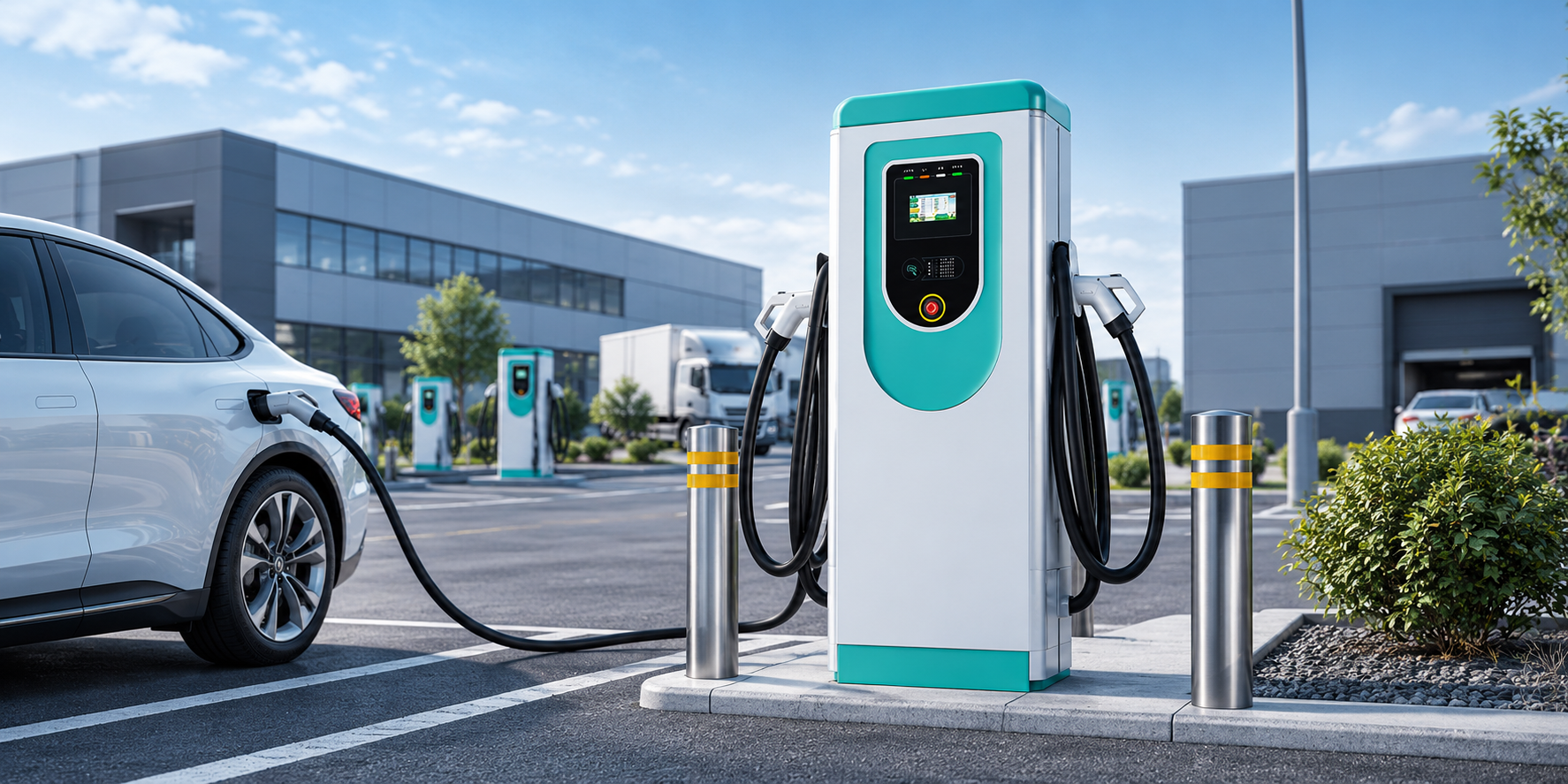
The EV-AC03201T is a floor-standing dual-connector AC station: two Type 2 connectors, up to 43 kW shared (22 kW per connector) with dynamic power allocation, OCPP 1.6J connectivity, RFID access, a 7-inch touchscreen and an IP54 enclosure. EVDANCE is a Shenzhen manufacturer founded in 2011, and the station carries its 3-year standard warranty. Networked sites start from the commercial charging range.
Frequently Asked Questions
Do I need an app to use the touchscreen?
No. The screen plus an RFID card run the session at the station itself. An operator may add app-based start through their platform, but that is the operator’s choice, not a requirement of the hardware.
Does the screen show my battery percentage?
No. The station reports the session — that it is running and the energy delivered. Battery percentage and time-to-full are calculated by the car and shown on its own dashboard.
Is the screen identical at every site with this station?
The hardware is the same 7-inch touchscreen. The flow presented on it can vary with the operator’s platform configuration, and the listing does not publish a menu layout — operators who need a specific flow should confirm the current interface in writing.
Related Reading
- OCPP Explained: What Charge Point Operators Need From EV Charger Hardware
- What Is a Dual Port EV Charger? How It Works and How to Choose
- RFID and User Management for Shared EV Chargers
- What Is an RFID Card for EV Charging?

