
Start with what the listings say: the JT08 and JT09 state current and voltage ceilings and IP66 sealing — and describe no lock of their own, no thermal sensor, no temperature monitoring. DC adapter safety does not rest on features like those. It rests on three things: the station–car system holding the connector while power flows, the damage signs that tell you a contact is unhealthy, and how fully you seat the connector before starting.
Key Takeaways
- The listings describe no lock, thermal sensor or temperature monitoring — safety rests on the session’s design and on inspection.
- Locking is a station–car function: end the session to release, and never force a held connector.
- No temperature threshold is published for these adapters; judge by damage signs — discoloration, smell, pitting, a loose fit — and retire on any.
- Seating is your controllable half: straight, full, at both ends, before the session starts.
Locking: A Function of the Session
In DC fast charging, the connector is held while power flows by the arrangement between the station and the car: the session is established digitally first, the coupler is locked for its duration, and ending the session is what releases it. That behaviour belongs to the charging system as a class — it is not a mechanism either listing describes, and neither adapter should be credited with one. If the exact locking arrangement on a given car and station matters to you, it is a written-confirmation item.
Your part of locking is simple and absolute:
- Never force a connector off mid-session. If it is held, the session is live or not yet ended — stop it at the station or in the car first.
- A connector that will not release is a station or car issue. Follow the network’s on-site process; pulling harder is never the tool.
- Physical fit is not permission. A seated, locked connector says nothing about approval — the maker-approval and open-station conditions still govern use, as whether EV charging adapters are safe sets out generally.
Temperature: Warmth Is Physics, Damage Signs Are the Limit
Current through real metal contacts makes some warmth — general physics, and 500 A-class contacts are no exception.
What the listings do not give you is a number: no operating threshold is published for these adapters, and no temperature sensing or monitoring is stated for them. Do not borrow either from generic adapter checklists. Judge the adapter by its condition:
| You observe | Reading |
|---|---|
| Mild warmth after a hard session, surfaces clean and unmarked | Expected behaviour of a working contact |
| Discoloration on a contact face | The joint has run hotter than it should — retire it |
| A hot-plastic smell, pitting or scorch marks | Damage, not wear — stop using it |
| A fit that has gone loose or needs force | No longer the joint that was rated — replace, never repair |
Proper Seating: The Half You Control
Seating is the half in your hands. A connector not fully home makes a poor joint: less contact area for the full session current, and a common reason a session refuses to start. Seat the adapter straight and fully at both ends before starting — the order the step-by-step for DC fast charging assumes. Keep the faces clean and dry when you mate them; grit between faces is resistance you added yourself. If a session then fails to start, treat seating as one check on the list — a single careful reseat — not the answer: permission failures look identical from the driver’s seat.
The JT08 and JT09, as Listed
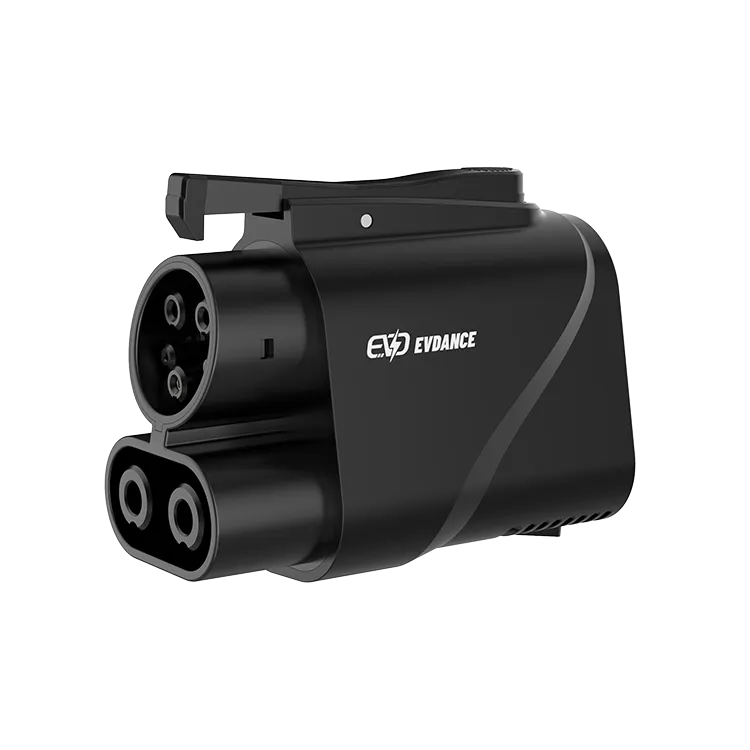
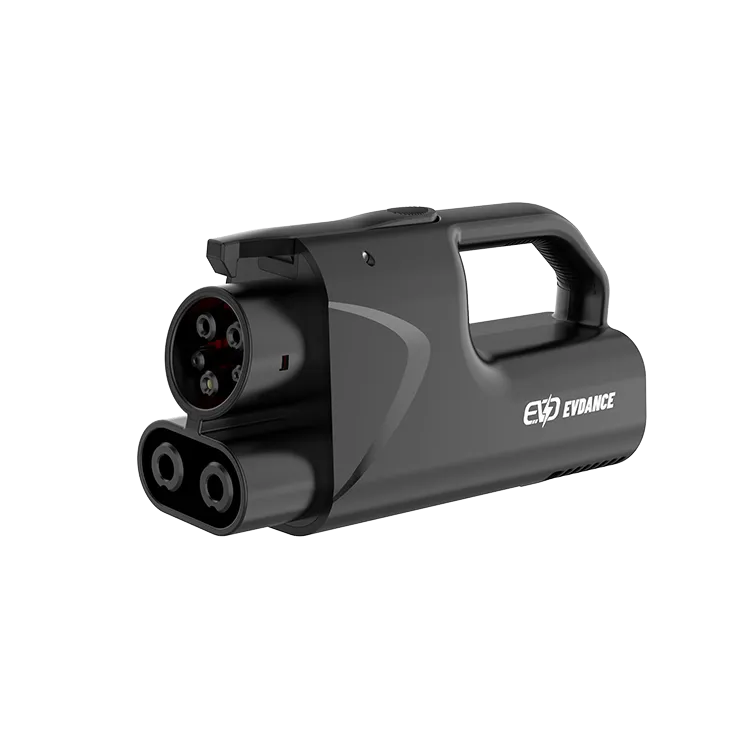
The EVDANCE JT08 (handleless, up to 500 A / 1000 V, IP66) and the EVDANCE JT09 (with handle, up to 500 A, IP66) are NACS-to-CCS1 DC adapters, used only where your vehicle maker approves third-party DC adapter use for your car and the station or network is open to your car. IP66 is their stated sealing against dust and water. Everything beyond the stated lines — a lock design, a temperature feature, a monitoring function — is not part of what these listings sell.
Frequently Asked Questions
Does the JT08 monitor its own temperature?
Its listing states no temperature sensing or monitoring. Your instruments are your eyes and the damage signs above. An adapter showing them is retired, not watched.
How hot is too hot for a DC adapter?
No threshold is published for these models; a degree figure quoted for them would be invented. Warmth after a session is expected; discoloration, smell, pitting or a loose fit are the stop signs.
The connector will not release after charging. What do I do?
End the session properly first — at the station, then in the car — and give the system a moment to unlock. If it still holds, use the network’s help process. Never force it: a forced removal risks the connector, the inlet and the adapter in one pull.
Related Reading
- Are EV Charging Adapters Safe?
- How to Use a DC Fast Charger: Step by Step
- How Do DC Fast Chargers Work?
- Can I Use a Tesla Charger for Other Cars?

