
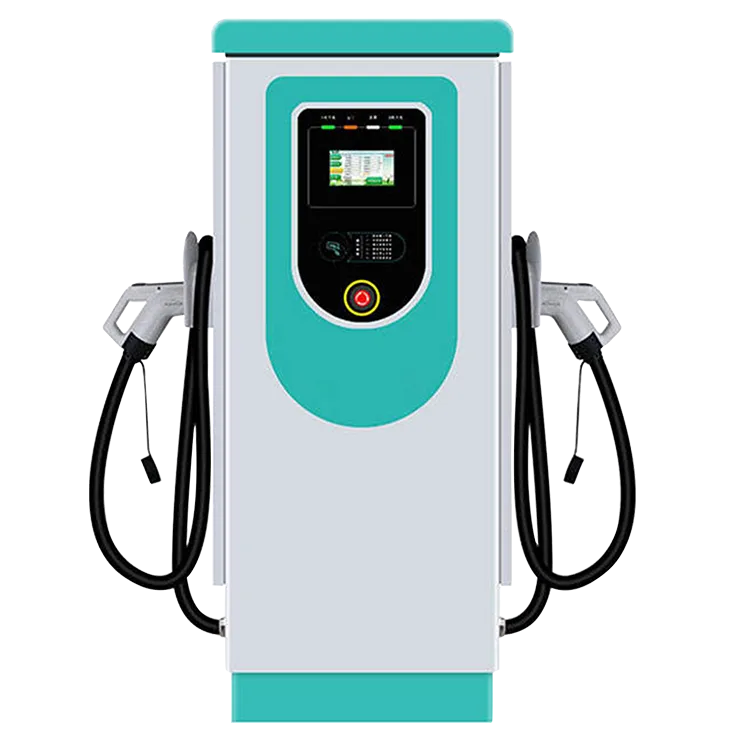
Before ordering a floor-standing dual-connector AC station, survey the site for electrical capacity, cable route, groundworks, mobile or network coverage, vehicle access, accessibility and permits. For the EV-AC03201T, which can share up to 43 kW across two Type 2 connectors, the supply question comes first: can the site deliver the power you want, or will load management be needed? A good survey turns a rough idea into a costed, buildable plan.
Key Takeaways
- Check electrical capacity before choosing station numbers.
- Groundworks are often the biggest non-hardware cost.
- Test connectivity at the pedestal location.
- Lay spare ducts for future stations.
The Survey Checklist
| Area | Questions to answer | Who usually checks |
|---|---|---|
| Electrical supply | Spare capacity, three-phase availability, distance to the board | Electrician, utility |
| Cable route | Trenching length, surface type, obstacles, existing services | Electrician, groundworks contractor |
| Foundation | Base or plinth for the pedestal, drainage | Civil contractor |
| Connectivity | Mobile signal or wired network at the pedestal | Installer, IT |
| Bay layout | Bay size, cable reach to common port positions, bollards | Designer |
| Accessibility | Space and reach for disabled drivers | Designer |
| Lighting and signage | Night use, wayfinding | Designer, electrician |
| Permits | Planning, electrical notification, utility application | Owner, installer |
Electrical Capacity First
The station can share up to 43 kW between two connectors, but many sites start with less available capacity. Options include limiting the station’s maximum current, using load management across several stations, or applying to the utility for a larger connection, which can take time. Ask an electrician for a load assessment. Read load calculation basics and commercial installation costs.
Groundworks and Routing
Trenching, ducting and surface reinstatement are often the biggest cost after hardware. Survey for existing underground services before digging. Lay spare ducts for future stations while the ground is open. Our guide on installing a charger pedestal covers foundations and fixing.
Connectivity and Operations
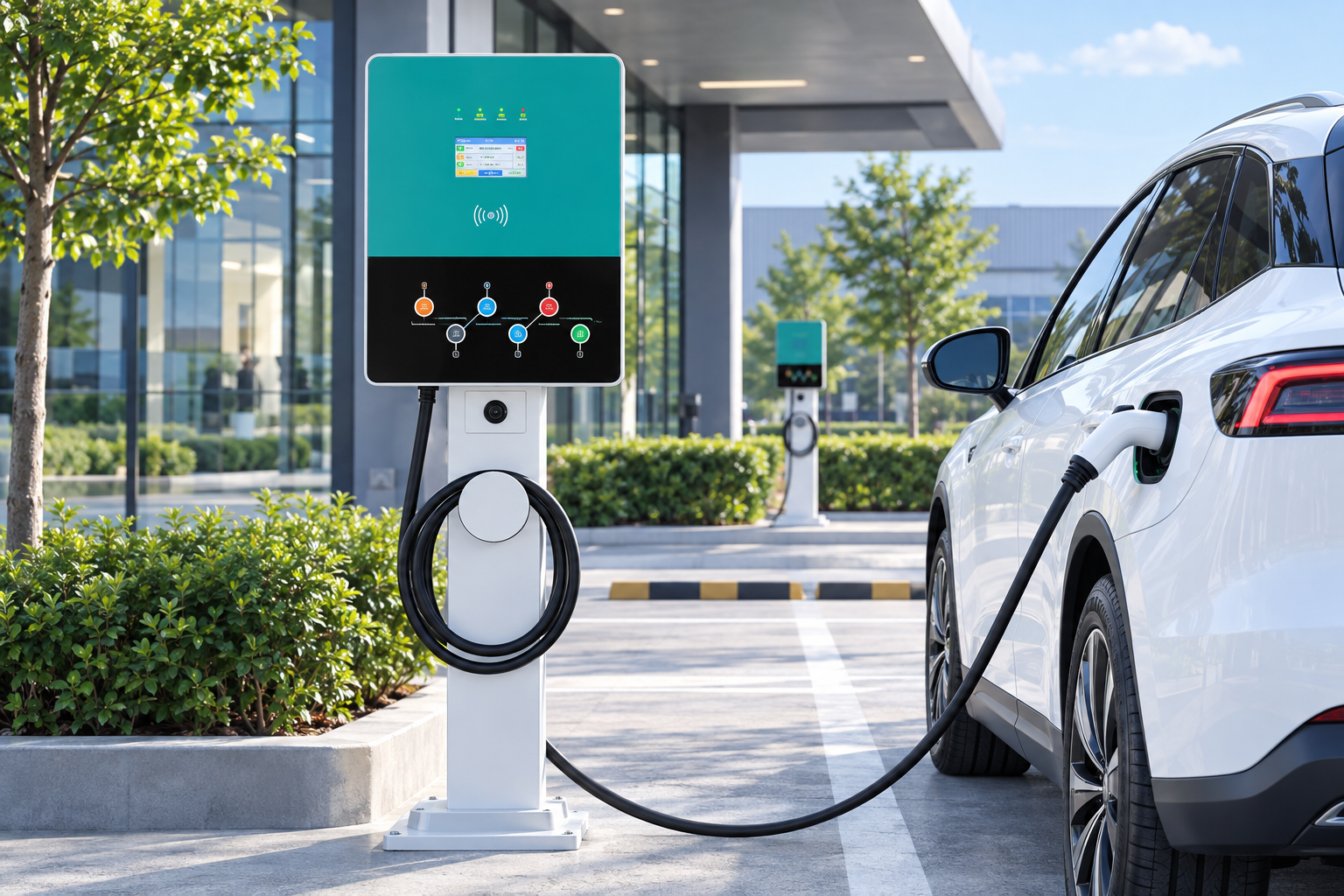
OCPP 1.6J connectivity needs a reliable signal or a wired connection at the pedestal. Test it during the survey. Decide which back-office platform will run the station, how drivers will pay, and who will respond to faults. These decisions affect the order itself, because the station may need to be configured for a particular platform before it ships, and spare RFID cards should arrive with the hardware.
Turning the Survey Into an Order
- Choose the number of stations and their positions.
- Confirm the supply design and any load limits.
- Agree groundworks scope and timetable.
- Order hardware with spare parts, RFID cards and mounting bases.
- Plan commissioning, including OCPP setup and test sessions.
The EV-AC03201T is a floor-standing dual-connector AC station with two Type 2 connectors, up to 43 kW shared (22 kW per connector), a 7-inch touchscreen, RFID, OCPP 1.6J and IP54 protection. EVDANCE can review survey results through its commercial charging team.
Frequently Asked Questions
Why do I need a site survey before ordering chargers?
It confirms supply capacity, cable routes, groundworks and connectivity, which often decide cost and feasibility.
Who should carry out the survey?
Usually a qualified electrician or charging installer, with input from civil contractors and the utility as needed.
What if the site lacks capacity for full power?
Limit station current, use load management, or apply for a larger connection.
Related Reading
- Adding EV Chargers to a Building: Load Calculation Basics
- How Much Does It Cost to Install a Commercial EV Charging Station?
- How to Install an EV Charger Pedestal: Step by Step
- Where to Install an EV Charging Station: Site Selection Guide

