
It means the charger has checked its main switch and cannot confirm the switch opened. Treat the message as final until the manufacturer’s service route says otherwise.
Key Takeaways
- A welded-contactor fault means the charger cannot prove its main switch opened — it stays out of service.
- Never reset it back into use, open the cabinet, or bypass a switch to keep a bay running.
- Record the fault message, model and serial; send that record to the manufacturer’s service channel.
- The repair is a switching-device replacement by the service route — a cleared message is not a repair.
Do not reset the unit back into use, do not open the cabinet, and do not let drivers keep trying it: record the fault and book the repair, because the fix is replacing the switching device, not clearing the message.
What the Message Is Telling You
The contacts of a main switch can fuse — weld — shut under fault current or after long switching wear. A charger with weld detection checks its switch really opened, and locks out when the check fails. That refusal is the protection working: every safety function in the charger, from leakage protection of the kind in our guide to GFCI protection for EV chargers, ends by commanding that one switch to open. A unit that cannot prove its switch opened will not offer a connector as ready — do not overrule it.
The Do-Not List
- Do not repeatedly power-cycle or reset to clear the fault. A message that disappears after a restart is not a switch that opened.
- Do not open the cabinet, and do not attempt to free, clean or replace contacts. That is sealed service work.
- Do not return the unit to service because the fault “went away” or a driver is waiting. Only the service route clears a weld fault.
- Do not bypass or bridge any switch or interlock to keep the bay running — ever.
The Response, in Order
- Take the connector out of service. Mark the unit as out of order; on a shared or public site, update the status drivers see so nobody plans around a dead connector. A commercial charger maintenance checklist is where this routine belongs.
- Record the evidence. Photograph the exact fault message, note the date and time, and copy the model and serial number from the rating label.
- Send the record to the service channel. Manufacturer support first, with the record attached — not a message in a driver group chat.
- Plan the downtime. The unit stays out until the switching device is replaced and the unit passes its checks; plan the site’s other connectors around that.
What the Service Visit Will Want
| Record | Why the service team asks for it |
|---|---|
| The fault wording or code, photographed | It identifies which check failed and how the unit responded |
| Model and serial number | They pin the exact build, its parts and its warranty record |
| What the last sessions did | A fault at switch-off and a fault found at start-up point to different histories |
| Supply events the site knows about | An outage or disturbance that day is a fact worth recording — as a fact, not a diagnosis |
| Warranty status | EVDANCE’s standard warranty is 3 years; the record decides how the repair is handled |
EVDANCE Commercial Chargers and This Fault
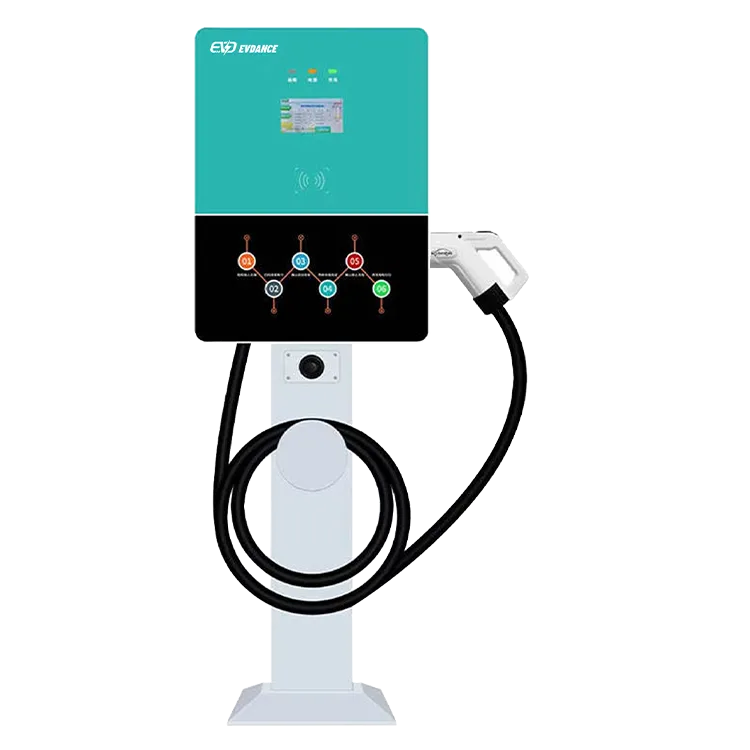
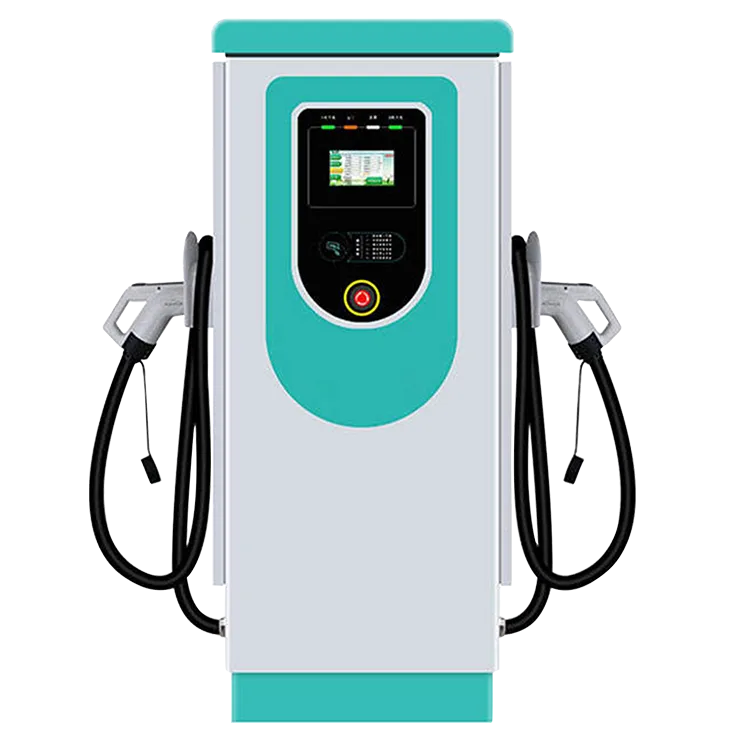
No EVDANCE product page states a weld-detection method for a model — where a design has one, the method lives in the design and certification file. So whether a model detects and reports a welded contact is a written-confirmation item at purchase, asked alongside the service concept. The EV-RHDC30K-L compact DC charger (22 kW DC, OCPP 1.6J, IP54) and the EV-AC03201T dual-connector AC station (up to 43 kW shared, OCPP 1.6J, RFID, IP54) are specified on their pages by output, protocol and enclosure rating. If either reports a switch fault in service, the route is EVDANCE support via the contact page, with the fault record from the steps above.
Frequently Asked Questions
The fault cleared after a restart. Can drivers use the charger now?
No. A cleared message does not prove the switch opened. Keep the unit out of service until the manufacturer or its service route has assessed it.
Can the other connector of a dual-connector station keep working?
Do not assume: two outputs share a cabinet and may share more than the housing. Whether the second output is independent is the manufacturer’s call — ask, with the fault record in hand.
Is the connector dangerous to touch while the fault shows?
The unit has locked itself out, and the right response is to leave it alone: treat it as out of service, follow any instruction on the unit itself, and leave checking it to the service route.
Related Reading
- Commercial EV Charger Maintenance Checklist
- Does an EV Charger Need GFCI Protection?
- How Do Commercial EV Charging Stations Work?
- How Do DC Fast Chargers Work?

