
When a charger app will not connect, the fault sits in one of three links: phone and account, the maker’s cloud in the middle, or the charger itself. An app is only the front end — it talks to the cloud, and the cloud talks to your charger — so a blank app says a link is broken, never which one. Work the links in order and the broken one identifies itself. If the car is charging, the hardware is fine: the fault lives in the chain above it.
Key Takeaways
- An app failure is one broken link in a chain of three — phone and account, the maker’s cloud, the charger — each with its own test.
- If the car is charging, the hardware is fine. Work the chain, not the charger.
- A new router or password breaks the charger link silently — the unit keeps the old details.
- Never answer a link fault by creating a new account or factory-resetting first.
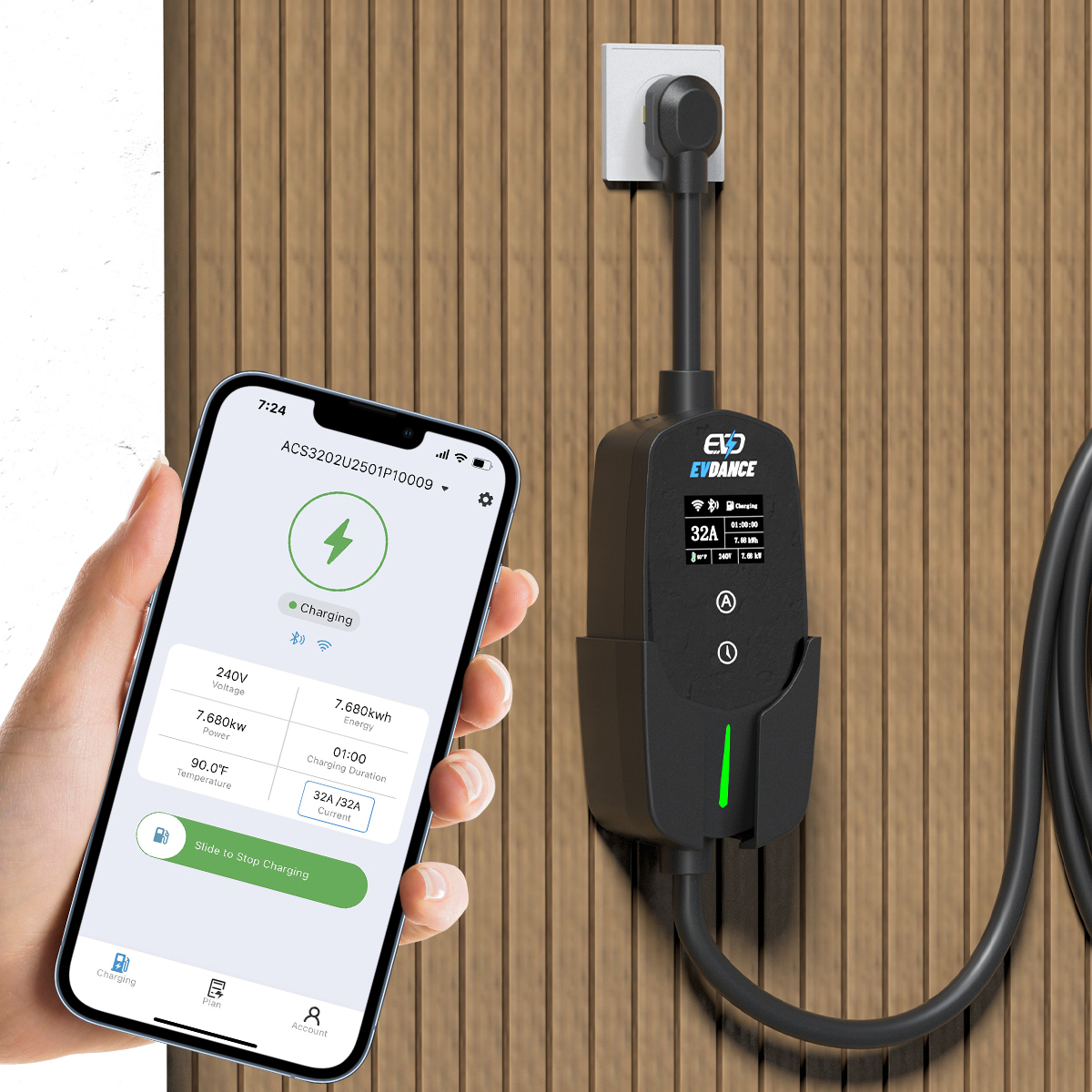
Three Links, Three Different Faults
Each link fails in its own way and takes its own fix:
| Link | What breaks there | The test that exposes it |
|---|---|---|
| Phone and account | The app is signed into a different account than the charger was set up with, or the app software has gone stale | Sign in with the original account on a second phone or the maker’s portal. If the charger appears, the first phone was the fault. |
| The maker’s cloud | The service behind the app is down, or the platform’s record of your charger is broken on their side | Every owner is hit at once; nobody’s settings change it. The maker’s support or status channels are the test. |
| The charger | The unit is off your home network — the classic aftermath of a new router or changed password, because it still holds the old details — or its signal is too weak | The unit’s own display or indicator shows it is not connected. Re-joining the new network is a setup step in its manual. |
Test the Links in an Order That Eliminates Them
- Start with the car. If it is charging, the hardware is healthy — your fault is in the chain. The driver’s checklist for a charger that is not working covers the other case.
- Change the phone, keep the account. A second phone or the portal, same account, is the cleanest split: the same blank result clears your phone.
- Ask what changed at home. A new router, password or network name in recent days points at the charger link: the unit still tries to join a network that no longer exists under that name — the question of whether a home charger needs Wi-Fi is really this one.
- Check the maker’s side before your hardware. If the cloud is the broken link, the repair is waiting; re-setting a healthy charger only leaves it needing full setup.
- Look at the unit itself. Powered, with its normal ready indication? A dark unit is a charger problem in an app costume.
Habits That Make It Worse
- Creating a new account. The charger is paired to the original account; a fresh one cannot see it.
- Factory-resetting as a first move. A reset wipes the saved network — possibly the one working link — and turns diagnosis into full re-setup.
- Power-cycling mid-session to chase the app. You risk ending a healthy charge to fix a viewing problem.
The App Layer on EVDANCE Chargers
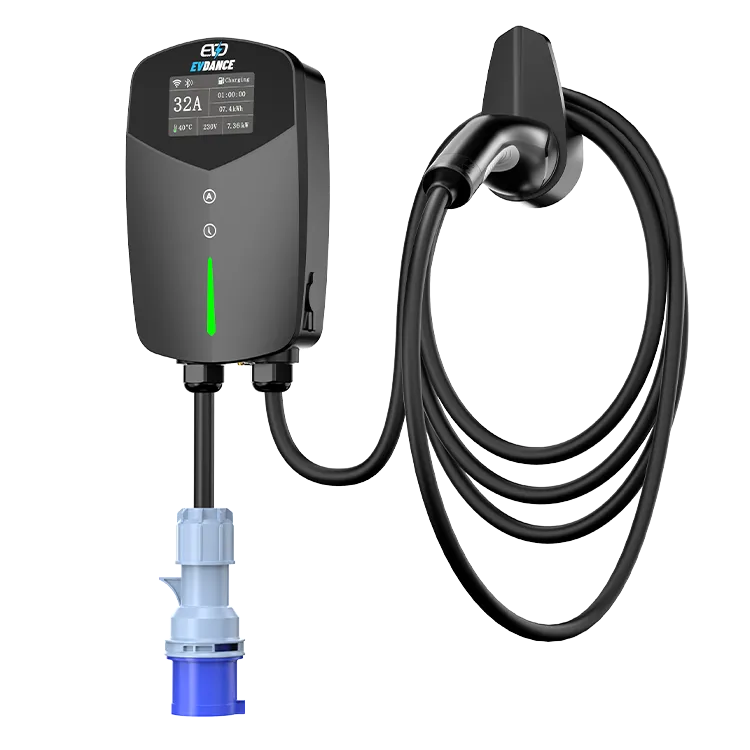
The EV-ACT3204PE 22 kW wallbox is listed with RFID and app control, and the EV-ACS3210E 32A Type 2 portable charger is described with an app and energy monitoring. Those listings state the feature; connection faults still work the same way — the same three links sit between phone and unit, and each model’s pairing steps are its manual’s to give. If the links test clean and it still will not connect, support needs your test record: reach them through the contact page.
Frequently Asked Questions
The app worked yesterday and nothing changed at home. What is most likely?
The middle link: a maker’s service problem, or a stale app state, needs no change at your end to appear overnight. Test on a second phone with the same account, check the maker’s channels, and leave a healthy charger as it was.
We changed our router. Is that really enough to break it?
Yes. The charger holds the old name and password and cannot join the new network by itself. Re-join it with the connection steps in its manual, in order, once — then test.
Can I still charge while the app is down?
Usually, yes, for a session started at the unit or in the car: the app is the control and record layer, not the charge itself. What you lose is that layer — remote starting, settings, records. An app-only schedule follows the maker’s design, which its manual states.
Related Reading
- How Do Smart EV Chargers Work?
- Do Home EV Chargers Need Wi-Fi?
- Why Is My Electric Car Charger Not Working? A Driver’s Checklist

