
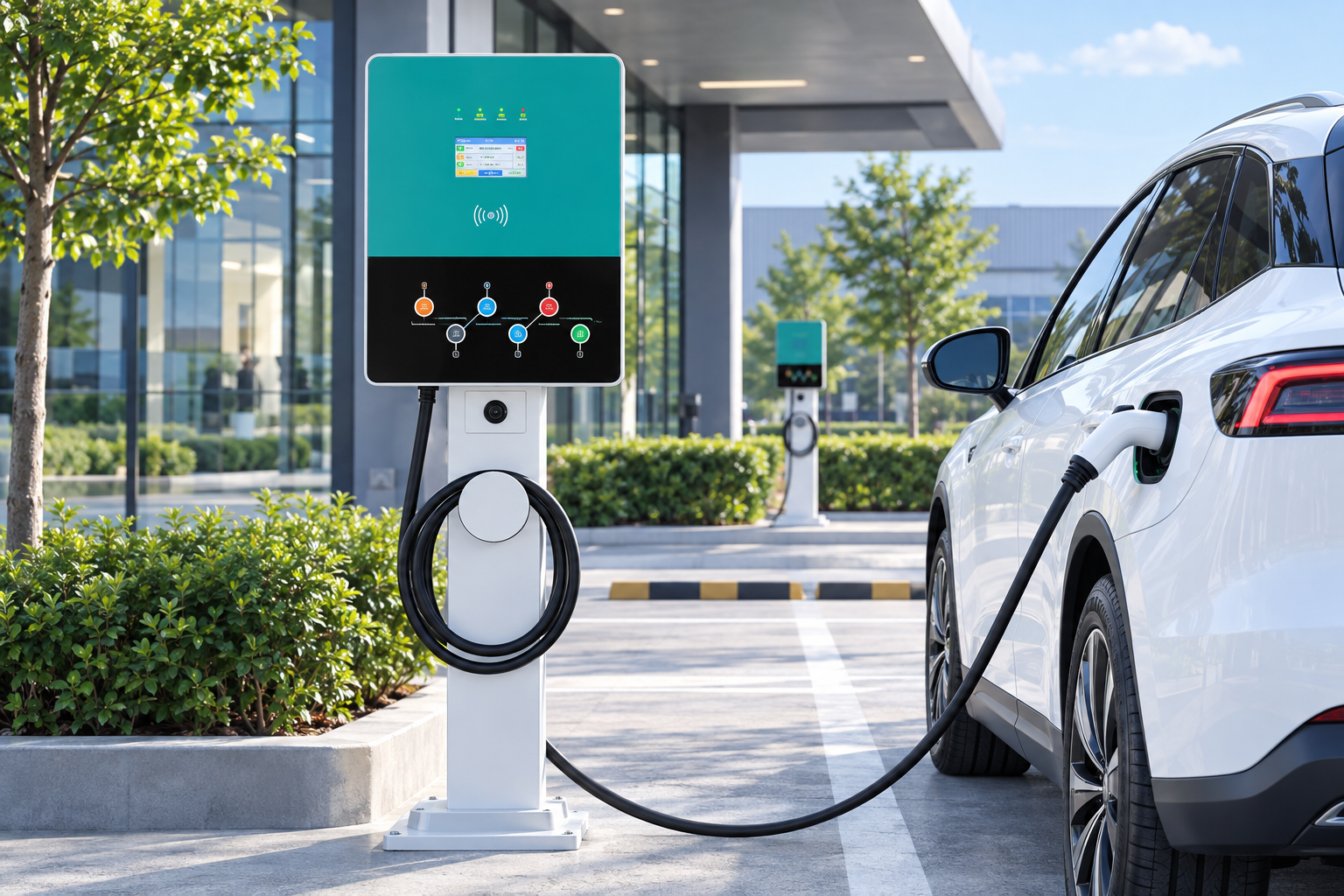
If a public charging session will not end, work through three stop points in order: the car’s screen or app, the station screen, then the network operator’s support line printed on the station, which can usually end the session remotely. Note the time and take a photo of the screen before you leave, because a session that stays open can keep adding session or idle fees.
Key Takeaways
- Stop from the car first, then the station screen, then the same card you started with.
- If nothing responds, the operator can end the session remotely; call the number on the station.
- Never use the emergency stop for an ordinary stuck session, and never force the connector.
- Document the time with photos and keep the session ID in case of a billing dispute.
End the Session in This Order
A connector stays locked while a session is live, so the goal is to close the session, not to pull harder. Our guide to using and stopping a public charger covers the normal paths; when the normal path fails, escalate in this order:
- Stop the charge from the car’s own screen or the car maker’s app, then unlock the car.
- Use the stop button on the station screen, if it responds.
- Tap the same card or RFID tag you started with; some stations end the session that way.
- Wait a few seconds after stopping, then press the connector release. If the connector itself is mechanically stuck after the session has ended, follow the release steps in our stuck connector guide and never force it.
If the Screen or App Will Not Respond
When both the app and the screen are unresponsive, the session can usually only be closed from the operator’s side. Every public station carries the operator’s name and a support phone number; call it, give the station ID shown on the unit, and ask them to end the session and release the connector remotely.
| Symptom | Likely cause | What to do |
|---|---|---|
| App spins or shows an error | App or network fault | Stop from the car or the station screen instead |
| Station screen frozen | Station software fault | Stop from the car; if that fails, call the operator |
| Session ended but connector still locked | Release or latch problem | Unlock the car, try the manual release in the car manual, then call the operator |
| Session still running after you unplugged | Session did not close on the network side | Call the operator at once so billing stops |
Do not press the station’s emergency stop button to end an ordinary session. It is there for real safety emergencies, and using it can take the whole station out of service for the next driver. Keep it for smoke, damage or injury risks.
Protect Yourself From Continued Billing
A session that stays open can keep counting time, and some pricing adds idle fees once charging finishes, as explained in our guide to paying at charging stations. Protect yourself the same way you would with any billing dispute:
- Note the time you tried to stop, and photograph the station screen and your car’s charge screen.
- Keep the session ID from the app or receipt.
- Tell the operator during the call that you want the session closed at that time, and ask for a case reference.
- Check the final charge on your card statement and dispute anything past the time you documented.
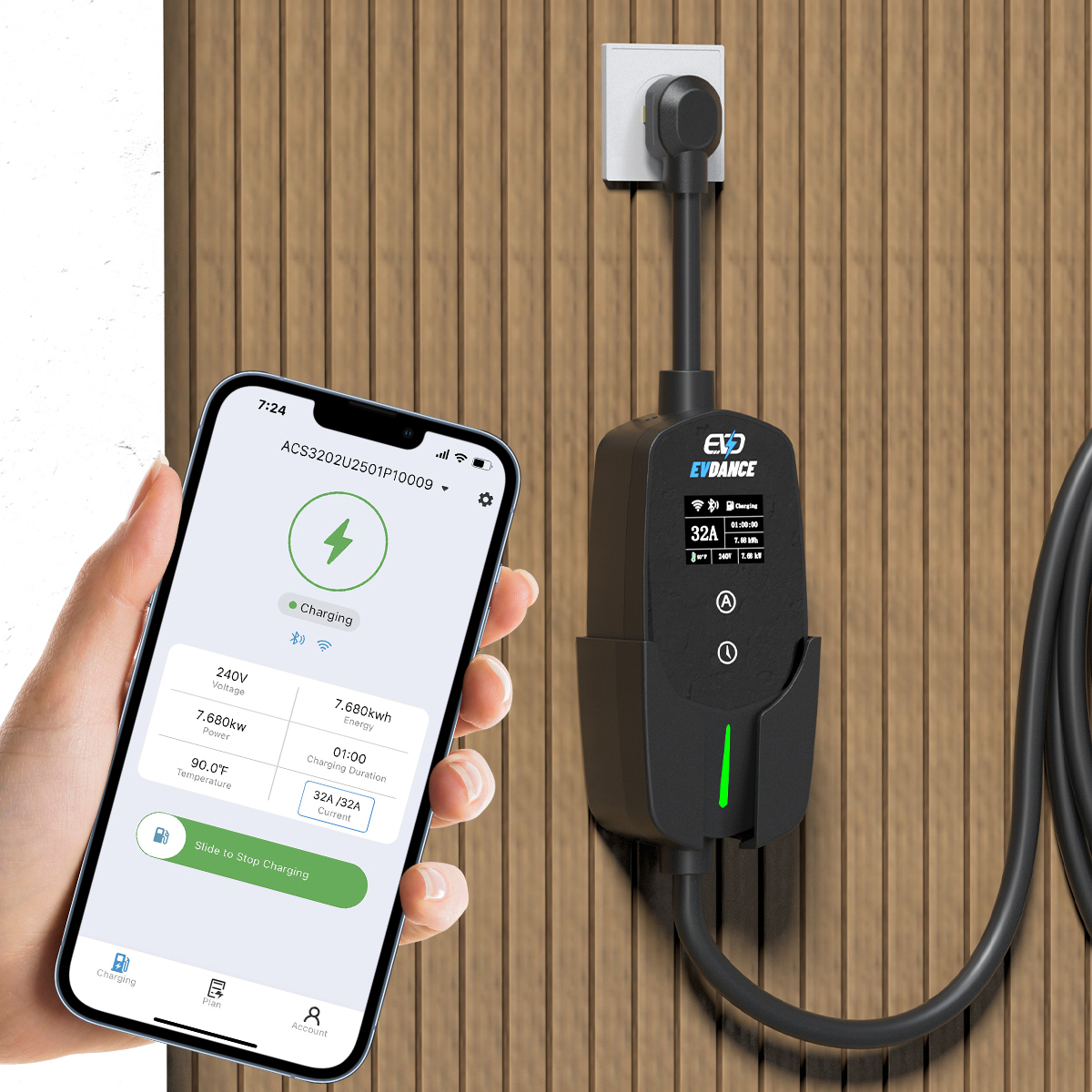
Sessions that will not end are a network or station fault, not something you caused. Stations on federally funded corridors are required to average over 97% uptime under the NEVI standards, and operators expect these calls. At home, this problem largely disappears because you control the equipment: a wallbox with app control such as the EVDANCE EV-ACT3204PE 22 kW wallbox lets you start and stop sessions from the app or an RFID card on your own network.
Frequently Asked Questions
Will I keep being charged if I just drive away?
If the connector is released and returned to its holder, the session normally closes. If the session still shows as active afterwards, call the operator immediately; the documented time of your call is what protects you from further charges.
Can I unplug while the session is still running?
No. The connector is locked during a live session by design. End the session first, then unplug. Forcing a connector can damage the latch on the car or the station.
Who do I contact about a refund?
The network operator that runs the station, not the site owner. Use the support number on the station and quote the station ID, the session ID and the time you tried to stop.
Related Reading
- How to Use a Public EV Charger (and How to Stop It)
- Why Won’t My EV Charger Disconnect? Stuck Connector Fixes
- Do EV Charging Stations Take Credit Cards?
- Can You Use Any EV Charging Station?

