
A smart home charger app typically holds four kinds of data: your account details, your home Wi-Fi details, a history of your charging sessions, and the settings you choose. It is not secret information, but it is yours, and it is worth tidying when you change phones, sell the charger or move house. Exactly what any one brand keeps, and for how long, is set out in that app’s own privacy policy.
Key Takeaways
- A charger app holds account data, Wi-Fi details, session history and settings; each maps to a feature.
- Your brand’s privacy policy is the only exact statement of what is kept and for how long.
- Strong passwords, reviewed user lists and current firmware are the everyday hygiene that matters.
- On any handover, remove the charger from your account and factory-reset it before it leaves.
The Four Kinds of Data, and Where They Live
| Data | Typical examples | Where it lives |
|---|---|---|
| Account data | Email address, name, login credentials | The app provider’s cloud account |
| Home network data | Wi-Fi network name and password | Stored on the charger, so it can reconnect |
| Usage history | Session start and stop times, energy per session, schedules | Your app account, synced from the charger |
| Settings and device data | Tariff you entered, charge limits, charger serial number, firmware version | The charger and your app account |
Why the App Collects It
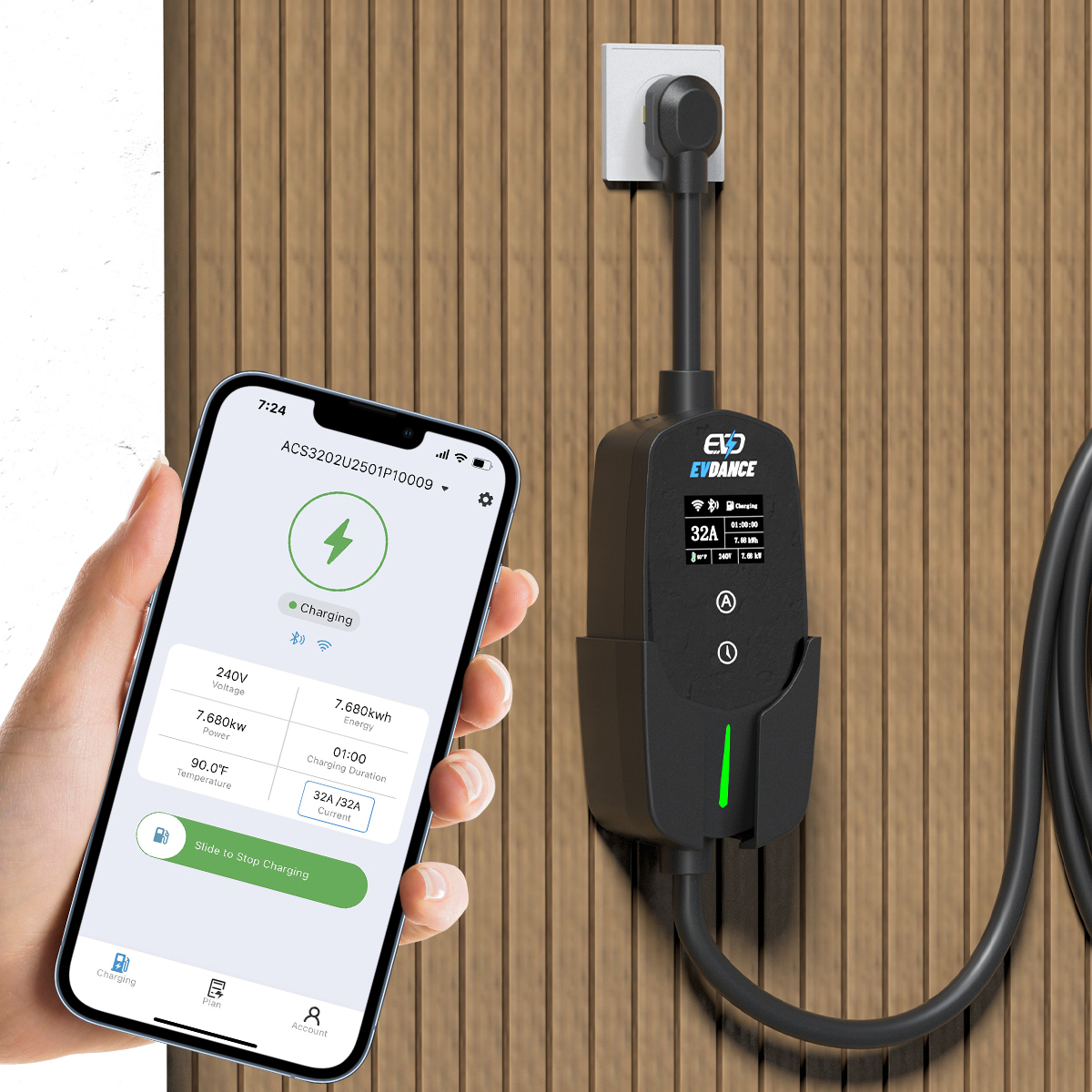
Almost everything maps to a feature you asked for. The account exists so the charger knows its owner. The usage history powers the graphs, cost estimates and per-driver records; on a charger with RFID users, the history is what lets you see who charged, as explained in our guide to RFID and user management for shared chargers. Wi-Fi details let the charger receive schedules and firmware updates. Our overview of how smart EV chargers work walks through the connection itself. A charger with no app and no connection, by contrast, holds almost nothing beyond its own settings.
Everyday Hygiene: Five Habits
- Use a strong, unique password for the charger account, and turn on two-factor sign-in if the app offers it.
- Review shared access now and then. Remove RFID cards and app users who no longer charge at your home; cards can be cancelled individually on chargers with user management.
- Check the phone app’s permissions. Location and Bluetooth are commonly used for setup and nearby control; leave off anything the app does not need.
- Keep firmware updated. Updates fix faults and close known software issues, and they arrive through the same connection that carries your data.
- Read the privacy policy once. It is the only accurate statement of what your brand stores, where, and how to ask for deletion.
App-connected models such as the EV-ACT3204PE 22 kW wallbox, with RFID and app control, and the EV-ACT5006T 48A Level 2 wall charger follow this pattern: the data exists because the remote control, schedules and records exist.
When the Charger or the House Changes Hands
This is where data hygiene is usually forgotten. Before a charger or a house is handed over: export or screenshot any session history you need for your own records, then remove the charger from your app account and run the factory reset in the manual. That clears your Wi-Fi password, schedules and settings from the unit. If you will never use that brand again, delete the app account itself from within the app or the maker’s website, which is the step that removes the stored history. After a house sale, changing the home Wi-Fi password is a sensible last step, since the charger was one of several devices that knew it.
Frequently Asked Questions
Does my charger send my charging history to the manufacturer?
A connected charger syncs session data to your app account so you can see it on your phone, which means it sits on the provider’s systems. How long it is kept and what else is collected depends on the brand’s privacy policy.
Can I delete my charging history?
Usually, from within the app or by deleting the account, but the method and what is actually erased vary by brand. Check the app’s settings and privacy policy, and export anything you need before you delete.
Should I reset the charger before selling my house?
Yes. Removing it from your account and running a factory reset clears your Wi-Fi details, schedules and history from the unit, and lets the buyer register it as their own.
Related Reading
- How Do Smart EV Chargers Work?
- RFID and User Management for Shared EV Chargers
- Do You Need a Smart Meter for an EV Charger?

