
Setting up a home EV charger is not the installation. A licensed electrician does the wiring and leaves you a working circuit; your setup is the owner-level first hour that follows — confirming the current setting, connecting the app if the charger is smart, setting a schedule, and running one short test charge. Nothing in this checklist involves opening the unit or touching wiring.
Key Takeaways
- Installation is the electrician’s job; setup is your first hour of settings, not wiring.
- Confirm the current setting matches the circuit — breakers are sized at 125% of charger current.
- Set one schedule in one place, add RFID cards, then run a short test charge.
- First-week faults go back to the installer or manufacturer; do not open the unit.
What the Installer Hands Over, and What Is Yours
The installer’s side ends with a mounted charger on a dedicated circuit, tested and working — the scope described in our guide to what a standard EV charger installation includes. What lands in your hands is the charger itself, any RFID cards, the app invitation or manual, and the paperwork: invoice, inspection sign-off where your area requires one, and warranty details. If anything on the electrical side looks unfinished, that is a call to the installer, not a setup step for you.
The First-Hour Checklist
- Check the current setting matches the circuit. The charger should sit at the current your electrician specified. Under the National Electrical Code, charging is a continuous load, so the breaker is sized at 125% of the charger’s current:
| Charger setting | Breaker on its circuit |
|---|---|
| 32 A | 40 A |
| 40 A | 50 A |
| 48 A | 60 A |
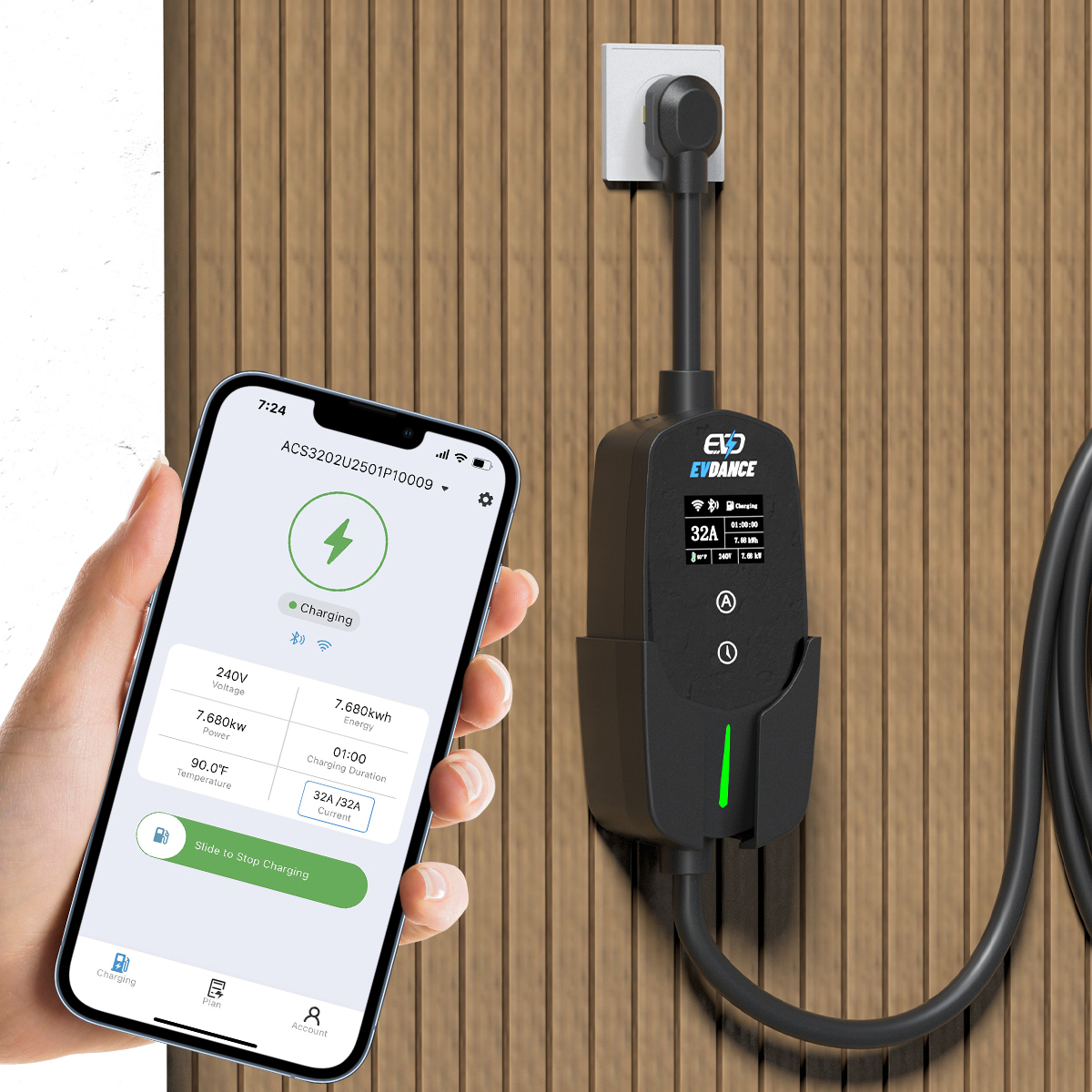
- Connect the app and Wi-Fi, if the charger is smart. Pair the charger, name it, and set the time zone — schedules only land in the right window when the clock is right.
- Set one schedule, in one place. Put the off-peak window in the charger app or in the car, not both; two schedules can argue and start the session late.
- Add RFID cards or users, if your charger uses them, so the first real session is not spent registering a card.
- Run a short test charge. Plug in, watch the session start, let it run a few minutes, stop it from the app or the car, and unplug. If it faults, stop and call the installer or the manufacturer — do not open the unit.
- File the paperwork. Keep the invoice and warranty details together; EVDANCE chargers carry a 3-year standard warranty.
Settings Worth a Second Look in the First Week
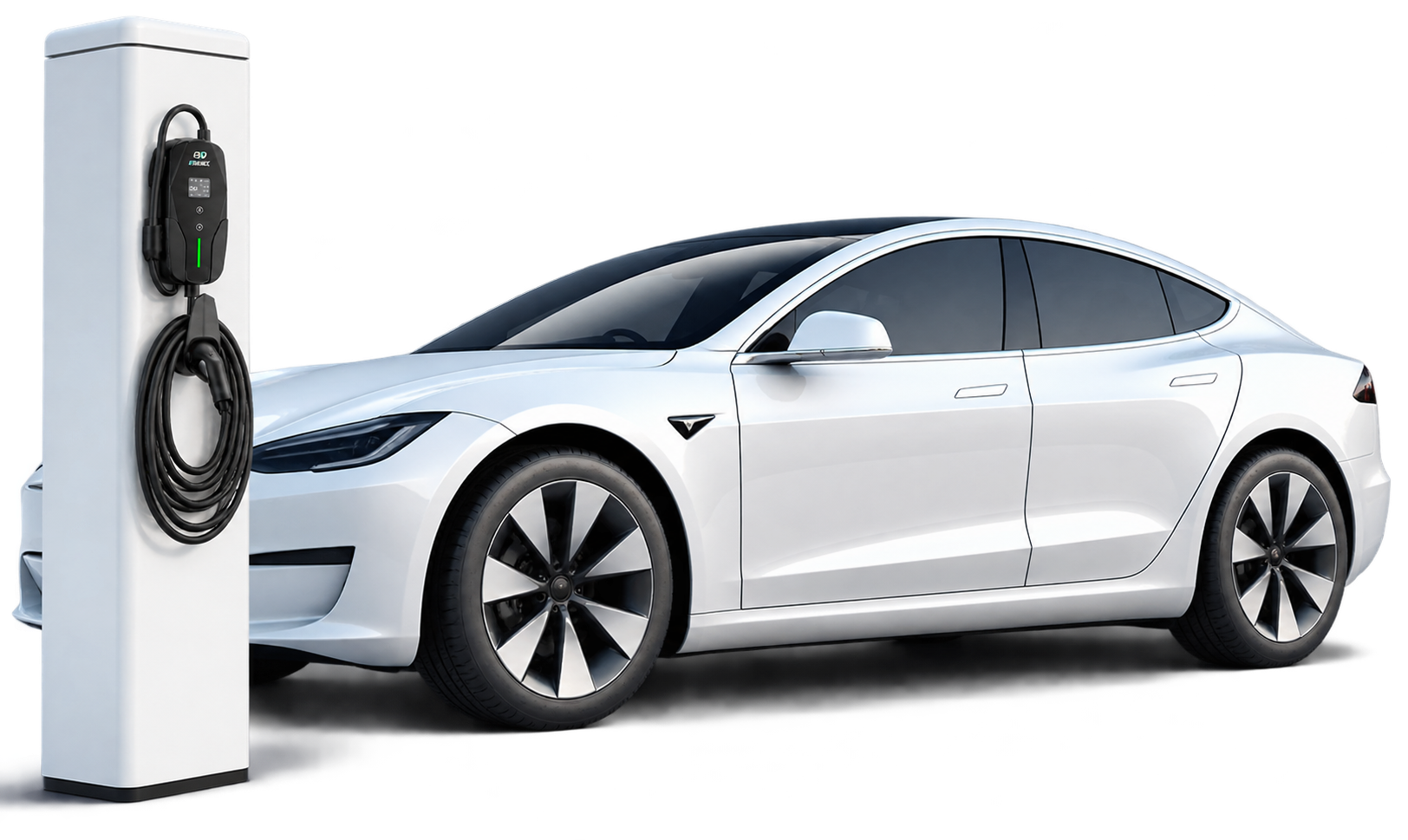
Turn on session notifications so a stopped charge reaches you the same evening, not at the next morning’s empty battery. Check the car’s own charge limit still matches how you use it, and glance at the first full session in the app: the energy delivered should look sane for the hours it ran. If the breaker trips or the charger reports a fault in that first week, that is warranty and installer territory — describe what happened and let them diagnose it.
EVDANCE Chargers and Their Setup
The EV-ACT5006T 48A Level 2 wall charger can be hard-wired or plugged into a NEMA 14-50 outlet; at its full 48 A it belongs on a 60 A breaker under the 125% rule, and it carries ETL, FCC and CE listings. The EV-ACT3204PE 22 kW wallbox adds RFID and app control, so its schedule lives in the app. If you charge from a EV-ACS3210T portable charger, its current adjusts from 10 to 32 A in six steps — set it once for the outlet’s circuit and leave it there.
Frequently Asked Questions
Do I need Wi-Fi for the charger to work?
No — basic charging works without it. Wi-Fi is what enables app control, schedules and updates on smart models; our explainer on whether home EV chargers need Wi-Fi covers what it adds.
Who decides the charger’s current setting?
The circuit does. Your electrician sets the charger to suit the breaker and cable they installed. Raising it yourself can overload a circuit that was never built for more.
The app shows an error on the first charge. What now?
Stop the session, unplug as the manual directs, and contact the installer or the manufacturer with the error shown. First-week faults are exactly what the installation warranty is for.
Related Reading
- Do Home EV Chargers Need Wi-Fi?
- What Is a Standard EV Charger Installation?
- Wallbox Home Charger Installation Guide 2026
- Where Should You Install a Home EV Charger?

