
A charger that suddenly rejects an RFID card or an app start is usually not failing to charge — it is failing to recognize you. Authorization is an account check that runs before any power flows, so an unlinked card, a wrong-account login, or a charger that cannot reach its user list stops a session that would otherwise work.
Key Takeaways
- A refused card or app is an identity check failing — not a power fault.
- Usual causes: an unenrolled or removed card, the wrong app account, or an offline charger that cannot sync its user list.
- Try the other method — card versus app — to locate the problem.
- On shared sites, the admin owns the access list; report what failed, and when.
What the Card or App Actually Proves
On a charger with access control, the card or app answers one question: is this user on the allowed list? The charger compares the card’s ID, or the app command, against the accounts it knows, and only then unlocks and offers power. That is why the refusal is instant — and why the car and cable are almost never the cause. New to the concept? What an RFID card for EV charging is explains the basics, and RFID user management covers access lists on shared sites.
| Symptom | Likely cause | General fix |
|---|---|---|
| Card worked yesterday, refused today | Card removed from the access list, account changed, or list not synced | Check the card is still registered to your account |
| New or replacement card refused | Never enrolled — a fresh card is blank until linked | Add the card’s ID to your account before first use |
| App start fails but a card works (or the reverse) | You are logged into a different account than the one the charger knows | Sign in with the original account that owns the charger |
| Every user refused at the same charger | The charger is offline and cannot sync its user list | Restore the charger’s connection, then try again |
| Card refused at one charger, works at others | That charger’s list differs, or its reader is damaged | Ask the site admin to check your access on that unit |
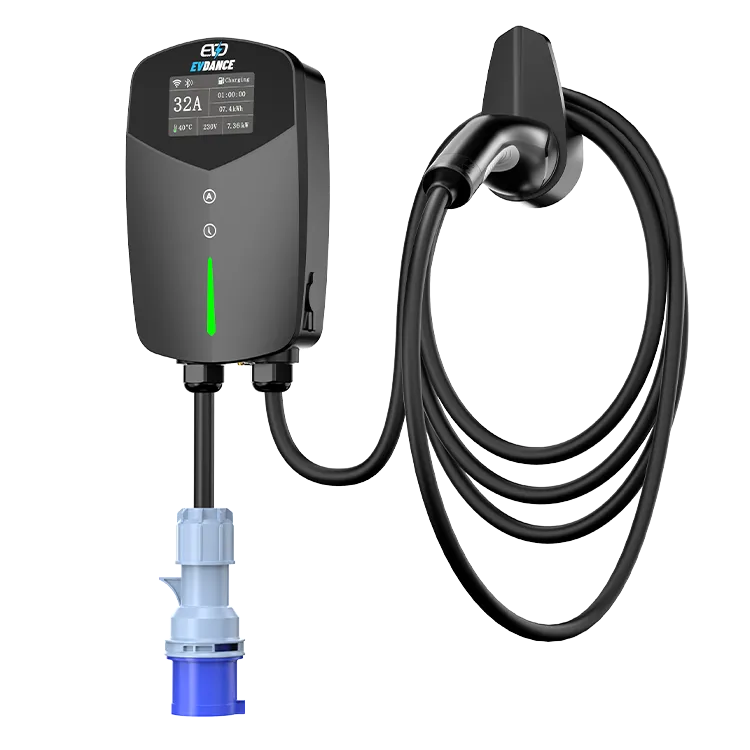
Checks in Order
- Hold the card flat on the reader for a full second. A quick wave can miss, and a second RFID card in the same wallet can be read instead of yours.
- Confirm the account. Check you are signed in to the account the charger was set up with — a new phone or a partner’s login are the classic traps.
- Confirm the card is still registered. If it no longer appears under your account, re-add it or ask the admin to.
- Check the charger is online. Many chargers sync their user list from the cloud; an offline unit may honor cards it knows and refuse anything new.
- Try the other method. If the card fails, try the app, and the reverse — whichever works shows which side to chase.
- Look at the card itself. A cracked or bent card can have a dead chip or antenna while looking almost normal. A replacement, enrolled, is the fix.
At a Shared, Workplace or Public Charger
If the charger belongs to a workplace, apartment building or charging network, the site admin or operator owns the list. Report the time, the charger, and whether the app, the card, or both failed. At home, you are the admin, and the checks above cover almost everything. If known-good cards and the correct account are still refused once the charger is online, the reader hardware may have failed — a manufacturer support case. Work through the general not-working checklist first so support has the full picture.
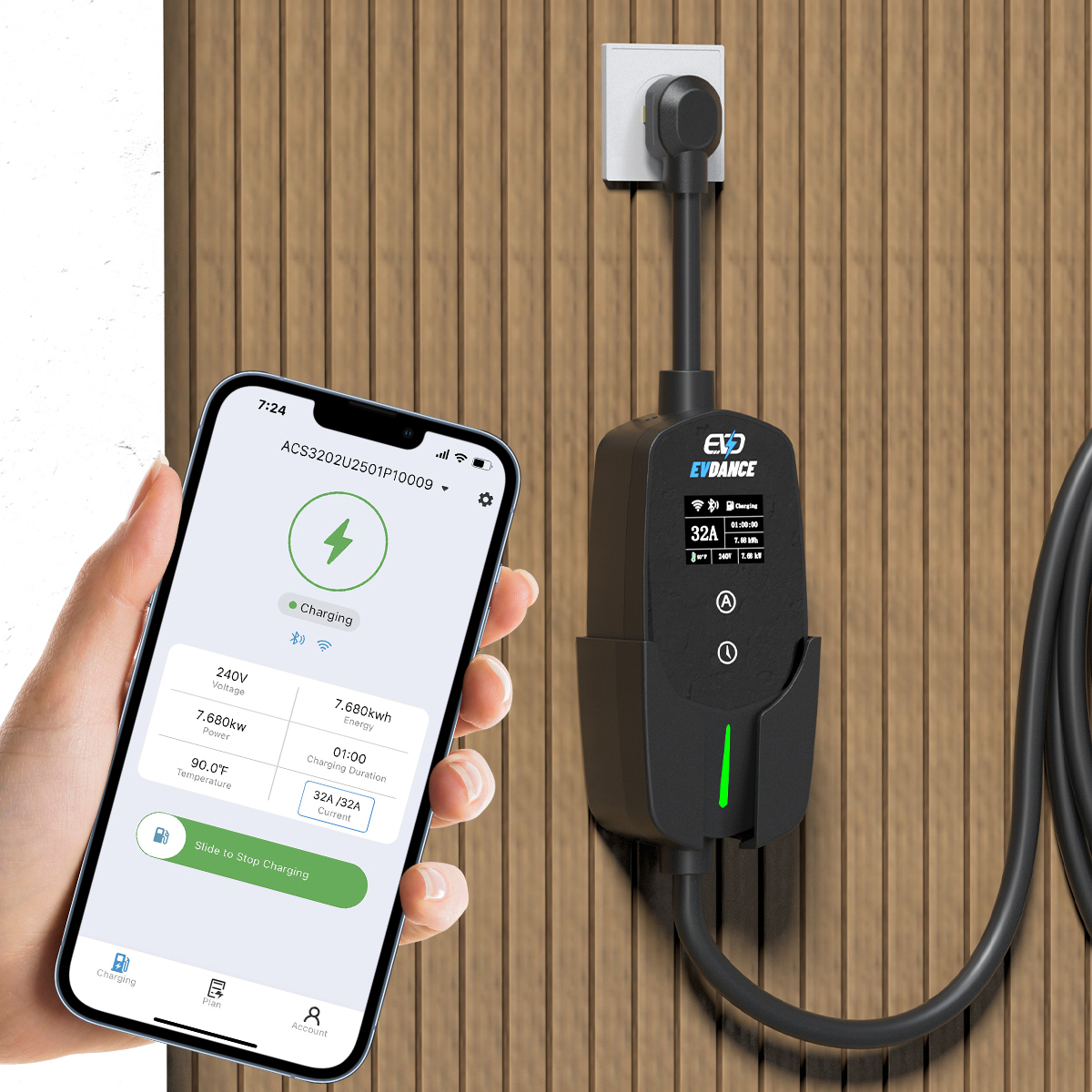
Chargers With RFID and App Access
The EV-ACT3204PE 22 kW wallbox combines RFID and app authorization, and the EV-AC03201T dual-connector AC station adds RFID and OCPP 1.6J for managed sites. For choosing cards, how to choose an RFID card covers the formats. One tip: keep a spare enrolled card at home, so a lost card never leaves you unable to charge.
Frequently Asked Questions
Can an RFID charging card wear out?
Yes. The chip and antenna inside are fragile — cracks or bending can kill a card that looks fine. If one card fails everywhere, replace and re-enroll it.
I got a new phone and the app no longer starts my charger. Why?
Most likely you signed in with a different account. Use the original email, or have the charger’s owner re-share access.
My card works at home but not at work. Is the card faulty?
Probably not. Each site keeps its own access list, so your card must be enrolled at work separately — ask the site admin to add it.
Related Reading
- What Is an RFID Card for EV Charging?
- RFID and User Management for Shared EV Chargers
- What Is the Best RFID Card for EV Charging? How to Choose
- Why Is My Electric Car Charger Not Working? A Driver’s Checklist

