
When a scheduled charge never starts, the most common cause is not a fault. It is two timers disagreeing: the car has its own schedule, the charger has another, and power only flows when both windows overlap. The fix is usually to run one schedule only, in one place, and to check that both devices agree on the time.
Key Takeaways
- Most missed scheduled starts are two timers — car and charger — set to windows that never overlap.
- Run the schedule in one place only, and confirm both devices show the same time.
- A battery already at its charge limit makes a scheduled session look broken.
- Test in instant mode to separate a settings problem from a hardware problem.
Two Clocks, One Start Time
A scheduled session needs every gate open at once: the charger willing to supply power, the car willing to accept it, and the battery with room for the charge. If any one says no, nothing happens — and neither device may show an error.
| Setting | Where it lives | How it blocks a scheduled start |
|---|---|---|
| Start time or off-peak window | Charger or its app | The charger holds power back until its window opens |
| Charge schedule or departure time | Car or the carmaker’s app | The car refuses power outside its own window |
| Charge limit (for example 80%) | Car | If the battery is already at the limit, the session ends the moment it begins |
| Utility managed-charging program | Utility platform | The start can be shifted inside the window you agreed to |
Departure-time modes catch people out most often. Instead of “start at 11 p.m.”, the car works backward from “be ready at 7 a.m.” and may start much later than you expect, which looks exactly like a missed start.
Checks That Find the Cause
- Pick one timer. Turn the car’s schedule off and let the charger run the timing, or the other way round. Never run both unless you have checked the windows line up.
- Compare the actual times. Open both apps and read the times side by side. A different time zone, or daylight-saving time on one device only, shifts everything by an hour.
- Check the charge limit. If the car is already at its target percentage, there is nothing for the schedule to do. Raise it once and see whether the “fault” disappears.
- Plug in before the window. Most schedules only apply to a car already connected when the window opens. Plugging in at midnight for an 11 p.m. start means waiting a night.
- Check for a utility program. If you enrolled in managed charging, the utility may move your start later inside the agreed window — the program working, not a glitch. See how scheduling and time-of-use tariffs work.
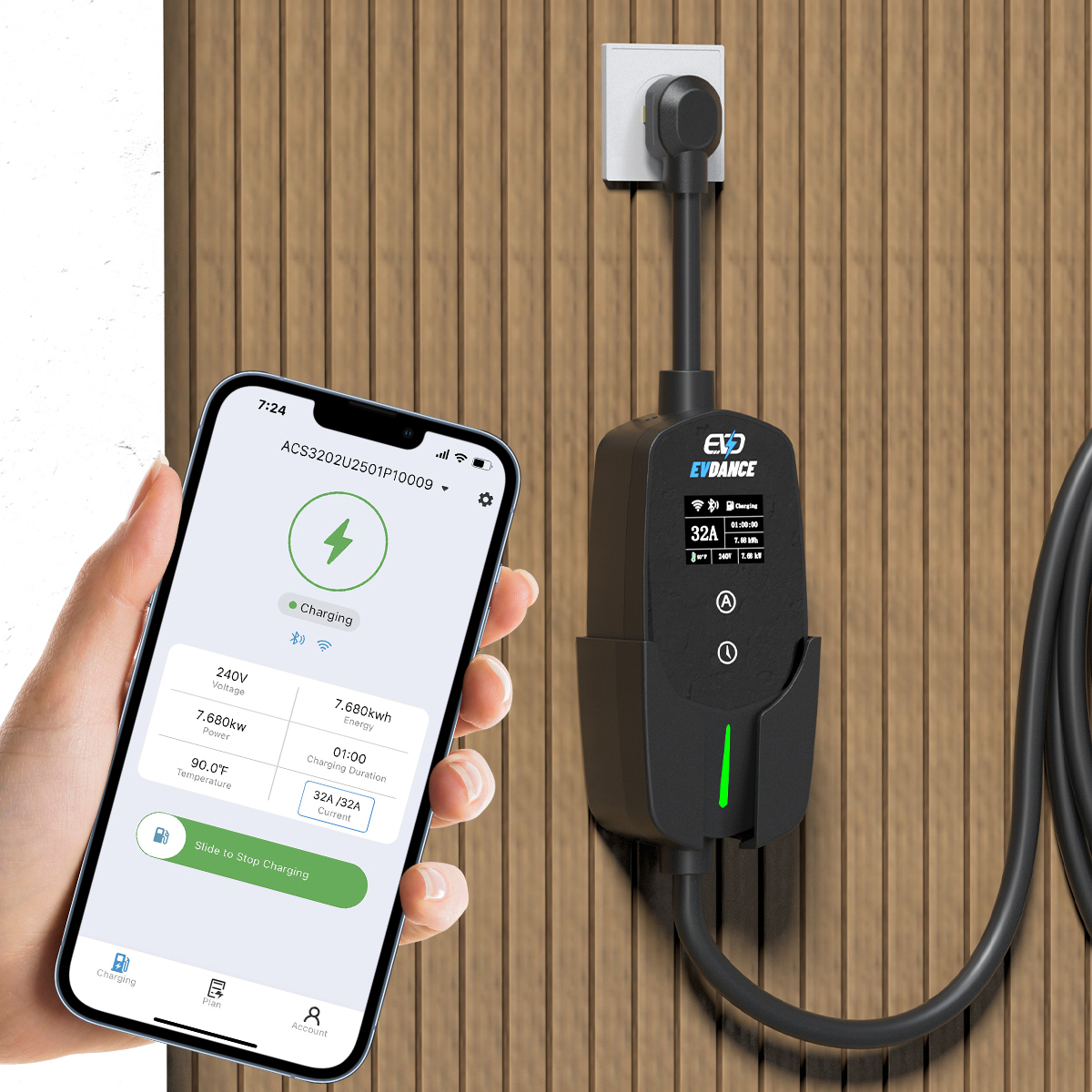
- Read the charger’s own display. A charger holding for a schedule usually shows a waiting state. A dark or fault display points elsewhere — work through the standard not-working checklist instead.
A Two-Minute Isolation Test
Still stuck? Strip the setup back to the simplest case. Set the charger to instant mode, turn the car’s schedule and departure timer off, and plug in. If the car charges straight away, the hardware is fine and a schedule setting was the blocker — add one timer back at a time. If it still does not charge, the problem is not scheduling at all. Load-management features can also delay a start when chargers share a circuit, so check those settings too.
Chargers With App Scheduling
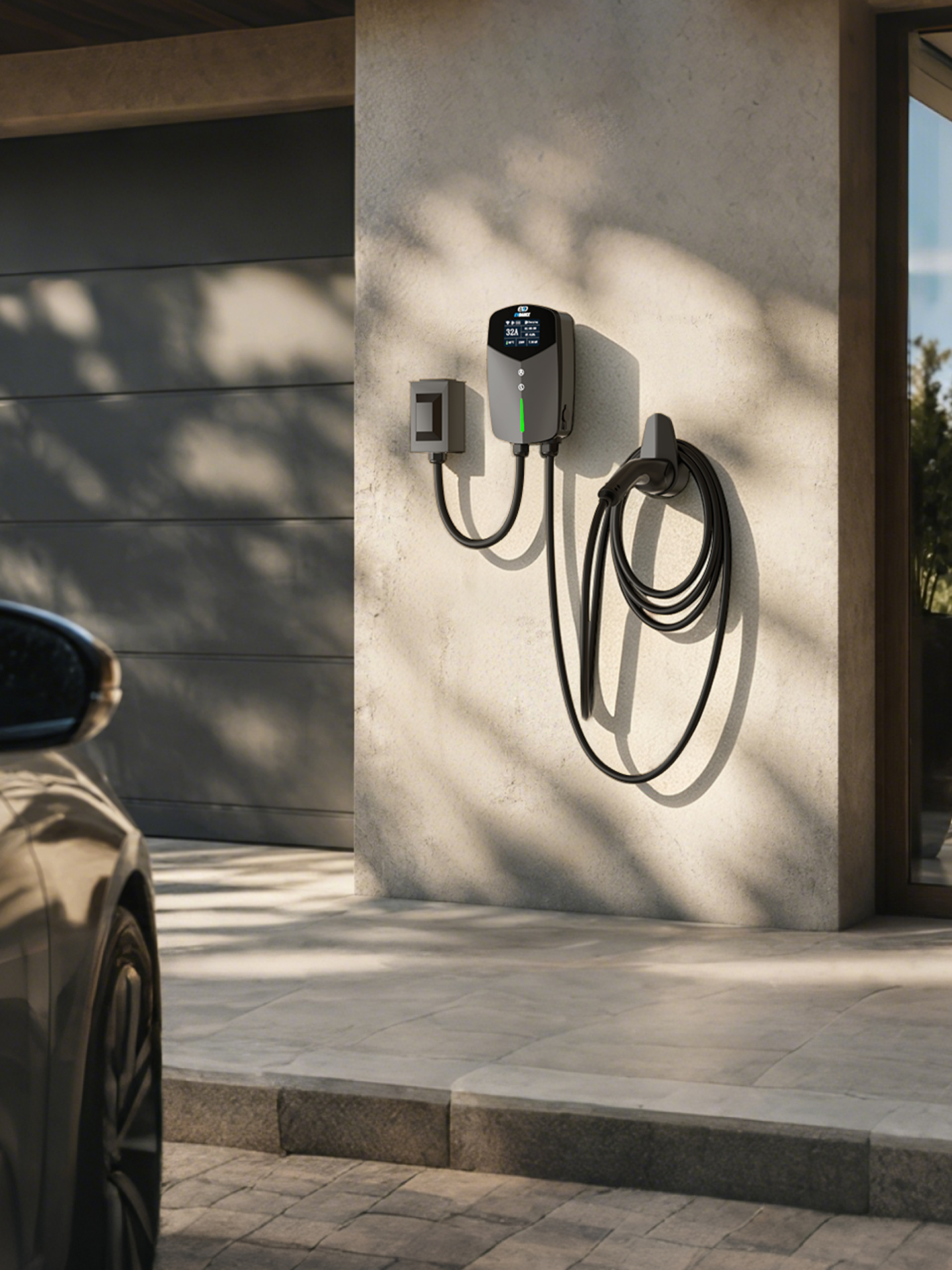
The EV-ACT3204PE 22 kW wallbox offers RFID and app control, so its schedule can be set and checked from the phone, and the EV-ACT5006T 48A Level 2 wall charger covers North American homes. Whichever brand you own, one rule prevents most missed starts: keep the schedule in exactly one place, and after any change, watch the first session begin. If the car charges in instant mode but never on schedule with a single timer and matching times, contact the manufacturer’s support with both settings noted — that is what they will ask for first.
Frequently Asked Questions
Which should control the schedule, the car or the charger?
Either works. The charger’s schedule is simpler to check and follows your off-peak window; the car’s is better if you use departure-time heating or cooling. Just do not run both at once.
My schedule worked for months, then stopped. Why?
Look for something that changed: a daylight-saving shift, an app or car update that reset a setting, a new charge limit, or enrollment in a utility program. A schedule rarely breaks on its own.
The charger clicks at the set time but charging never starts. What then?
The charger offered power and the car declined it. That points to the car’s side: its schedule, its charge limit, or a full battery.
Related Reading
- Smart Charging and Time-of-Use Tariffs: How Scheduling Cuts EV Charging Costs
- Wallbox Home Charger Features Explained: Display, Scheduling, and Load Management
- Can You Leave an EV Charging Overnight?
- Why Is My Electric Car Charger Not Working? A Driver’s Checklist

