
On the EV-ACT3204E, RFID cards are the charger’s guest list: a card on the list starts a charge, and a card removed from it does not. Adding and removing cards is owner work, done by following the enrolment procedure in the charger’s manual. The product listing confirms RFID is built in, but it does not publish the step-by-step sequence, so this guide covers the routine around the procedure — who should administer the list, and what to do when a card is lost.
Key Takeaways
- Adding and removing cards follows the manual’s enrolment procedure; the listing confirms RFID but does not publish the steps or a card limit.
- A lost card comes off the list first — until then it still works.
- One named administrator and a written record of who holds which card keep the list accurate.
- Test every card after a change, and keep spare cards unenrolled until they are needed.
What the Listing States — and What It Leaves to the Manual
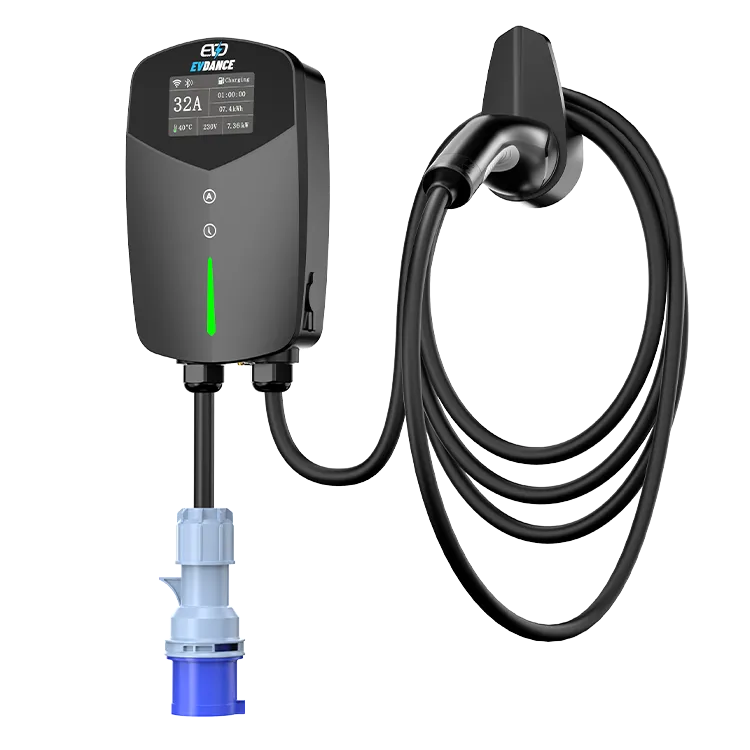
The specification for this wallbox lists RFID and app control alongside its 22 kW three-phase output and Type 2 cable or socket. That confirms the card system exists; it does not state a card limit, a menu path, or which card types the reader accepts. Those details live in the manual for your unit, and they are the ones to follow exactly. Our explainer on what an RFID card for EV charging is covers the technology, and our guide to RFID and user management for shared chargers compares local lists with platform control. A home wallbox sits at the simple end: one charger, one list, a handful of known users.
The Card Events You Will Actually Meet
Most card administration is four events repeated. The procedure for each is the manual’s; the discipline is yours.
| Event | What to do | Why the order matters |
|---|---|---|
| A new driver joins the household | Enrol their card, then test it with a short charge | A card tested on day one will not fail them on a dark, rainy night |
| A card is lost | Remove it from the list first, then enrol a replacement | A lost card that still works is an open door until it is removed |
| A guest or lodger needs access | Enrol a separate card for them, not your own | Their access can end without changing yours |
| Someone moves out | Remove their card the same week | Lists drift; a quarterly look keeps the list equal to the household |
Running the List Well
- One named administrator. One person owns the list, so cards are never added casually or removed by mistake.
- Keep a written record. Note which card belongs to which driver, and keep the note with the house documents. When a card is lost, the record tells you exactly which entry to remove.
- Test after every change. After adding or removing a card, tap each remaining card once and confirm the charger responds as expected.
- Keep spares unenrolled. A spare card stored in a drawer is harmless. A spare that is already enrolled is a working key — store it like one.
- Cards belong to the charger, not the car. Selling a car changes nothing on the list; adding a driver does.
The Charger Behind the Cards
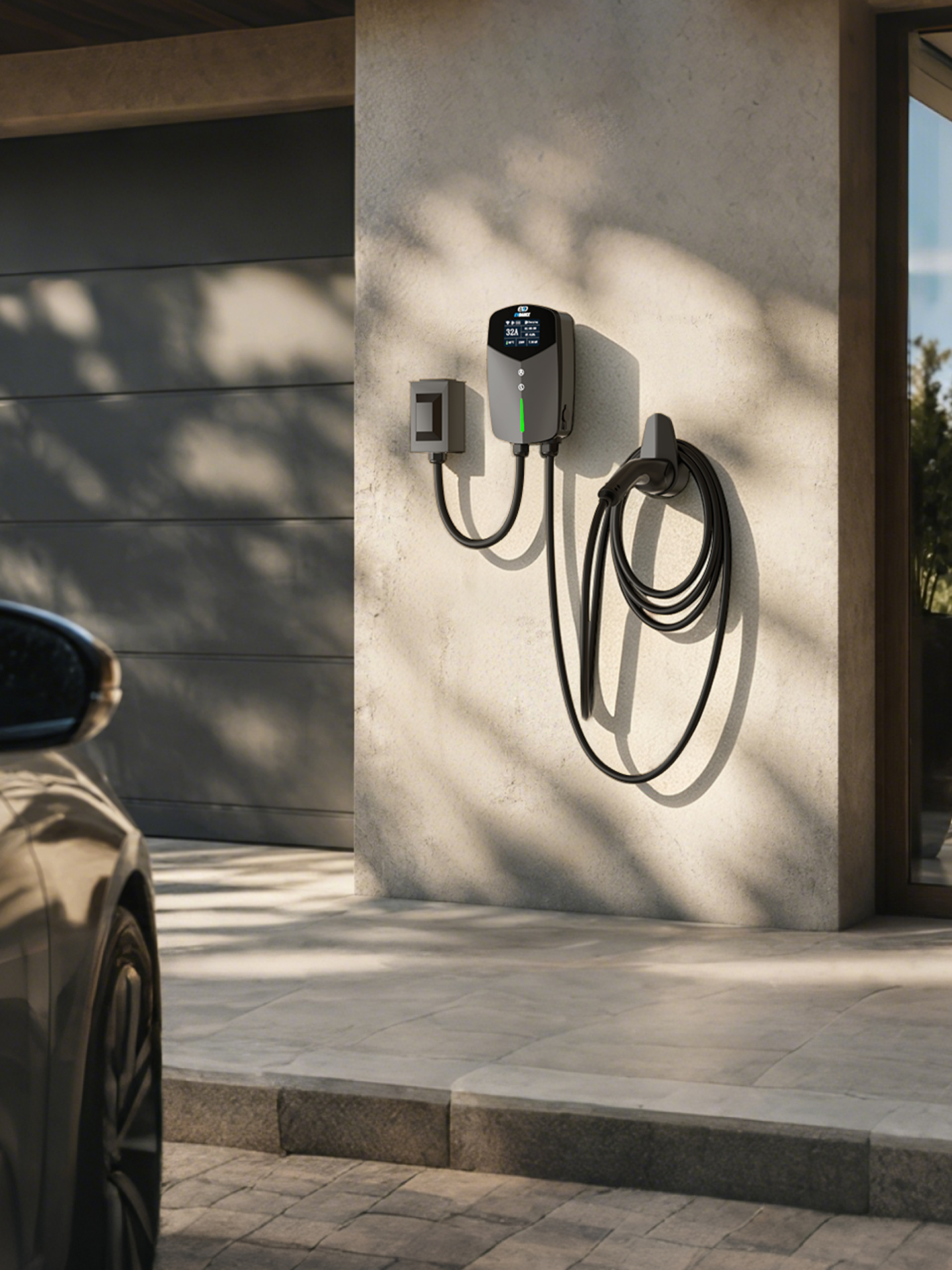
The EV-ACT3204PE is a 22 kW wallbox for three-phase supplies: 32 A per phase at 380–400 V, with a tethered Type 2 cable, RFID and app control, and an IP66 housing for indoor or outdoor mounting. It carries a CE mark and EVDANCE’s 3-year standard warranty. For a household, the card list is what turns a shared driveway charger into one that only your drivers can use — the app settings that sit alongside the cards are covered in our piece on this wallbox’s app control.
Frequently Asked Questions
What should I do first when an RFID card is lost?
Remove it from the charger’s list as soon as you notice, before ordering or enrolling a replacement. Until it is removed, the lost card can still start a charge. If you cannot identify which entry is the lost card, your written record of who holds which card is what saves you — another reason to keep one.
How many cards can the EV-ACT3204E hold?
The product listing does not state a card limit, so treat any number you see elsewhere with caution. Check the manual for your unit, or ask EVDANCE support, before planning around a specific figure — a household list is normally a handful of cards either way.
Can I manage the cards from the app instead?
The wallbox also offers app control, and on many wallboxes the card list is managed there. Which functions sit in the app on this model is a manual point — confirm it there, and keep the same routine either way.
Related Reading
- RFID and User Management for Shared EV Chargers
- What Is an RFID Card for EV Charging?
- How Do I Get an RFID Card for Electric Car Charging?
- Wallbox Home Charger Features Explained: Display, Scheduling, and Load Management

