
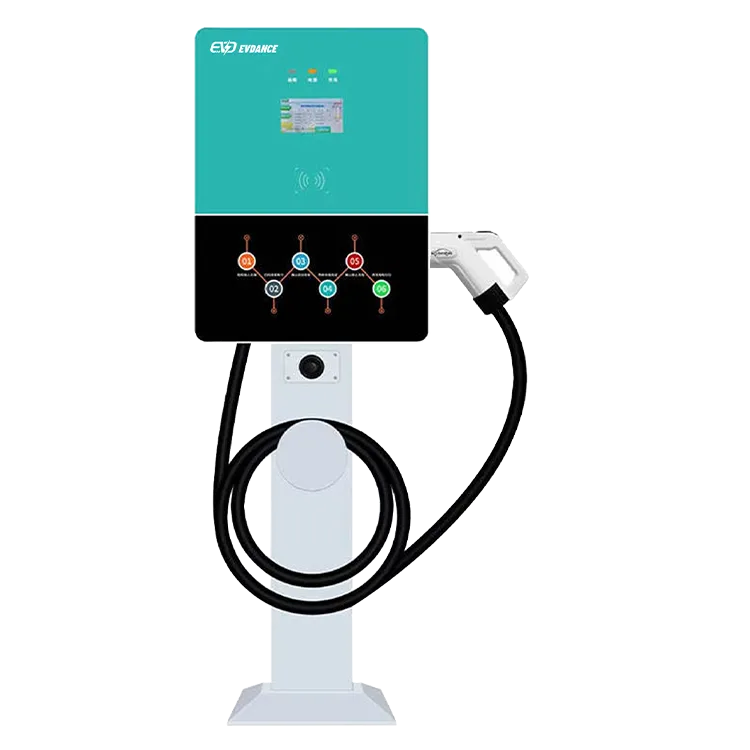
Site staff do not need to be electricians, but they should know how a charging session starts and stops, how to answer common driver questions, which simple checks they can make, what to do in an emergency and who to call. For a compact DC charger like the EV-RHDC30K-L, a 30-minute briefing and a one-page guide at the counter cover most situations.
Key Takeaways
- A short briefing and one-page guide cover most situations.
- Staff should know start, stop, simple checks and escalation.
- Never open the unit or use damaged cables.
- Log faults and post the support contact clearly.
What to Cover in Training
| Topic | What staff should know |
|---|---|
| Starting a session | Authorization by RFID card or app, then plug in the CCS1 connector |
| Reading the display | Status, charging power and errors on the LCD screen |
| Ending a session | Stop in the app or on the car, then return the connector to its holster |
| Payment questions | How pricing works and where receipts come from |
| Simple checks | Connector seated properly, car accepts CCS1 DC, session authorized |
| Escalation | Who to call for faults, and how to report them |
| Emergency | Location of the emergency stop or isolator and when to use it |
Common Driver Questions
- “Why won’t it start?” Check authorization, connector seating and that the car has a CCS1 DC inlet. Some cars need an adapter approved by the automaker.
- “Why is it slower than I expected?” The charger is rated at 22 kW; the car may also limit power when its battery is cold or nearly full.
- “How long will it take?” About 7 kWh in 20 minutes at full power.
- “Can I leave it plugged in?” Explain the bay’s time limit and any idle fee.
Our guides on how to use a DC charger and why charging slows after 80% give staff simple explanations.
Safety Steps
Staff should know never to open the charger, never to use a damaged cable or connector, and to stop a session and isolate the unit if they see smoke, sparking or damage. Mark the isolator clearly and include it in fire safety briefings. Keep the area around the pedestal clear and report any impact damage straight away.
Escalation and Records
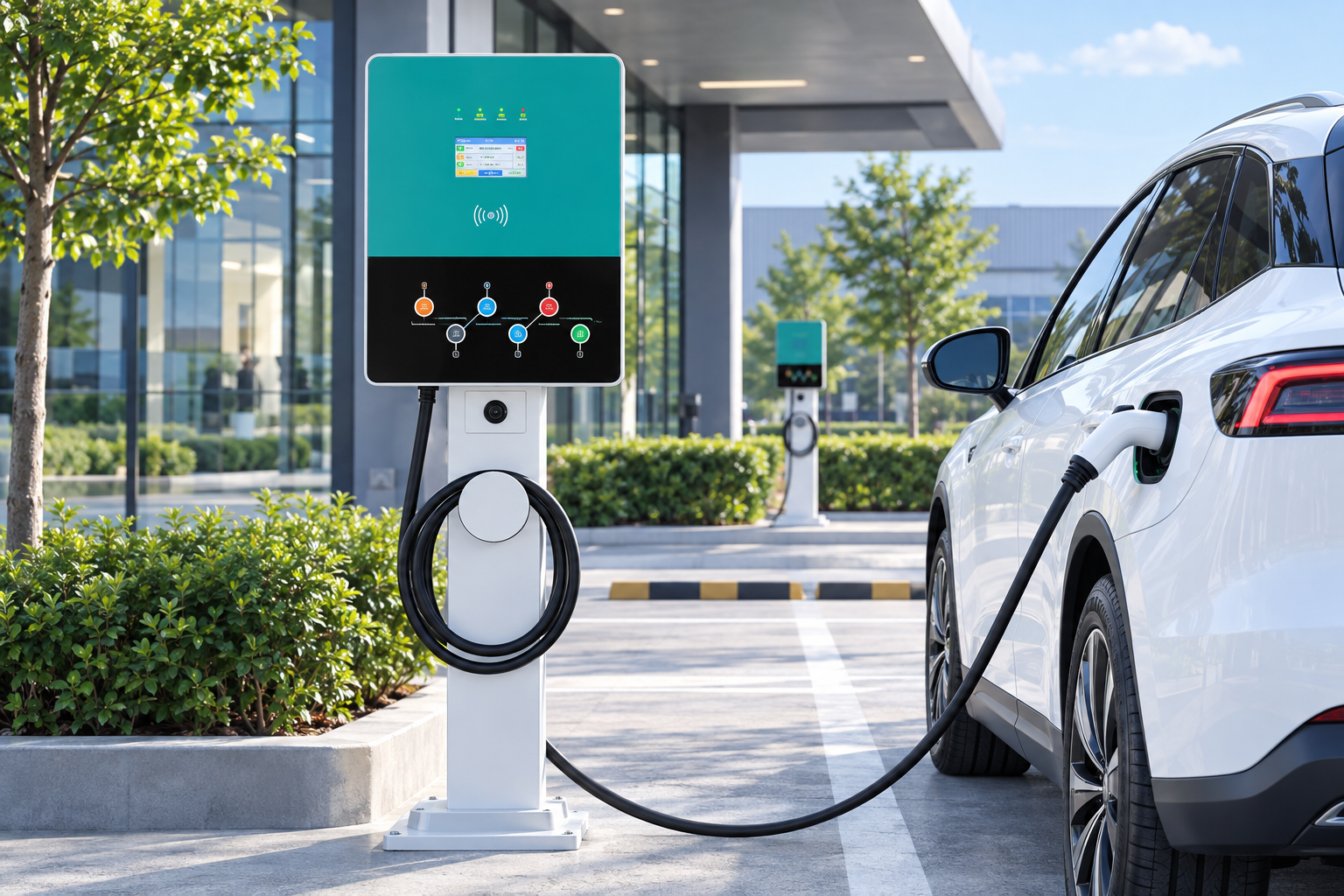
Post the support contact on the pedestal and at the counter. Keep a simple log of reported faults with date, time and what the driver saw. With OCPP 1.6J, the operator can check status remotely, reset the unit or arrange a visit. Read why a charger may click but not start for typical fault patterns.
The EV-RHDC30K-L is a floor-standing DC charger rated at 22 kW continuous, with a single tethered CCS1 connector, LCD status display, RFID and app authorization, OCPP 1.6J, IP54 enclosure and a 3-year warranty. EVDANCE supports commissioning and operator staff training through its commercial team.
Frequently Asked Questions
Do site staff need technical qualifications to support a DC charger?
No. They need basic training on sessions, common questions, safety steps and escalation.
What should staff do if the charger is damaged?
Stop any session, isolate the unit if safe, keep people away and call the support contact.
Can staff reset the charger?
Only if trained and the procedure allows it. Remote resets by the operator are often safer.
Related Reading
- How to Use a DC Fast Charger: Step by Step
- Why Does EV Charging Slow Down After 80%?
- Why Does My EV Charger Keep Clicking but Not Start Charging?
- Commercial EV Charger Maintenance Checklist

