
There is no official “most user-friendly” ranking, because ease of use is personal — but it is not vague. A user-friendly home charger means low daily friction: the cable reaches without a fight, a session starts in seconds, and the charger tells you clearly what it is doing. This article lists the checks that decide that. Note what it is not about: reliability, meaning years of trouble-free service, is a separate question. A charger can be built to last a decade and still be mildly annoying every single day.
Key Takeaways
- “User-friendly” is not a ranking; it is the sum of small daily frictions — reach, starting, status and storage.
- Choose the start method that fits your household: plug-and-go, RFID tap, or app control.
- Set scheduling once and judge a charger by whether you can forget about it afterwards.
- Reliability is about years; ease of use is about minutes per day. Check both, separately.
Plugging In: The 30 Seconds You Repeat Every Day
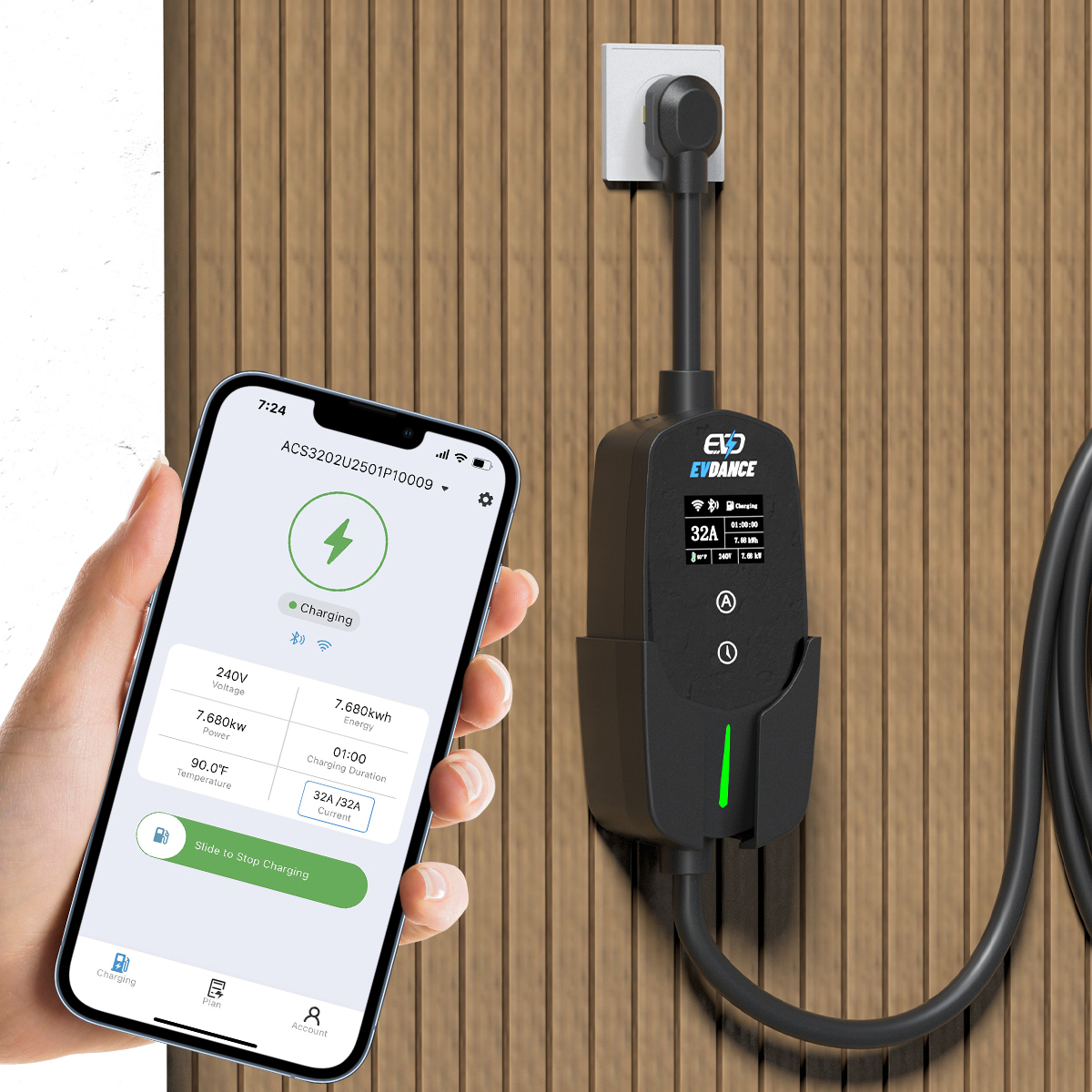
Most frustration happens before any electricity flows. The cable has to reach from the wall to the car’s charge port from your normal parking position, in the dark, in the rain, with shopping in one hand. Cable length, cable stiffness and where the connector rests between sessions matter more day to day than any headline specification. A holster that keeps the connector off the ground and a latch you can work one-handed are small things you will feel hundreds of times a year.
| Daily friction point | What to check before you buy |
|---|---|
| Reach | Cable length against your real parking position and port location — measure, do not guess. |
| Starting a session | Plug-and-go, an RFID tap, or an app — pick the one that suits your household. |
| Knowing it worked | A status light you can read at a glance, or an app status you can check from indoors. |
| Cable storage | A holster or hook that keeps the connector dry, off the floor and untangled. |
| Scheduling | A timer you set once, not a routine you repeat every evening. |
Whether the cable is permanently attached is part of the same decision: our comparison of tethered and socketed wallbox chargers covers the trade-offs for a fixed installation, and the portable charger buying guide covers the plug-in alternative.
Starting a Session: Plug-and-Go, Card, or App
Chargers offer three broad ways to begin. Plug-and-go starts the moment you connect — nothing to tap, nothing to open. RFID start swaps the phone for a card tap, which suits households where several people, including guests, need to charge without an account. App start adds the most control: schedules, current settings and session history, at the cost of a phone and a connection. If an app matters to you, check what the charger needs to support it — our explainer on whether home chargers need Wi-Fi covers the connection side — and ask what the charger does if the network drops mid-session.
Set It Once: Scheduling and Status
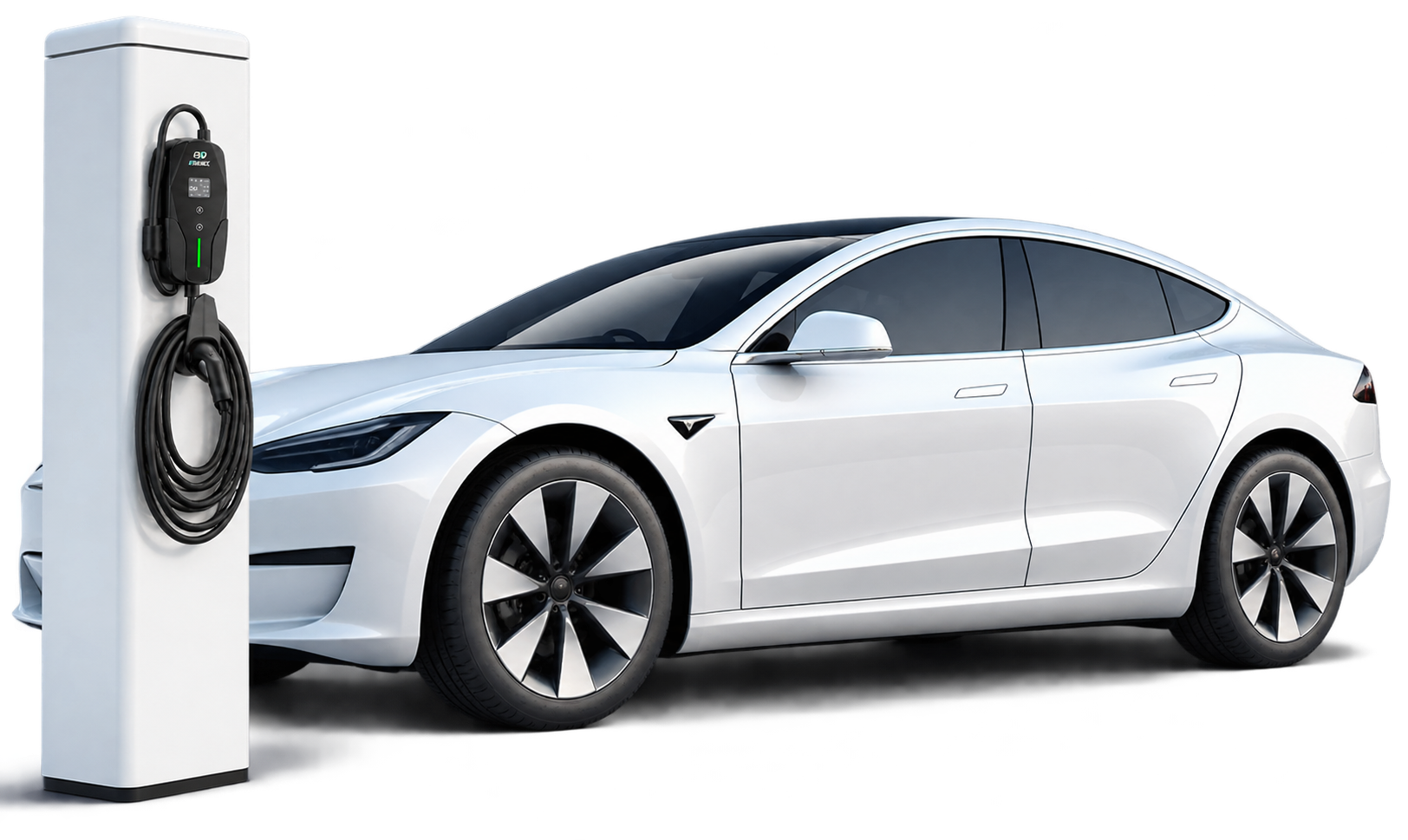
The friendliest charger is the one you stop thinking about. A schedule set once — start after the off-peak rate begins, be ready by 7 a.m. — removes the nightly decision entirely. Clear status matters on the bad days: when a session does not start, a plain-language error in the app or a readable light pattern beats a mystery beep. Adjustable current is part of ease too, for homes where the charger shares capacity with everything else: settings you can change in fixed steps are simpler than settings buried in menus.
EVDANCE builds these choices into the range. The EV-ACT3204E wallbox starts by RFID or app, so both the card-tap and the scheduled household are covered. The EV-ACT5006T wall charger comes with a 25 ft cable for reach, and the portable EV-ACS3210T sets its charging current in six steps from 10 A to 32 A — a dial-style choice rather than a menu hunt.
Frequently Asked Questions
Is an app-controlled charger always the easiest to use?
No. For one car and a fixed routine, plug-and-go can be simpler than opening an app every night. Apps earn their place when you schedule around off-peak rates, adjust current, or share the charger between drivers.
Does user-friendly mean fewer features?
Not necessarily. It means the features you use daily are one step away — start, status, schedule — and the rest stays out of the way. A long feature list only hurts when the basics hide behind it.
What should I test in the first week with a new charger?
Three things: reach from your normal parking spot without moving the car, starting a session in the dark or rain, and confirming the session is running from indoors. If all three are effortless, the charger fits your routine.
Related Reading
- Do Home EV Chargers Need Wi-Fi?
- Tethered vs Socketed Wallbox Chargers: Which Should You Install?
- Portable EV Charger Buying Guide 2026: Specs, Costs, and When to Choose One Over a Wallbox

